Alife Virtual School - Class 54: Advanced Estate Management: Managing Regions
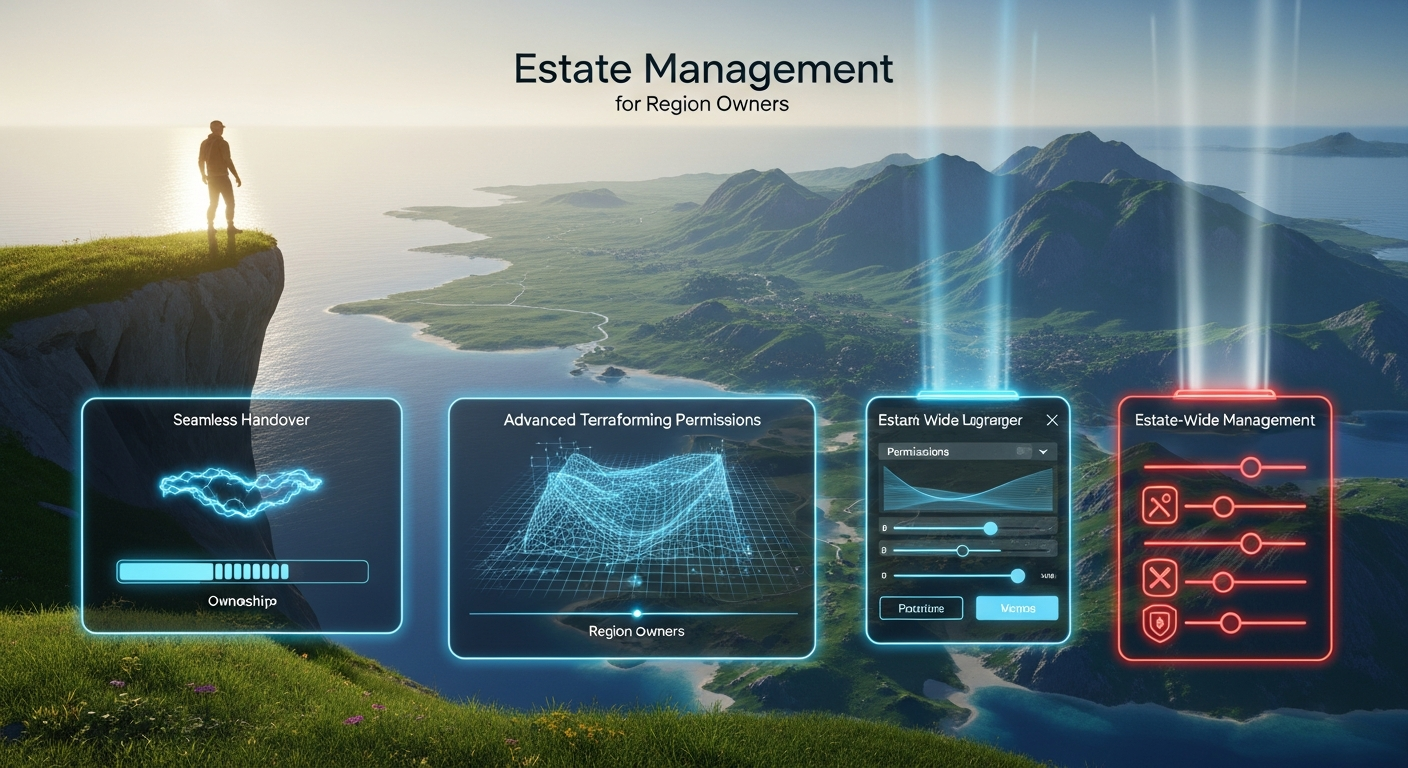
Advanced Estate Management: Managing Regions — Free class in Alife Virtual School
Welcome, creators and world-builders, to the next level of your virtual journey. You've claimed your free private island, you've sculpted its shores, and you've started to build your dream. But what happens when one region isn't enough? How do you protect your world, delegate responsibility, and orchestrate a grand vision across a sprawling digital landscape? This class, Advanced Estate Management: Managing Regions, is your master key. We're moving beyond single-parcel settings and diving deep into the powerful tools that transform you from a landowner into a true estate magnate within the Alife Virtual metaverse. For anyone serious about building a significant presence in a free 3D world, mastering these skills is not just an advantage—it's essential for long-term success and growth in our vibrant, 100% free virtual economy.
The Alife Advantage: Your Empire, Your Rules, Zero Cost
In many virtual worlds, the ambition to own and manage a large estate is gated by a steep paywall. The dream of a multi-region continent, a bustling commercial hub, or a sprawling roleplay community often comes with a real-world invoice that can run into thousands of dollars per year. Alife Virtual fundamentally rejects this model. We believe your creativity shouldn't be limited by your wallet.
Let's put this into perspective. Owning just one standard region in a platform like Second Life can cost over $300 USD per month. Expanding to a 4-region estate? You're looking at a bill of over $1,200 every month. In Alife Virtual, the cost is, and always will be, zero. Your first 65,536 sqm private island is free, for one month. Acquiring more regions to build your estate is also free. This isn't a limited-time offer; it's the foundation of our world. When you combine this with free unlimited uploads for all your mesh, textures, and animations, you unlock a level of creative freedom that is simply impossible on other platforms. This tutorial isn't just about managing an estate; it's about leveraging the unparalleled economic freedom that makes Alife Virtual the ultimate Second Life alternative for serious creators.
| Feature | Alife Virtual | Second Life |
|---|---|---|
| Standard Private Region (65,536 sqm) | $0 / month (Free, for one month) | ~$349 setup + ~$299 / month |
| 4-Region Estate Cost | $0 / month | ~$1,196 / month |
| Mesh/Texture Uploads | Free & Unlimited | L$10 per upload |
What You Will Learn
Upon completing this advanced workshop, you will be able to:
- Confidently navigate and utilize the
Region/Estatewindow for high-level management. - Organize multiple regions into a single, cohesive estate with unified settings and management.
- Execute a secure and complete region handover, transferring ownership to another avatar.
- Implement granular, estate-wide terraforming permissions to protect your landscape while enabling collaboration.
- Master estate-wide ban and access lists to effectively manage your community and ensure security across all your regions.
Prerequisites
This is an advanced-level class. To get the most out of this tutorial, you should already have:
- An active Alife Virtual account with your free private island.
- Firestorm Viewer installed and configured for Alife Virtual.
- A solid understanding of basic land tools (About Land, parcel subdivision, and object permissions).
- Familiarity with the difference between a
Regionand aParcel. - At least one region under your ownership. For practice, you may request an additional free region from Alife support.
The Estate Owner's Toolkit: A Step-by-Step Guide
The heart of all region and estate management is the Region/Estate window. To access it, navigate to the top menu bar in your Firestorm viewer and select World > Region/Estate. This window contains multiple tabs that we will explore in detail.
Note: You must be physically present on a region you own to access its estate settings.
1. Master Your Domain: Managing a Multi-Region Estate
An "Estate" is a collection of one or more regions controlled by a single owner or group. Even if you only own one region, it exists within an estate. Managing the estate allows you to apply settings and permissions across all your lands simultaneously.
Step-by-Step: Creating and Managing Your Estate
- Access the Estate Tab: Open the
Region/Estatewindow and click on theEstatetab. Here you'll see the Estate Name, Owner, and other high-level information. - Name Your Estate: The first step is to give your estate a unique name. This helps in organization, especially if you plan to manage multiple estates. Simply type the desired name in the
Estate Namefield and clickApply. - Linking Regions to Your Estate: In many Open Simulator based worlds like Alife, regions owned by the same avatar are often automatically part of the same estate. If you acquire a new region and it doesn't appear under your estate's control, you may need to use the advanced
Debugtab or contact support. However, the primary tools for multi-region management are the Estate Manager and Access lists. - Appoint Estate Managers: You cannot manage a large estate alone. Estate Managers (EMs) are trusted avatars you grant significant powers to.
- In the
Estatetab, find theEstate Managerssection. - Click the
Add...button. - Use the Avatar Picker to select the resident you wish to appoint.
- Click
OK. The avatar's name will now appear in the list.
- In the
- Delegate with Precision: EMs can be given a range of powers, such as restarting regions, modifying access lists, and even changing the ground texture. By default, they have significant control. You manage these permissions through social contracts and by choosing your EMs wisely. They cannot, however, sell or transfer your regions.
Pro Tip: Use Estate Managers to delegate specific roles. Appoint a "Head of Security" who only manages the ban lists, or a "Lead Landscaper" who manages terraforming and environment settings. This compartmentalizes responsibility and enhances security. Never give EM status to someone you do not trust completely.
2. Securely Pass the Torch: Executing a Region Handover
There may come a time when you wish to transfer ownership of a region to another avatar—whether it's a sale, a gift, or part of a community project restructuring. In Alife Virtual, since regions are free, this is often a collaborative transfer rather than a financial one. This process is irreversible, so proceed with extreme caution.
Step-by-Step: Transferring a Region
- Prepare for Transfer: Before initiating the handover, both parties should be online and communicating. The current owner should ensure all objects they wish to keep have been picked up or copied to their inventory. Decide if the objects currently on the region will be transferred to the new owner or returned to their creators.
- Navigate to the Debug Tab: This powerful and sensitive tool is where ownership transfers occur. Open
World > Region/Estateand select theDebugtab. - Set New Owner: You will see a button labeled
Set Region Owner.... Click this button. - Select the New Owner: The Avatar Picker window will appear. Search for and select the avatar who will be the new owner of the region. Double-check the name and spelling!
- Confirm the Transfer: A stark warning will appear, notifying you that this action is permanent and you will lose all ownership rights to the region. You must explicitly agree to proceed.
- Finalize the Process: Once confirmed, the grid's server processes the request. The region may momentarily restart. The new owner will now have full control, and you will be a visitor on what was once your land.
Common Mistake: Transferring a region without first discussing the fate of the objects on it. The new owner gains control of the land, but not necessarily the objects. Use the
Region/Estate > Regiontab'sReturn all objects...feature *before* the transfer if you want to hand over a clean, empty region.
3. Sculpt Your World Safely: Advanced Terraforming Permissions
An open terraforming policy is an invitation for griefers. The Estate tools allow you to define precisely who can modify your land's shape and to what extent.
Step-by-Step: Configuring Terraforming Rules
- Access the Estate Tab: Go to
World > Region/Estate > Estate. - Locate Terraforming Settings: Find the section (often a sub-tab or a boxed area) labeled
TerraformorLandscaping. - Disable Public Terraforming: The most crucial setting is
Allow Public Terraforming. Ensure this is unchecked unless you are intentionally running a sandbox region. - Grant Permissions to Specific Groups: The most powerful option is to allow terraforming only by landowners or members of a specific group. This is typically managed in the
About Land > Optionstab on a per-parcel basis, but the Estate settings can override this. - Set Bake and Fly/No-Fly Limits: In the
Regiontab, you can set a global limit on how high or low land can be terraformed (Terraform Bake Limits). This prevents extreme, region-scarring changes. You can also enforce flight restrictions for the entire estate.
Pro Tip: For collaborative building projects, create a specific group for your builders. On the relevant parcels, set land permissions to allow that group to terraform. This grants them the power they need without opening your entire estate to modification.
4. Fortify Your Borders: Estate-Wide Ban Management
A parcel ban ejects someone from a small piece of land. An estate ban ejects them from your entire multi-region empire and prevents their return.
Step-by-Step: Managing Estate Access
- Access the Access Tab: Navigate to
World > Region/Estate > Access. - Understand the Lists: You will see several lists:
Residents with Access: Avatars allowed entry even if the region is set to no-access (e.g., a private home).Groups with Access: Groups whose members are allowed entry.Banned Residents: Avatars who are blocked from entering any region in the entire estate.
- Banning an Avatar:
- Click the
Add...button under theBanned Residentslist. - Use the Avatar Picker to find and select the avatar you wish to ban.
- Click
OK. Their name now appears on the list. If they are currently on your estate, they will be immediately ejected.
- Click the
- Removing a Ban: Select the avatar's name from the
Banned Residentslist and click theRemove...button.
Common Mistake: Using an Estate Ban when a Parcel Ban would suffice. Estate bans are a powerful tool for removing persistent troublemakers from your entire community. For a minor, localized dispute, use the parcel-level ban found in
About Land > Access. Reserve the estate ban for serious, repeat offenders.
Advanced Applications
Mastering these tools opens up incredible possibilities in our free 3D world:
- Create a Themed Continent: Manage a 4-region estate as a single fantasy kingdom. Use Estate Managers as 'Barons' of each region, and use the estate access lists to manage factional conflicts in a roleplay scenario.
- Build a Commercial Empire: Run a sprawling mall or rental business across multiple regions. Appoint managers for each region to handle tenant issues, while you retain ultimate ownership and control from the estate level.
- Integrate with LSL Scripting: Advanced creators can use LSL scripting functions that interact with estate-level data. For example, a security system could be scripted to check if a detected intruder is on the estate ban list, or a kiosk could grant temporary access to a user by adding them to the
Residents with Accesslist for a set duration. This automates management and enhances the functionality of your virtual economy.
Practice Exercise
Time to apply your knowledge. For this exercise, you will need your free Alife region and a trusted friend or an alt avatar.
- Give your estate a new, unique name (e.g., "[YourName]'s Domain").
- Appoint your friend/alt as an Estate Manager.
- Go to the
Debugtab. ClickGet Region Owner...to practice identifying the current owner (yourself). DO NOT use the "Set Region Owner" button for this exercise unless you are prepared to transfer your region. - Navigate to the
Accesstab and add a test avatar (or your alt) to theBanned Residentslist. Log in with the alt or have your friend try to teleport to your region. They should be blocked. - Remove the avatar from the ban list and confirm they can now access the region.
Frequently Asked Questions (FAQ)
- 1. What's the difference between an Estate Manager and giving someone Officer powers in a group that owns land?
- An Estate Manager has powers over the entire estate (all regions owned by you), including restarting regions and managing estate-wide access. A Group Officer's land powers are typically restricted to the specific parcels deeded to that group and do not include high-level functions like region restarts.
- 2. Can I sell my FREE Alife region to another user?
- While you can transfer the region for free using the handover process described above, the concept of "selling" the region itself is counter to the Alife philosophy. Our economy is based on the goods, services, and experiences you create on the land, not on the land itself, which we provide freely to empower creation.
- 3. If I ban someone from my estate, can they still see my region from a neighboring one?
- Yes. An estate ban prevents them from entering your region's boundaries. They can still see your region from an adjacent, publicly accessible region, though their draw distance may be limited. They cannot, however, interact with or cross into your land.
- 4. Does transferring a region also transfer my inventory?
- No. The region handover only transfers the land itself. Your inventory (objects, clothing, scripts, etc.) is tied to your avatar and remains with you. You must pick up any objects you own from the region before the transfer if you wish to keep them.
- 5. I made a mistake with terraforming! Can I reset the region?
- Yes. In the
Region/Estate > Terraintab, you have options to revert the land to its default shape (Revert to Startup...) or upload/download terrain raw files. This is a powerful tool for fixing major mistakes or implementing a completely new landscape design.
Your Empire Awaits. Stop Paying, Start Creating.
You now possess the knowledge to manage a virtual empire. You understand how to expand, delegate, secure, and transfer digital territory on a scale that would cost a fortune elsewhere. This power, this freedom, is the core of the Alife Virtual experience.
Why pay thousands a year just for the land, when you could be investing that time and energy into building something truly spectacular? Join a metaverse that respects your creativity and gives you the tools to succeed without the fees. Claim your free Pro Mesh Avatar, your free unlimited uploads, and your free 65,536 sqm private island today.
Join Alife Virtual Now and Begin Building Your Free Estate!
🎓 Ready to Practice In-World?
Get your FREE island and practice everything you just learned — no credit card, no monthly fees.
Claim Your Free Island Now →No credit card required · Takes 2 minutes · Your island is FREE for one month