Region Crossings for Vehicle Builders
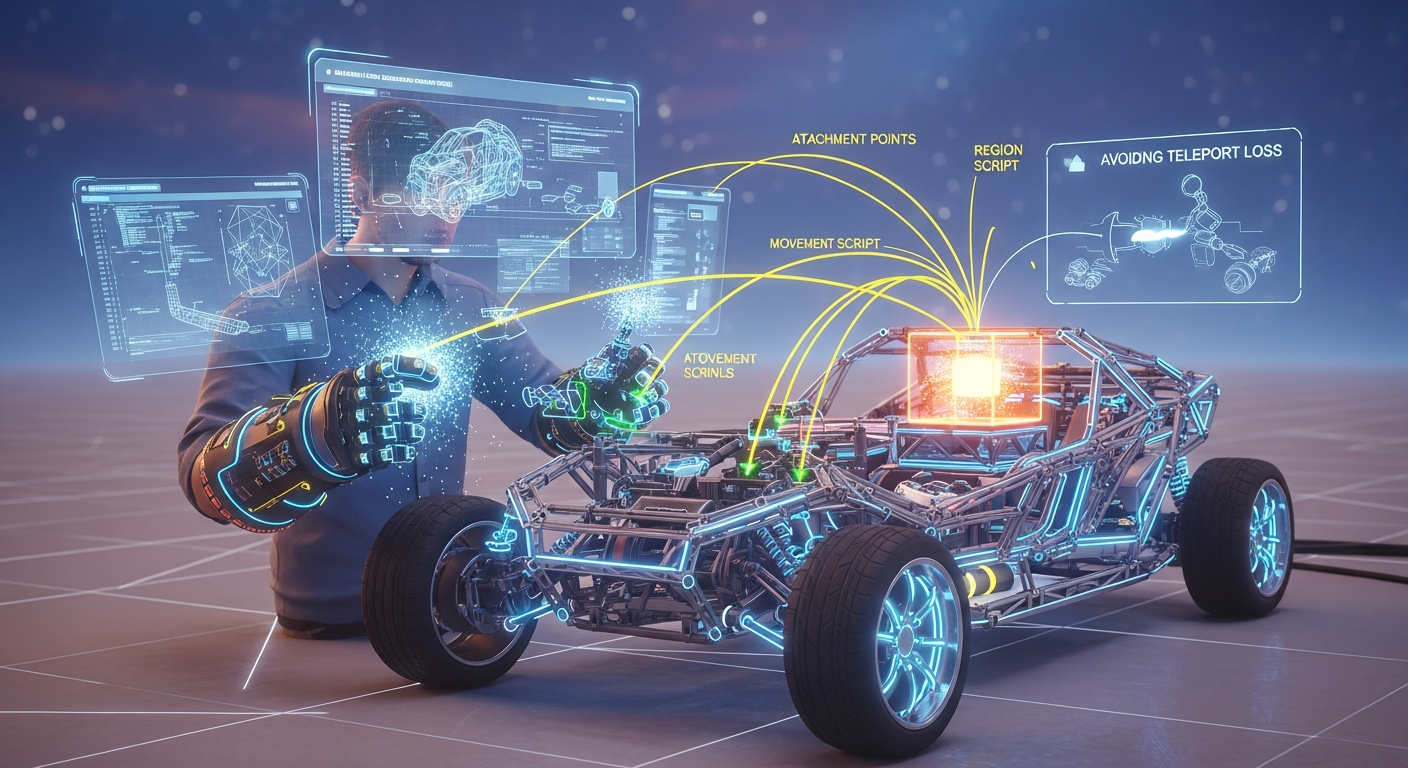
Region Crossings for Vehicle Builders — Free class in Alife Virtual School
Welcome to Alife Virtual School, builders! Have you ever crafted the perfect vehicle—a sleek speedboat, a rugged off-roader, or a futuristic starship—only to have your masterpiece sputter, stall, or vanish into the digital ether the moment you cross a region boundary? This frustrating experience, a notorious challenge in any grid-based metaverse, is what separates amateur builders from professional creators. Mastering Region Crossings for Vehicle Builders is not just an advanced skill; it's the key to unlocking true freedom of movement and creating seamless, immersive experiences across the vast, interconnected worlds of Alife Virtual. In this comprehensive tutorial, we will deconstruct the problem of sim crossings and provide you with the definitive LSL scripting techniques to build vehicles that travel flawlessly, making your creations the gold standard in our thriving free 3D world.
The Alife Advantage: Building Without Barriers
In legacy platforms like Second Life, simply testing a multi-region vehicle is a significant financial commitment. To create a 2x2 water course for boat racing, you'd need to rent four full regions, costing upwards of $1,200 per month. Prototyping is punished with per-upload fees for every texture, mesh, and sound. This "pay-to-create" model stifles innovation.
Alife Virtual flips the script. We believe in empowering creators, not billing them. Here, you have the freedom to build, test, and perfect complex systems like multi-region vehicles without spending a single dollar. This is the core of our 100% free economy.
| Feature for Vehicle Builders | Alife Virtual | Second Life (Typical Cost) |
|---|---|---|
| Private Test Region (65,536 sqm) | FREE, for one month | ~$300 / month |
| Multi-Region Test Grid (e.g., 4 regions) | FREE (Just ask 3 friends to connect their free islands!) | ~$1,200+ / month |
| Uploading Textures, Meshes, Sounds | FREE & Unlimited | L$10 (~$0.04) per upload |
| Script & Physics Engine | Modern, Open Simulator-based engine | Proprietary SL Engine |
With your FREE private island, you have a permanent, full-scale laboratory. With FREE unlimited uploads, you can iterate on your designs without fear of a "Linden dollar" bill. This is the ultimate environment for ambitious projects, making Alife Virtual the best Second Life alternative for serious builders.
What You Will Learn
Upon completing this advanced workshop, you will be able to:
- Understand the technical reasons why vehicles fail at region crossings.
- Architect attachment-based vehicles, the most reliable method for cross-sim travel.
- Master the
changedevent, specificallyCHANGED_REGIONandCHANGED_TELEPORT. - Implement a robust state-saving mechanism to preserve your vehicle's status (engine on/off, speed, etc.) during a crossing.
- Write clean, efficient LSL scripting that re-initializes itself perfectly in a new region.
- Troubleshoot and debug common sim-crossing bugs like script failure and passenger detachment.
Prerequisites
This is an advanced class. We assume you are already comfortable with the following:
- Basic Building: Linking, naming, and texturing prims. Understanding root prims.
- LSL Scripting Fundamentals: You should know what states, events (
state_entry,touch_start), functions (llSay,llSetPos), and variables are. - Vehicle Basics: Familiarity with
llSitTarget,llSetVehicleType, and basic movement logic is highly recommended. - Viewer Controls: You should be comfortable navigating, building, and editing scripts in a viewer like Firestorm, which is fully compatible with Alife Virtual.
The Definitive Guide to Seamless Region Crossings
Let's dive deep. The core of this tutorial revolves around a single, powerful concept: treating the avatar, not the vehicle, as the object that crosses the region border. We achieve this with an attachment-based vehicle.
Part 1: Understanding the "Great Fail"
When a physical (non-attached) vehicle crosses a region boundary (a "sim crossing"), the server running the first region has to hand off all information about that object—its position, velocity, rotation, and every running script's state—to the server running the second region. This is a complex, delicate data transfer.
It often fails for several reasons:
- Script Reset: The LSL scripts inside the vehicle are almost always reset during the handoff. They go back to their initial
state_entryevent. Any information stored in local variables is lost. If your engine was "on," the script forgets and defaults to "off." - Physics Jitter: The physics engines of the two regions may have a momentary disagreement, causing the vehicle to lurch, stall, or even be flung into the air.
- Linkset Breakage: In high-lag situations, complex linksets can temporarily break or lose passengers.
The solution? Don't hand off the vehicle. Hand off the avatar. The grid is extremely good at moving avatars between regions. If your vehicle is attached to the avatar, it's just part of the avatar's "outfit" and comes along for the ride seamlessly.
Part 2: Architecting the Attachment Vehicle
Our vehicle will not be a physical object that you sit in. It will be an attachment that you wear, which gives the illusion of sitting in a physical object.
- Create the Vehicle Body: Build your vehicle as you normally would. For this example, let's make a simple boat. Create a hull, a seat, and maybe a small console.
- Link Everything Correctly:
- The main hull of your boat should be the root prim.
- Link the seat and any other parts to the root prim.
- The "Pose Ball" is a Lie: We won't use a traditional pose ball. Instead, we'll make the entire vehicle the "sit target."
- Initial Sit Script (
SitScript): Create a new script in the root prim. This script's only job is to handle the sitting process and attach the vehicle to the avatar.
// Script Name: SitScript
// Place in the root prim of your vehicle.

default
{
    state_entry()
    {
        // Set up the sit target on the vehicle itself.
        // The offset vector positions the avatar correctly on the seat.
        // Adjust <0.0, 0.0, 0.5> to fit your model.
        llSitTarget(<0.0, 0.0, 0.5>, ZERO_ROTATION);
    }

    changed(integer change)
    {
        // The key event! This fires when an avatar sits.
        if (change & CHANGED_LINK)
        {
            key sitter = llAvatarOnSitTarget();
            if (sitter != NULL_KEY) // An avatar has sat down
            {
                // Request permission to attach to the avatar.
                llRequestPermissions(sitter, PERMISSION_ATTACH);
            }
            else // An avatar has stood up
            {
                // If we are attached, detach.
                if (llGetPermissions() & PERMISSION_ATTACH)
                {
                    llDetachFromAvatar();
                }
                // Rez the vehicle back in-world at its last known position.
                // This is a simple version. A real product would have a more robust re-rezzing system.
                llRezObject("My Boat", llGetPos() + <0,0,10>, ZERO_VECTOR, ZERO_ROTATION, 0);
                llDie(); // Remove the copy that was attached.
            }
        }
    }

    run_time_permissions(integer perm)
    {
        if (perm & PERMISSION_ATTACH)
        {
            // Permission granted! Attach to the avatar's center.
            llAttachToAvatar(ATTACH_AVATAR_CENTER);
        }
    }
}
When an avatar clicks your vehicle, the SitScript asks for permission to attach. Once granted, it attaches the entire vehicle to the avatar. The avatar is now "wearing" the boat. When they stand, the script detaches and re-rezzes a new copy.
Part 3: The Region Crossing Handler Script (EngineScript)
This is where the magic happens. This script handles movement AND survives the region crossing. Create a second script in the root prim.
The Strategy:
- When the avatar sits, the engine is ready.
- When the player uses controls (e.g., W/Up Arrow), the engine starts. We store this state:
g_EngineOn = TRUE;. - As the avatar approaches a region border, the
changed(CHANGED_REGION)event fires. - CRITICAL STEP: Before the crossing completes, we save the vehicle's state (
EngineOn = TRUE) into a persistent place. The easiest is the prim's description field. - The avatar crosses the border. The grid moves the avatar and the attached vehicle to the new region.
- The script resets! All LSL scripts in the vehicle restart from the beginning. All variables are lost.
- The
state_entryevent of ourEngineScriptfires in the new region. - CRITICAL STEP: In
state_entry, the first thing we do is read the prim's description field. - We see our saved state, parse it, and restore the vehicle's condition. We set
g_EngineOn = TRUE;again and restart the engine effects and movement. - To the user, the crossing is seamless. The engine never appeared to stop.
Here is the LSL code to implement this logic:
// Script Name: EngineScript
// Place in the root prim of your vehicle.

// --- GLOBAL VARIABLES ---
integer g_EngineOn = FALSE;    // Is the engine running?
key g_Sitter = NULL_KEY;       // Who is driving?

// --- STATE SAVING / LOADING FUNCTIONS ---

// Saves the current state of the vehicle to the root prim's description.
saveState()
{
    // We'll use a simple key-value format. More complex states can use JSON.
    string stateString = "engine:" + (string)g_EngineOn;
    llSetObjectDesc(stateString);
}

// Loads the state from the root prim's description.
loadState()
{
    string stateString = llGetObjectDesc();
    if (stateString != "")
    {
        list stateParts = llParseString2List(stateString, [":"], []);
        string key = llList2String(stateParts, 0);
        integer value = (integer)llList2String(stateParts, 1);

        if (key == "engine")
        {
            g_EngineOn = value;
            llOwnerSay("State restored from crossing. Engine status: " + (string)g_EngineOn);
        }

        // IMPORTANT: Clear the description after loading to prevent issues.
        llSetObjectDesc("");
    }
}

// --- MAIN VEHICLE LOGIC ---

startEngine()
{
    g_EngineOn = TRUE;
    llOwnerSay("Engine started!");
    // ... your code for engine sounds, particle effects, etc. ...
    // ... start your movement loop (e.g., llSetTimerEvent) ...
}

stopEngine()
{
    g_EngineOn = FALSE;
    llOwnerSay("Engine stopped.");
    // ... your code to stop sounds, particles, timers ...
}


// --- LSL EVENTS ---

default
{
    state_entry()
    {
        // This is the first thing that runs after a region cross!
        // Check if we have a saved state from a previous region.
        loadState();

        // Check if someone is already sitting (which they will be after a crossing)
        g_Sitter = llAvatarOnSitTarget();
        if (g_Sitter != NULL_KEY)
        {
            llRequestPermissions(g_Sitter, PERMISSION_TAKE_CONTROLS);
        }

        // If the state we loaded says the engine should be on, start it!
        if (g_EngineOn)
        {
            startEngine();
        }
    }

    changed(integer change)
    {
        if (change & CHANGED_LINK)
        {
            g_Sitter = llAvatarOnSitTarget();
            if (g_Sitter != NULL_KEY)
            {
                // Avatar sat down. Request control permissions.
                llRequestPermissions(g_Sitter, PERMISSION_TAKE_CONTROLS);
            }
            else
            {
                // Avatar stood up. Stop everything.
                stopEngine();
                g_Sitter = NULL_KEY;
            }
        }

        // THIS IS THE MOST IMPORTANT PART OF THE TUTORIAL
        if (change & CHANGED_REGION)
        {
            // A region crossing has been DETECTED. It hasn't completed yet.
            // This is our chance to save the vehicle's state before the script resets.
            llOwnerSay("Region crossing detected! Saving state...");
            saveState();
        }

        if (change & CHANGED_TELEPORT)
        {
            // A teleport is different. We usually want to shut down completely.
            llOwnerSay("Teleport detected. Shutting down engine.");
            stopEngine();
        }
    }

    run_time_permissions(integer perm)
    {
        if (perm & PERMISSION_TAKE_CONTROLS)
        {
            // We have permission to read the user's controls.
            llTakeControls(CONTROL_FWD, TRUE, FALSE);
        }
    }

    control(key id, integer level, integer edge)
    {
        if (level & CONTROL_FWD) // User presses 'W' or Up Arrow
        {
            if (!g_EngineOn)
            {
                startEngine();
            }
            // ... your forward movement code here ...
        }
        else if (edge & CONTROL_FWD) // User releases 'W' or Up Arrow
        {
            // ... your deceleration code here ...
        }
    }

    // Make sure the script knows it's attached
    on_rez(integer start_param)
    {
        // Reset script to a clean state if it's re-rezzed
        llResetScript();
    }

    attach(key id)
    {
        if (id != NULL_KEY)
        {
            // When attached, re-run state_entry logic to set up permissions etc.
            // This also handles the initial attach after sitting.
            state_entry();
        }
    }
}
Common Mistakes and Pro Tips
Pro Tip: JSON for Complex States
For a simple on/off state, a "key:value" string is fine. For complex vehicles with gears, fuel levels, damage states, and multiple passengers, storing the state as a JSON string in the description is far more robust. UsellJsonSetValueto build the string andllJsonGetValueto parse it upon loading. This is the professional standard.
Common Mistake: Forgetting Timers
If your vehicle's movement relies onllSetTimerEvent, remember that the timer is destroyed on a region cross. YourstartEngine()function, which is called byloadState()in the new region, MUST contain thellSetTimerEventcall to restart your movement loop.
Pro Tip: Pre-emptive Border Detection
TheCHANGED_REGIONevent fires very close to the border. For a smoother experience, you can use a short timer to check the avatar's position withllGetPos(). If you are within, say, 5 meters of a region edge (0.0 or 256.0 on the X or Y axis), you can pre-emptively trigger effects like a "shield shimmer" or slightly reduce physics activity to ensure a clean crossing. UsellGetRegionCorner()to be sure of the region's exact boundaries.
Common Mistake: Mishandling Passengers
If your vehicle has multiple seats, each passenger script must also handle theCHANGED_REGIONevent to ensure animations are correctly re-applied after a crossing. The state-saving logic can be coordinated from the root prim's script. The root can write a JSON object like{"engine":"on", "passenger1_anim":"sitting"}to its description.
Advanced Applications
Once you've mastered this technique, your building potential expands exponentially:
- Seamless Transit Systems: Build continent-spanning railway systems, airlines, and ferry services that connect dozens of player-owned regions without a single loading screen or interruption.
- Multi-Region Racing: Host boat races, car rallies, or air races across a vast 4x4 or larger grid of connected free islands. This is a massive community opportunity unique to Alife Virtual's free-island model.
- "Warp Jump" Effects: Combine this technique with a clever teleport. A starship could use this script to handle local flight. When the user initiates a "warp jump," the script saves state, plays a big visual effect, teleports the user to a new system, and the script in the new location reads the state to come out of "warp" seamlessly.
- Carriers and Motherships: A large "carrier" ship can use this technique to cross regions. Smaller vehicles docked inside it can then be launched in the new region.
Practice Exercise: The Four-Islands Tour
This exercise is designed to put your new skills to the test in the best possible environment—the free, expansive world of Alife Virtual.
- Build a two-seater boat using the attachment and state-saving methods described in this tutorial. Ensure both the driver and a passenger can cross regions without being detached or having their animations fail.
- Find three friends in Alife Virtual. Since every member gets a FREE private island, this is easy.
- Arrange your islands in a 2x2 grid. You can do this by positioning your islands next to each other on the world map.
- Create a water channel or race course that weaves through all four regions.
- The Goal: Start your boat in one region and complete a full lap through all four islands and back to the start. The engine must not stop, and the passenger must remain seated and animated throughout the entire journey.
Completing this proves your mastery of the most critical vehicle-building skill in the metaverse.
Frequently Asked Questions (FAQ)
- Why not just use physical vehicles? Aren't attachment vehicles a "cheat"?
- Think of it as a smart engineering solution, not a cheat. While physical vehicle crossings are possible on the Open Simulator platform, they require immense server-side tuning and are still less reliable than avatar crossings. For creators who want their products to "just work" for customers everywhere, the attachment method is the professional, user-focused choice.
- What's the difference between
CHANGED_REGIONandCHANGED_TELEPORT? CHANGED_REGIONfires during a smooth, continuous walk/fly/drive across a border. The user expects to continue their activity.CHANGED_TELEPORTfires after an instantaneous map-click teleport or use of anllTeleportAgentfunction. In this case, the user's context is completely broken, and it's usually best to shut down all vehicle systems as a safety measure.- Is there a limit to what I can store in the prim description?
- Yes, the prim description field (
PRIM_DESC) is limited to 127 characters. This is why concise data formats likekey:valueor compact JSON are essential. For extremely complex states, you might need to use multiple prims' descriptions or, in very advanced cases, save the state to an external web server viallHTTPRequest. - Does this work for aircraft as well?
- Absolutely. In fact, it's even more critical for aircraft. A stalled plane at 2,000 meters is a much bigger problem than a stalled boat. The exact same principles of attachment and state-saving apply, you just need to adapt your movement physics for flight.
Your Journey as a Master Creator Starts Now
You now possess the knowledge that has eluded countless builders in other virtual worlds. The barrier to creating truly epic, seamless travel experiences isn't technical skill—it's cost. Here in Alife Virtual, that barrier is gone. You have the tools, the knowledge, and the platform.
Stop paying, start creating. Stop being limited by sim borders and monthly fees. Join a metaverse built for builders, by builders. Claim your FREE 65,536 sqm private island, get your FREE pro mesh avatar, and enjoy FREE unlimited uploads with full Firestorm viewer support. Your next masterpiece awaits, and it won't stop for anything.
Join Alife Virtual Today and Start Building Without Limits!
🎓 Ready to Practice In-World?
Get your FREE island and practice everything you just learned — no credit card, no monthly fees.
Claim Your Free Island Now →No credit card required · Takes 2 minutes · Your island is FREE for one month