Alife Virtual School — Class 18: Sculpties vs Mesh — What You Need to Know
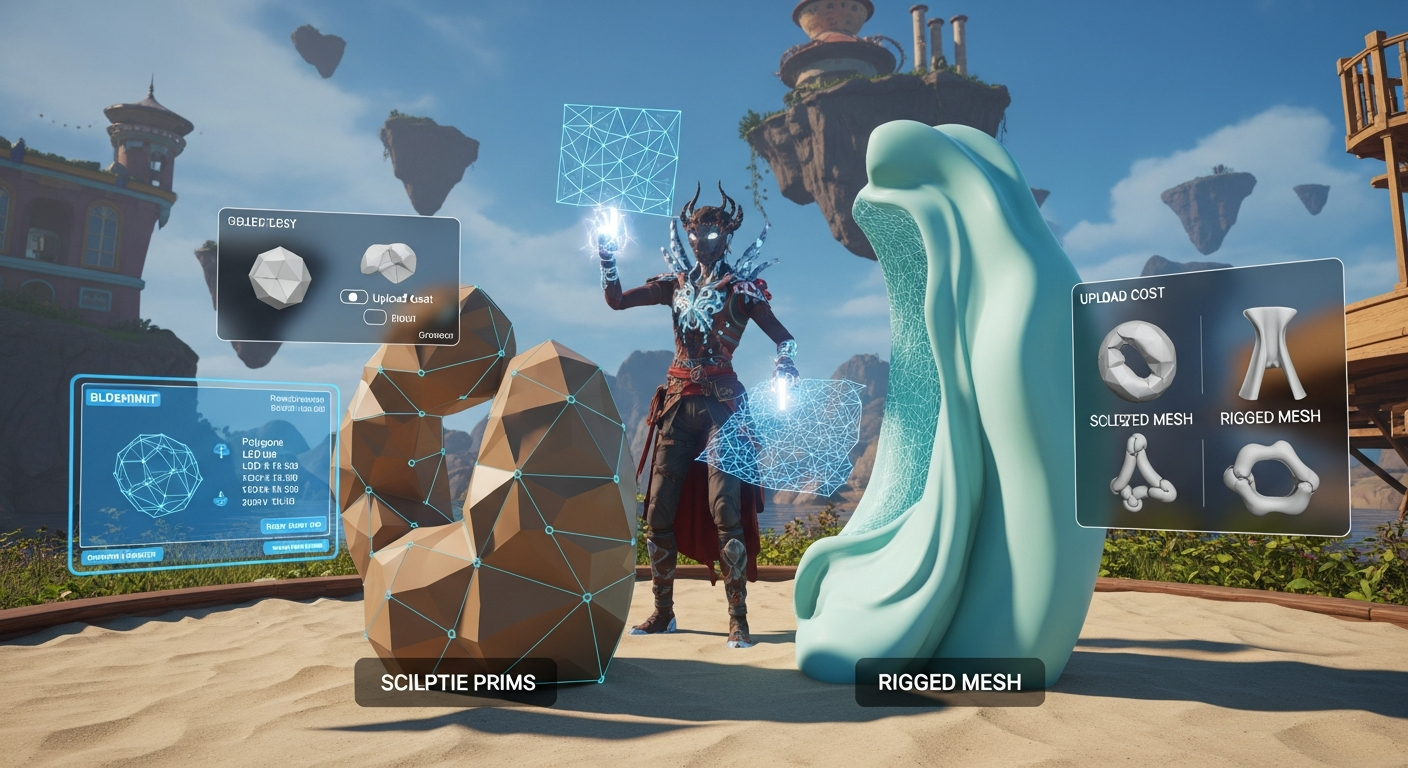
Sculpties vs Mesh — What You Need to Know — Free class in Alife Virtual School
Welcome, future master builder! You've logged into Alife Virtual, you've explored a bit with your free full-body mesh avatar, and now you're standing on your very own free private island, a massive 65,536 sqm canvas just waiting for your creativity. You have 10,000 prims at your disposal, and a question burns in your mind: "How do I build all the amazing things I see around me?"
The answer starts with understanding your fundamental building blocks. For years, virtual worlds were built with "sculpties," a clever trick to create complex shapes. But today, "mesh" is the king. Understanding the difference between these two isn't just technical trivia—it's the key to creating beautiful, efficient, and professional-quality content in Alife Virtual. Getting this right means your creations will look better, perform better, and bring your vision to life without causing unnecessary lag.
In this class, we'll demystify these two formats. We'll break down the pros and cons of each, and by the end, you'll know exactly which tool to reach for to build anything you can imagine, from a simple coffee cup to an entire castle.
What You Will Learn
- The technical definition of a sculptie prim and how it works.
- The technical definition of a mesh object and its advantages.
- A direct comparison of polygon efficiency between sculpties and mesh.
- How Level of Detail (LOD) affects your builds and why mesh gives you more control.
- The impact of each format on performance and prim limits.
- When it might still be okay to use a sculptie.
- Why mesh is the modern standard for almost all building projects in Alife Virtual.
Prerequisites
- An Alife Virtual account. If you don't have one, you can register for free.
- The Firestorm Viewer installed. Alife Virtual uses the same viewer as Second Life, so your skills are transferable!
- Basic camera and movement controls in-world.
- You should have claimed your free, permanent private island. This gives you a 10,000-prim sandbox to practice in. If you haven't, claim your free island and avatar now!
Part 1: The Old Guard — What is a Sculptie?
Imagine you have a regular, standard prim, like a cube or a sphere. Now, imagine you could "pinch" and "pull" its surface to give it a more complex shape, like a pillow or a twisted tree trunk. That's the basic idea behind a sculptie.
A sculpted prim, or "sculptie," is a standard prim that has been distorted by a special texture called a sculpt map. The colors in the sculpt map tell the viewer how to move each vertex (or point) on the prim's surface.
[Image: A side-by-side view. On the left, a standard sphere prim. On the right, a complex, gnarled tree root shape. An arrow points from a colorful "sculpt map" texture to the tree root, showing the texture created the shape.]
The sculpt map itself looks like a psychedelic rainbow image. Each color—Red, Green, and Blue—corresponds to a position on the X, Y, and Z axes. The viewer reads this map and repositions the prim's vertices to match, creating the illusion of a complex object.
The Inherent Limitation of Sculpties
This was a brilliant hack for its time, but it has one major, unchangeable limitation: a fixed topology. A sculptie is always, under the hood, a grid of points. Most commonly, it's a 64x64 grid of vertices. You can't add or remove vertices. You can only move the existing ones.
Think of it like a bedsheet. You can drape it over a chair to make it look like a ghost, but you can't turn it into a pair of pants without cutting and sewing it. You're stuck with the original sheet. This fixed grid leads to massive inefficiency, which we'll explore next.
Tip: How to Make a Sculptie in Alife Virtual
1. Rez a standard prim (e.g., a sphere).
2. In the Edit window, go to the 'Object' tab.
3. Change the 'Building Block Type' from 'Prim' to 'Sculpted'.
4. Drag a sculpt map from your inventory into the 'Sculpt Texture' box.
5. The prim will instantly change to the shape defined by the map!
Part 2: The Modern Standard — What is Mesh?
If a sculptie is a bedsheet draped over furniture, mesh is a tailored suit. A mesh object (also called a mesh model) is a 3D object created from scratch in external software like Blender (free), Maya, or 3ds Max.
Unlike sculpties, with mesh, you have total control. You decide exactly where every single polygon goes. A polygon is the most basic 2D shape in 3D modeling, usually a triangle. All 3D objects are made of thousands of these triangles connected together.
[Image: A wireframe view of a detailed mesh teacup, showing the individual triangles (polygons) that make up its shape. The polygons are dense on the curved handle and sparse on the flat sides.]
With mesh, you can:
- Place polygons only where they are needed for detail.
- Create sharp edges and flat surfaces efficiently.
- Combine multiple separate shapes into one object.
- Create highly detailed and optimized UV maps for perfect texturing.
- Define custom Level of Detail (LOD) models to ensure your object looks great from any distance.
This level of control makes mesh infinitely more powerful and efficient than sculpties. The best part? In Alife Virtual, there are no upload fees for mesh, textures, or animations. This removes the major financial barrier that exists in other platforms like Second Life, empowering you to experiment and build freely.
Part 3: Sculptie vs. Mesh — The Head-to-Head Comparison
Let's put them side-by-side and see who wins in the categories that matter most to a builder. We'll use the example of a simple coffee mug.
| Feature | Sculptie | Mesh | Winner |
|---|---|---|---|
| Polygon Efficiency | Very poor. A sculptie mug uses a fixed grid of 1,024 polygons, even on its perfectly flat bottom. Most polygons are wasted. | Excellent. A mesh mug might only need 200 polygons, placed strategically on the curves of the handle and lip, with very few on the flat sides. | Mesh |
| Level of Detail (LOD) | Poor. The viewer auto-generates LODs. From a distance, a sculptie often degrades into an unrecognizable sphere or blob. | Excellent. You can create 3-4 custom, simplified versions of your model that the viewer will show at different distances, preserving the shape and saving performance. | Mesh |
| Performance (Lag) | High impact. The high, fixed polygon count and poor LODs mean the viewer has to render many unnecessary polygons, causing lag. | Low impact. A well-made mesh object is highly optimized, so it's much easier for the viewer (and everyone else's computer) to render. | Mesh |
| Upload Cost | Free. Sculpt maps are just textures, which are free to upload in Alife Virtual. | Completely FREE in Alife Virtual! This is a massive advantage over Second Life, which charges based on model complexity. | Tie (Both are Free!) |
| Texturing | Very limited. The texture mapping is fixed and often causes stretching and distortion. Applying text is nearly impossible. | Total control. You create a custom "UV map" that unwraps your 3D model onto a 2D plane, allowing for pixel-perfect texture placement. | Mesh |
| Creation Workflow | Archaic and non-intuitive. Requires specialized software or difficult techniques to create the sculpt map. | Industry standard. Learning a tool like Blender is a powerful, transferable skill used in game design, film, and architecture. | Mesh |
A Deeper Dive: LOD Explained
Level of Detail (LOD) is one of the most important concepts in real-time 3D graphics. Your computer can't render every single object in a scene at full detail all the time—it would grind to a halt. LOD is the solution.
- High LOD: When you are close to an object, you see the full-detail version.
- Medium LOD: As you move away, the viewer swaps in a lower-polygon version.
- Low/Lowest LOD: From very far away, you see a highly simplified version, maybe just a silhouette.
With mesh, you, the creator, provide these simplified models. This means you can ensure your creation looks good and recognizable even from a great distance. With sculpties, the viewer tries to guess, and it usually guesses wrong, turning your beautiful statue into a lumpy sphere when your camera is 30 meters away.
[Image: A four-panel comparison. Panel 1 shows a detailed mesh chair up close. Panel 2 shows the same chair from 15m away, slightly less detailed. Panel 3 shows it from 40m away, now a simpler shape. Panel 4 shows a sculptie chair from 40m away, which has devolved into a shapeless blob.]
Part 4: When Should You Use Sculpties in 2024?
With mesh being so superior, are sculpties completely useless? Not entirely. They have a few niche uses:
- Legacy Content: Alife Virtual supports a vast amount of content created over the years, much of which is sculpted. It's important to understand how to work with it if you buy or are given older items.
- Simple, Organic Shapes: For things that are naturally lumpy and don't require precise texturing—like some rocks, pillows, or simple landscape elements—a sculptie can sometimes be a quick-and-dirty solution.
- Absolute Beginners: If the thought of opening an external 3D program is too intimidating right now, playing with pre-made sculpt maps can be a fun way to create interesting shapes without leaving the Alife Virtual environment.
However, for any serious building project, these are exceptions, not the rule.
Part 5: When to Use Mesh (Hint: Almost Always)
The short answer is: you should default to using mesh for everything new you create.
If you are building any of the following, mesh is the only professional choice:
- Avatars and Attachments: Your free Alife Virtual mesh avatar is a testament to the power of mesh. All modern clothing, hair, and accessories are mesh.
- Furniture: Chairs, tables, beds, lamps—anything with defined shapes and details.
- Vehicles: Cars, boats, and aircraft require the precision and efficiency of mesh.
- Buildings: Walls, windows, doors, and roofs are far more efficient as low-polygon mesh than as prims or sculpties.
- Decor and Tools: Any object that needs to look good and be textured accurately.
A Builder's Mindset: The 1,148,000+ members of Alife Virtual appreciate quality and performance. By learning to build with optimized mesh, you're not just making better-looking items; you're contributing to a smoother, less laggy experience for everyone on the grid. This is the mark of a great virtual world creator.
Common Mistakes and How to Avoid Them
As you start your building journey, watch out for these common pitfalls.
- Mistake: Using a sculptie for an object with flat surfaces and sharp angles, like a modern bookshelf.
Why it's bad: You're using hundreds of unnecessary polygons to define a flat surface, leading to poor performance. The texture will likely look warped.
How to avoid: Use mesh. A simple cube in Blender can be made with just 12 triangles. - Mistake: Uploading a high-polygon mesh model without creating custom LODs.
Why it's bad: Your object will have a high prim/land impact cost and will simply disappear when you move away from it.
How to avoid: Always create and upload 3-4 LOD versions for every mesh you make. There are countless free tutorials on how to do this in Blender. - Mistake: Thinking more polygons automatically means better quality.
Why it's bad: This is called "over-modeling." A 1-million-polygon teacup will bring the simulation to its knees and won't look any better than a well-made 500-polygon one. Efficiency is key.
How to avoid: Learn about "low-poly" modeling techniques. The goal is to use the fewest polygons necessary to define a shape.
Advanced Tips and Tricks
Ready to go a step further? Keep these concepts in mind as you progress.
- Physics Shapes: Mesh objects can have a custom, invisible, low-polygon physics shape. This tells the Alife Virtual world how the object should behave physically. For a complex chair, the physics shape might just be a few simple cubes, making it much easier for the physics engine to handle.
- Multiple Texture Faces: A single mesh object can be divided into up to 8 different "faces" in-world. This allows you to apply different textures, colors, or material properties (like shininess or glow) to different parts of the same object, all while it remains a single prim.
- Rigged Mesh: This is mesh that is "rigged" to an avatar's skeleton, allowing it to move and bend with the avatar. This is how all modern mesh clothing, hair, and body parts work. This is a more advanced topic, but it all starts with a good static mesh model.
Practice Exercise: The Apple-to-Apple Comparison
Time to get your hands dirty on your free island! This exercise will make the difference between sculpties and mesh crystal clear.
- Find a Sculpt Map: Search online for a "free sculpt map for Second Life" (they work identically in Alife Virtual). Find one for a simple, round object like an apple or a pillow.
- Create the Sculptie: In Alife Virtual, rez a sphere. In the edit menu, change its type to 'Sculpted' and apply the map you downloaded. Texture it red. You've made a sculptie apple!
- Find a Mesh Model: Now, search a free 3D model website (like Sketchfab, TurboSquid with a "free" filter, or CGTrader) for a "free low-poly apple 3D model." Download the DAE (Collada) file.
- Upload the Mesh: In your Firestorm Viewer, go to Build > Upload > Mesh Model. Select the DAE file. In the upload window, give it a name and click 'Calculate weights & fee'. You'll see the fee is A$0! Click 'Upload'.
- Compare and Contrast: Rez your new mesh apple next to the sculptie one. Now, fly your camera up and away. Watch what happens. The mesh apple will likely retain its shape, while the sculptie apple will quickly degrade into a red blob. This is the power of proper LODs!
Frequently Asked Questions (FAQ)
- 1. Are sculpties completely obsolete? Should I delete all my old ones?
- They are mostly obsolete for *new creation*, but not useless. If you have old sculptie items you love, there's no need to delete them. But for any new project, you should strongly consider using mesh to ensure quality and performance.
- 2. I heard uploading mesh is expensive. Is that true in Alife Virtual?
- Absolutely not! This is a huge advantage of our platform. In Alife Virtual, all mesh, texture, and animation uploads are 100% free. You can experiment, make mistakes, and re-upload as many times as you need without spending a single Linden or Alife Dollar.
- 3. This sounds great, but I don't know how to make mesh. Where do I start?
- The best place to start is by downloading Blender (it's free and open-source) and searching YouTube for "Blender for beginners." There are thousands of fantastic tutorials. The skills you learn are valuable everywhere, not just in Alife Virtual. Keep an eye on the Alife Virtual School class list for upcoming classes on Blender basics!
- 4. Why do my old sculptie chairs and trees look like lumpy blobs when I'm not standing right next to them?
- That is the poor automatic Level of Detail (LOD) generation at work. The viewer is trying to simplify the object to save performance, but without a custom LOD model to guide it, it just defaults to a sphere-like shape. This is one of the biggest visual problems with sculpties that mesh solves perfectly.
- 5. Can I convert my old sculpties into mesh?
- Yes, there are third-party programs that can convert a sculpt map into a mesh file. However, the resulting mesh will be just as inefficient as the original sculptie (a dense, uniform grid of polygons). It's almost always better to use the sculptie as a visual reference and create a new, clean, optimized mesh from scratch.
Summary and Next Steps
Congratulations, you now understand the fundamental difference between the building blocks of the virtual world!
The key takeaway is simple: Mesh is the modern, efficient, and powerful standard for high-quality creation in Alife Virtual. While sculpties have their place in history, mastering mesh will unlock your true potential as a builder.
Your journey doesn't end here. Now that you understand the 'why,' it's time to learn the 'how.' Your next step should be to dip your toes into 3D modeling. Don't be intimidated! Every expert was once a beginner. Start with simple shapes and celebrate your small victories.
We encourage you to check out our other free daily classes at Alife Virtual School. Look for courses on basic building, texturing, and introductions to Blender to continue your learning path.
Your Creative Sandbox Awaits!
There's no better place to practice your new knowledge than on your own private land. In Alife Virtual, every resident gets a free 65,536 sqm full private island, for one month. No monthly tier fees, no hidden costs. It comes with a 10,000 prim allowance and, as you now know, completely free mesh uploads.
It's the ultimate risk-free environment to build, script, and create whatever you can dream of. Stop paying hundreds of dollars a month for land in other virtual worlds. Join over 1.1 million residents and claim your creative freedom today.
Register for Alife Virtual for Free and Claim Your Permanent Island!
🎓 Ready to Practice In-World?
Get your FREE island and practice everything you just learned — no credit card, no monthly fees.
Claim Your Free Island Now →No credit card required · Takes 2 minutes · Your island is FREE for one month