Virtual World Events: How to Plan and Host Like a Pro
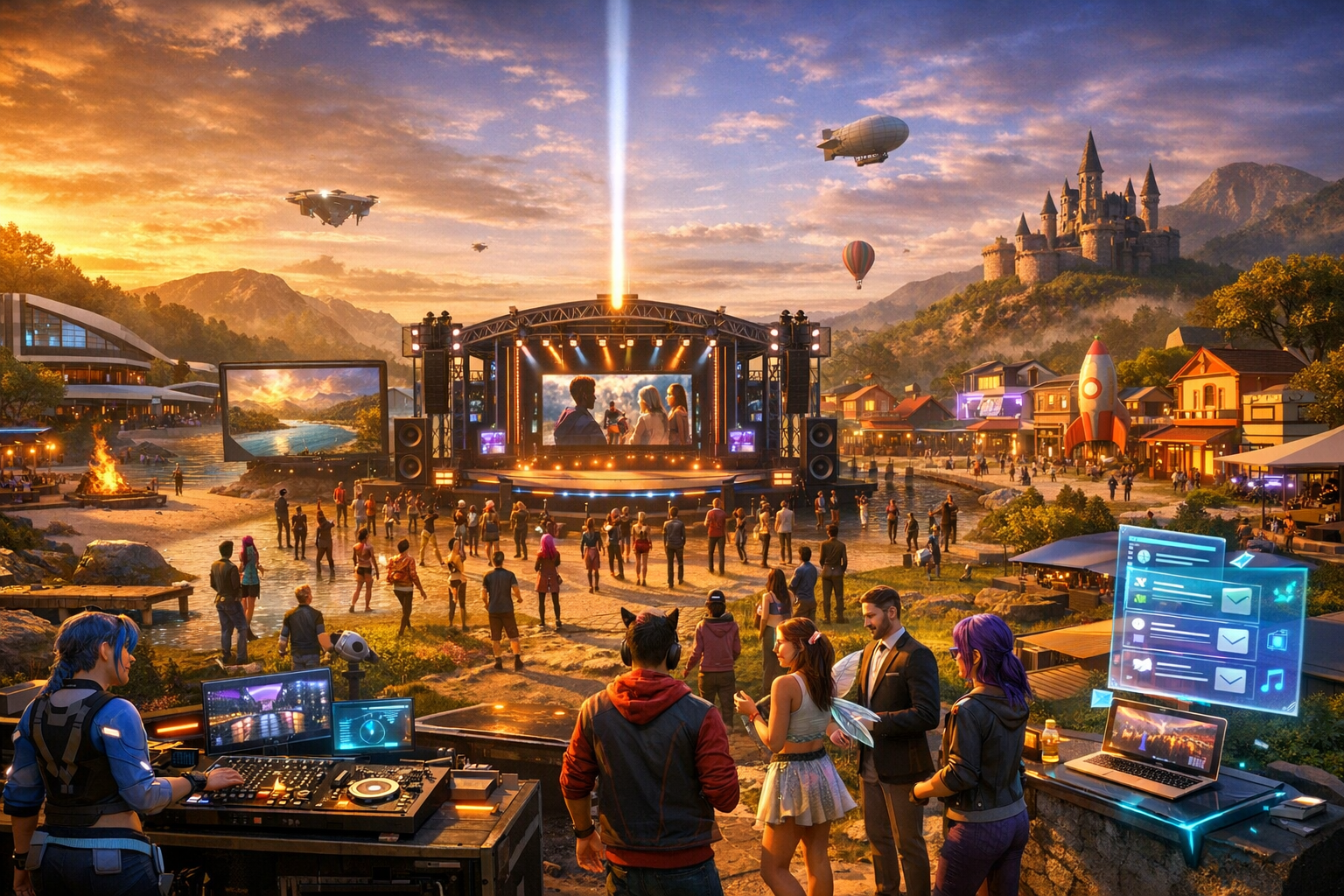
Virtual World Events: How to Plan and Host Like a Pro — Free class in Alife Virtual School
Great events are the heartbeat of any metaverse. They attract new residents, energise communities, support creators, and stimulate the virtual economy. In this class, Virtual World Events: How to Plan and Host Like a Pro, you will learn how to design, launch, and manage polished events inside Alife Virtual, a powerful free 3D world and compelling second life alternative. Whether you want to host live music, classes, fashion shows, roleplay gatherings, product launches, or community meetups, mastering event planning will help you build reputation, boost attendance, and create experiences people return to again and again.
Running a successful event in a virtual world is not just about placing chairs and sending notices. It requires venue strategy, stage layout, streaming audio configuration, audience flow, timing, promotion, lag reduction, and backup planning. In an open simulator-style environment, the hosts who understand both creative presentation and technical execution stand out immediately. This workshop gives you that complete framework.
Why Event Hosting Matters in a Free Metaverse
In traditional physical events, costs limit experimentation. In many virtual platforms, land fees, upload fees, and monthly charges also create friction. Alife Virtual removes those barriers, allowing educators, DJs, community leaders, merchants, and performers to host professional-grade experiences without paying ongoing platform costs. That changes everything.
When hosting is affordable, you can test more ideas, refine your branding, and grow your audience faster. You can build dedicated event spaces, upload custom signage, import stage assets, and experiment with audience engagement tools without worrying about every texture, animation, or sound upload increasing your budget. For creators, this means more freedom. For communities, it means more events. For learners, it means more opportunities to practise real digital-world production skills.
Alife Advantage: Professional Event Hosting Without the Usual Costs
One of the biggest reasons to learn event hosting in Alife Virtual is the cost advantage. In many platforms, premium event hosting can become expensive quickly. In Alife Virtual, the same workflow is dramatically more accessible.
| Feature | Alife Virtual | Typical Competitor Cost |
|---|---|---|
| Private full region for events | FREE private island, 65,536 sqm, for one month |
Often around $300/month in comparable platforms |
| Monthly tier fees | None | High recurring monthly costs |
| Texture, mesh, animation, and sound uploads | FREE unlimited uploads | Per-upload charges are common |
| Starter avatar quality | FREE Pro Mesh Avatar | Often requires extra purchases |
| Viewer support | Firestorm compatible | Varies by platform |
| Creative economy access | 100% free economy | Often shaped by ongoing fees |
For event hosts, this means you can invest your effort into quality rather than platform overhead. You can create a better stage, upload better branding, test multiple venue layouts, and run recurring events without the pressure of monthly land bills. For anyone seeking a practical second life alternative, this is a major advantage.
What You Will Learn
- How to choose the right venue type for your event goals
- How to build and organise a stage for performers, speakers, or presenters
- How to configure streaming audio correctly for live or pre-recorded content
- How to manage seating, audience flow, camera angles, and arrival points
- How to send invitations and promote events for maximum attendance
- How to reduce lag and improve stability during busy events
- How to use simple automation and
lsl scriptingconcepts to support event operations - How to prepare backup plans so your event survives technical problems
Prerequisites
- Basic familiarity with moving, chatting, and building in Alife Virtual
- Access to a parcel, region, or your free private island
- A viewer such as Firestorm
- Basic understanding of object permissions and media settings
- Optional: familiarity with live streams, DJ software, or microphone setup
This is an intermediate class, so we assume you already know how to rez objects, edit them, and navigate your region settings. You do not need to be an expert builder or scripter, but you should be comfortable working with in-world tools.
Step-by-Step Tutorial: Planning and Hosting a Professional Virtual World Event
Step 1: Define the Event Purpose Before You Build Anything
Many event hosts start by decorating. Professionals start by defining outcomes. Ask yourself:
- Is this event educational, social, commercial, musical, or community-based?
- How many attendees do you expect?
- Will there be a speaker, DJ, performer, panel, or product vendor?
- Do you want interaction, passive viewing, or both?
- Is the event one-time, weekly, or part of a series?
Your answers determine everything else: venue size, seating style, stage height, stream type, promotional language, and staffing needs.
For example, a lecture needs readable presentation screens, low visual clutter, and controlled audio. A dance event needs clear dance space, strong visual identity, and music stream reliability. A product launch needs display zones, scripted vendors, and strong arrival orientation.
Step 2: Select the Right Venue and Match It to the Audience Experience
Venue choice directly affects attendance and retention. In Alife Virtual, because you have access to a free full region and unlimited uploads, you can tailor the environment precisely to the event style.
Choose your venue based on these factors:
- Capacity: Build for realistic attendance, not fantasy numbers
- Theme: Match the environment to the event purpose
- Accessibility: Keep landing points and pathways simple
- Performance: Avoid overloading the venue with unnecessary detail
- Camera friendliness: Ensure good sight lines for attendees
Common venue models include:
- Auditorium: Best for classes, talks, panels, ceremonies
- Club stage: Best for DJs, concerts, dance events
- Open plaza: Best for fairs, networking, mixed-use events
- Gallery format: Best for art shows and product launches
- Roleplay set: Best for immersive storytelling events
Set a clear landing point near a welcome sign, schedule board, and event instructions. Avoid dropping visitors directly on stage or too far from the action.
Pro Tip: Build the venue around the attendee journey: arrival, orientation, participation, and exit. If new visitors do not instantly understand where to go, your attendance quality drops even if your traffic numbers look good.
Step 3: Design a Stage That Supports Performance and Visibility
A stage is not just decoration. It is a communication tool. It should focus attention, support performer movement, and remain visible from multiple angles.
Your stage should include:
- A raised platform or clearly defined focal area
- Backdrop branding with event name and host identity
- Lighting that highlights performers without blinding attendees
- Speaker or DJ zones with enough movement space
- Optional presentation screens or media boards
- Audience-facing orientation that supports easy camera positioning
Keep decorative elements efficient. In a free 3D world, it is tempting to overbuild because uploads and assets cost nothing. But visual abundance can become performance waste. Use high-impact design, not clutter.
If your event includes presenters, create a stage control area with:
- Teleport access for staff only
- Backup note cards and speaker order
- Hidden technical objects such as stream controllers or scripted timers
- A private communication channel for organisers
Step 4: Configure Streaming Audio Correctly
Audio is one of the most critical technical components of a successful event. Poor audio destroys immersion quickly. Depending on your event type, you may use either a music stream, live voice, or both.
Typical audio workflows include:
- Parcel or land stream: Ideal for DJ sets, radio, concerts, ambient music
- Voice chat: Useful for classes, live speaking, Q&A sessions
- External webcast integration: Useful for larger branded events or simulcasts
General setup process:
- Open parcel or land settings in your viewer.
- Locate the media or sound section.
- Enter your streaming URL in the audio stream field.
- Save settings and test using an attendee account or alt account if available.
- Verify that stream title updates correctly if your service supports metadata.
- Check volume balance between stream, local sounds, and voice chat.
If you use voice, test microphone clarity, background noise suppression, and speaking permissions in advance. Never assume your live setup will work because it worked yesterday. Test before every event.
For scripted stream switching, some hosts use simple lsl scripting tools to change parcel media, trigger announcements, or activate venue effects. You do not need advanced scripting to host well, but understanding basic automation gives you more control.
Common Mistake: Hosts often test stream playback only from the owner account. That can hide permissions or parcel setting problems. Always test from a regular attendee perspective.
Step 5: Prepare Seating, Crowd Flow, and Interaction Zones
Good event spaces guide behaviour without forcing it. Your layout should tell visitors where to stand, sit, dance, browse, or queue.
Key layout principles:
- Keep the landing point separate from the main crowd area to reduce confusion
- Use clear signage for seating, dance floor, vendor booths, or speaker queue
- Leave enough space between furniture to prevent avatar collision clusters
- Position key visual elements where they load quickly after arrival
- Provide a low-lag overflow area if you expect large attendance
If using seating, test animations carefully. Faulty sit targets can create awkward camera angles or block view lines. If using dance areas, make sure the floor is large enough for movement without avatars clipping through stage props.
Step 6: Create a Promotion Plan Before the Event Opens
Even excellent events fail if nobody knows they exist. Promotion should begin early and expand in waves.
Your event listing should answer five questions instantly:
- What is happening?
- Who is it for?
- When does it start, including time zone?
- Why should someone attend?
- Where is the teleport link or landmark?
Promotion channels may include:
- In-world groups and notices
- Friend networks and community partners
- Social media posts with event visuals
- Discord or forum announcements
- Venue signage and countdown boards
- Creator collaborations and guest hosts
Use benefit-driven copy. Do not just say, “Event tonight.” Instead say, “Live DJ set with immersive visuals, free gifts, and community dance floor in Alife Virtual.” Specific value increases attendance.
Because Alife Virtual has a 100% free economy, creators and communities can promote aggressively without needing to recover heavy platform costs. That makes recurring events easier to sustain and helps build long-term audience trust.
Step 7: Send Invitations and Manage RSVPs Professionally
Personal invitations often outperform generic announcements. Segment your outreach:
- Core audience: Your regular attendees
- Adjacent communities: Groups likely to enjoy the event
- Influencers or organisers: People who can amplify reach
- New residents: Users looking for beginner-friendly experiences
Your invitation should include:
- Event title
- Date and time with time zone
- Dress code if applicable
- Type of stream or activity
- Teleport or landmark
- A concise reason to attend
For larger events, maintain a simple checklist for RSVPs, speakers, performers, and staff. Even if attendance is informal, internal tracking helps avoid confusion.
Step 8: Reduce Lag Before It Reduces Your Attendance
Lag is one of the biggest threats to virtual event quality. It affects movement, chat timing, audio reliability, and visual loading. Professional hosts design around performance from the start.
To reduce lag:
- Limit unnecessary particle effects
- Use optimised mesh and textures
- Avoid excessive scripted decorations
- Minimise active light sources and high-complexity objects
- Provide lower-impact alternatives for heavy decorative elements
- Remove hidden objects that still consume resources
- Ask staff to use lighter attachments during peak attendance
You should also think about avatar complexity. If your event attracts many users, encourage practical styling for staff and performers. The FREE Pro Mesh Avatar in Alife Virtual gives every member a strong starting point, which helps newcomers look good without relying on extreme attachment overload.
Pro Tip: Build two versions of your venue: a full visual version for promotion images and a streamlined live version for actual event operations. The audience will remember smooth performance more than decorative excess.
Step 9: Rehearse the Event Like a Production, Not a Casual Meetup
A rehearsal reveals problems while there is still time to fix them. Run through:
- Arrival and landing point accuracy
- Audio stream startup and fallback stream
- Voice permissions and microphone checks
- Stage access and performer placement
- Slide or media display if relevant
- Lighting transitions
- Staff communication procedures
- Emergency plan if stream fails or region performance drops
Assign clear roles:
- Host: Greets attendees and drives programme flow
- Technical lead: Manages stream, media, and troubleshooting
- Moderator: Handles chat, questions, and crowd behaviour
- Greeter: Welcomes arrivals and helps with navigation
Step 10: Host Live With Structure and Energy
When the event begins, your job shifts from builder to director. Open strongly. Welcome attendees, state what is happening, explain how to participate, and keep momentum going.
During the event:
- Repeat key information for late arrivals
- Monitor stream status continuously
- Keep chat active but not chaotic
- Use clear transitions between segments
- Thank guests, performers, and sponsors visibly
- Capture screenshots for future promotion
If something goes wrong, communicate calmly. Technical issues are normal in every open simulator and virtual platform. Attendees forgive problems more easily than silence.
Step 11: Follow Up After the Event
Professional event hosting includes post-event analysis. Review:
- Attendance numbers
- Peak traffic time
- Audio performance issues
- Audience engagement and chat activity
- Promotion channels that performed best
- Lag reports and viewer feedback
Send thank-you messages, post screenshots, and announce the next event while enthusiasm is still high. Consistency builds community memory. One strong event is good. A reliable event series is powerful.
Common Mistakes to Avoid
Common Mistake: Building a venue that looks impressive in screenshots but performs poorly with real avatars present.
Common Mistake: Starting promotion too late and relying on one announcement channel.
Common Mistake: Forgetting time zone clarity. Always state event time with a reference zone.
Common Mistake: No backup stream, no backup host, and no fallback plan.
Common Mistake: Ignoring onboarding for new users in a second life alternative. New visitors need signage and simple instructions.
Advanced Applications
Once you master basic event operations, you can expand into more advanced production models.
Multi-Zone Events
Create separate areas for stage content, networking, exhibitors, and after-parties. This works especially well on a full 65,536 sqm private island.
Scripted Event Automation
Use lsl scripting for timed announcements, light changes, queue systems, stage effects, trivia boards, or automatic group join kiosks.
Branded Commercial Events
For merchants and creators, events can support product launches, affiliate partnerships, and customer retention inside the virtual economy.
Hybrid Educational Events
Combine live speaking, streamed media, presentation boards, and interactive Q&A for premium classroom experiences in a free 3D world.
Recurring Community Programming
Weekly events build trust and habit. Over time, your venue becomes a destination rather than just a location.
Practice Exercise
To apply this class, create a small but professional event plan in Alife Virtual.
- Choose one event type: class, DJ party, panel talk, gallery opening, or product launch.
- Select or build a venue suited to that format.
- Create a stage or focal area with signage and lighting.
- Configure one audio method: stream, voice, or both.
- Set a clear landing point with instructions.
- Write a promotional invitation of
50-100words. - Run a rehearsal with at least one test attendee.
- List three lag risks and how you will reduce them.
- Host the event or simulate the full opening sequence.
- Write a short post-event review noting what worked and what you would improve.
If you want to go further, create a scripted welcome kiosk or timed announcement object using beginner-friendly lsl scripting concepts.
FAQ
1. Do I need to pay land fees to host a serious event in Alife Virtual?
No. One of the biggest advantages of Alife Virtual is that you can access a FREE private island with 65,536 sqm for one month, with no monthly tier or land fees. That makes it ideal for experimentation, education, and recurring events.
2. Can I use Firestorm for event hosting in Alife Virtual?
Yes. Alife Virtual supports Firestorm, which is one of the most widely used viewers in the virtual world space. This gives event hosts access to familiar tools for building, parcel settings, media configuration, and avatar management.
3. What kind of events work best in a free metaverse platform?
Classes, live music, social mixers, community meetups, exhibitions, roleplay events, store openings, and creator showcases all work well. Because uploads are free and the economy is barrier-free, hosts can prototype many event formats without financial risk.
4. How can I improve attendance for my virtual world event?
Choose a clear theme, promote early, write benefit-focused invitations, partner with communities, make joining easy, and follow a reliable schedule. Repeat attendance grows when visitors trust your event quality and timing.
5. Is Alife Virtual a good second life alternative for event creators?
Absolutely. If you want a second life alternative with lower barriers, free uploads, a free region, Firestorm compatibility, and a creator-friendly environment, Alife Virtual is an excellent option for event production and community building.
Final Thoughts
Professional event hosting in the metaverse combines design thinking, technical setup, audience psychology, and consistent promotion. The good news is that Alife Virtual gives you the freedom to learn all of it without the financial pressure common on other platforms. With free land access, free uploads, a strong starter avatar, and Firestorm support, you can focus on mastering the craft rather than managing platform expense.
If you want to become known as a reliable host, start small, rehearse thoroughly, optimise for performance, and improve after every event. Over time, you will not just host gatherings. You will build community, reputation, and opportunity inside a thriving virtual economy.
Join Alife Virtual and Start Hosting
Ready to build your own venue, launch your first event series, and create unforgettable experiences in a truly free 3D world? Join Alife Virtual today and take advantage of a FREE private island, FREE unlimited uploads, a FREE Pro Mesh Avatar, full Firestorm support, and a 100% free economy. If you are serious about learning event production in a powerful second life alternative, Alife Virtual is where you can practise, create, and host like a pro.
🎓 Ready to Practice In-World?
Get your FREE island and practice everything you just learned — no credit card, no monthly fees.
Claim Your Free Island Now →No credit card required · Takes 2 minutes · Your island is FREE for one month