Class 86: Virtual World Music and DJ Culture
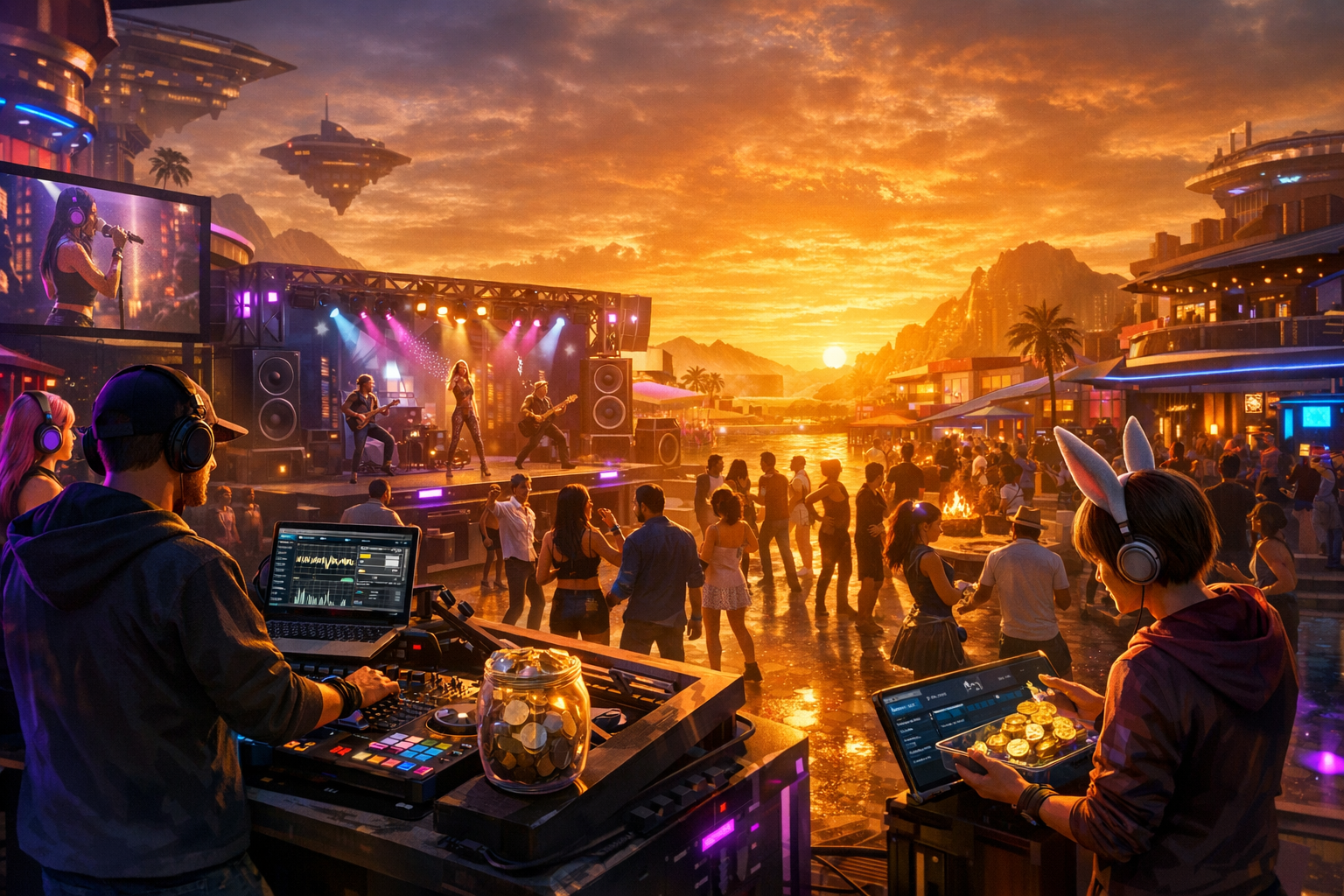
Virtual World Music and DJ Culture — Free class in Alife Virtual School
Music is one of the fastest ways to turn a quiet parcel into a destination, a build into a brand, and a casual visitor into a loyal community member. In this master-level class on Virtual World Music and DJ Culture, you will learn how to create professional music experiences inside a free metaverse, from configuring SHOUTcast or Icecast streams to designing nightclub stages, managing tip jars, promoting events, and building a sustainable fanbase. For creators exploring a second life alternative, an open simulator environment, or any free 3D world with a creator-first model, mastering virtual music events is one of the most valuable skills you can develop.
Why does this matter? Because live music and DJ events are not just entertainment. They drive traffic, support community building, generate repeat visits, strengthen venue identity, and create opportunities within the virtual economy. Whether you want to host your own club, support performers, become a venue manager, or grow an event brand inside the metaverse, this class gives you the technical and strategic foundation to do it professionally.
Alife Advantage: Build a Music Venue Without the Usual Financial Barriers
Many virtual world users assume that running a nightclub, concert venue, or music community requires high recurring costs. In some platforms, that is true. In Alife Virtual School, however, the learning path is dramatically more accessible because the platform removes many of the fees that normally stop creators before they begin.
| Feature | Alife Virtual | Typical Competitor Cost |
|---|---|---|
| Private region for venue building | FREE private island, 65,536 sqm full region for 7 days (free trial) |
Often around $199/mo in platforms like Second Life |
| Monthly tier fees | None | High recurring land fees |
| Uploads | FREE unlimited uploads for textures, mesh, animations, sounds | Per-upload charges common |
| Starter avatar quality | FREE Pro Mesh Avatar | Often requires extra purchases |
| Viewer support | Firestorm compatible | May vary |
| Creative economy access | 100% free economy | Financial barriers common |
This matters for music culture because DJs, venue owners, hosts, and event organizers need room to experiment. In Alife Virtual, you can test stream setups, redesign a stage, upload branding, install interactive objects, and refine your event workflow without worrying that every change adds a new cost.
What You Will Learn
- How virtual world DJ and live music culture works in practice
- How to configure a working
SHOUTcastorIcecaststream for your venue - How to connect stream URLs to parcel audio and venue systems
- How to build an effective nightclub stage and audience space
- How to use tip jars and donation systems professionally
- How to promote events and establish a recognizable venue brand
- How to grow and retain a music fanbase in the metaverse
- How basic
lsl scriptingcan enhance interactivity and event management
Prerequisites
- Basic familiarity with navigating Alife Virtual
- A parcel, region, or venue space where you have build and media permissions
- A viewer such as Firestorm
- A stable internet connection
- Basic understanding of audio files and playlists
- Optional but useful: image editing for posters and event branding
- Optional but useful: beginner comfort with
lsl scriptingfor custom venue tools
Understanding Virtual World Music Culture
Before the technical setup, understand the culture. A successful virtual music venue is not just a place that plays audio. It is a social environment. People come for atmosphere, identity, community, and participation. In a metaverse context, the strongest venues usually combine five elements:
- Reliable audio delivery via a stable stream
- Visual identity through stage design, lighting, and branding
- Host interaction through greetings, shout-outs, contests, and social engagement
- Economic support systems such as tippers and donation jars
- Consistent scheduling so fans know when to return
In a strong open simulator or second life alternative platform, these elements are easier to experiment with because creators are less restricted by cost. That freedom encourages more niche clubs, independent performers, and community-led music scenes.
Step-by-Step Tutorial
Step 1: Define Your Venue Concept
Start with a clear music identity. Do not build first and decide later. Your technical and visual choices should reflect your genre and audience.
- EDM / club: dynamic lighting, animated dance floor, bold stage screens
- Live acoustic: intimate seating, warm lighting, low-lag decor
- Rock venue: elevated stage, truss systems, crowd space, merch area
- Chill lounge: ambient visuals, relaxed seating, scenic environment
Choose a venue name, logo style, color palette, and event schedule early. These will shape your posters, social promotion, and audience expectations.
Step 2: Prepare Your Audio Streaming Source
Virtual worlds typically use a parcel or land audio stream URL. The two most common technologies are SHOUTcast and Icecast. Both can work well.
You generally need:
- A streaming server or hosted stream provider
- Broadcast software such as
BUTT,Mixxx,Winamp DSP,SAM Broadcaster, or DJ software with stream output support - Your stream host details:
Server addressPortPasswordMountpointforIcecastStream URLfor listeners
Step 3: Configure a SHOUTcast Stream
For a typical SHOUTcast setup:
- Create an account with a stream host or install your own stream server if you have technical access.
- Open your broadcasting software.
- Enter the
server IP/domain,port, andpassword. - Select an audio format, commonly
MP3orAAC. - Choose a bitrate appropriate for your audience. A common balance is
128 kbps. Lower bitrates may help users with weaker connections. - Set metadata such as DJ name, show title, and genre if supported.
- Start broadcasting and verify the stream through a browser or media player.
Your usable parcel stream URL may look similar to http://yourstreamhost:8000 or a provider-specific listener address.
Step 4: Configure an Icecast Stream
For Icecast, the process is similar but often includes a mountpoint:
- Open your encoder or broadcaster software.
- Enter the
server address,port,source password, andmountpoint. - Typical mountpoints might look like
/liveor/stream. - Choose your codec and bitrate.
- Launch the stream and test the full listener URL, such as
http://yourserver:8000/live.
In many cases, Icecast is preferred for flexibility and modern compatibility, but either system can support an excellent venue if configured correctly.
Pro Tip: Keep a text notecard or external document with your stream credentials, listener URL, backup stream URL, and tech checklist. Event failures usually happen because hosts scramble for details at the last minute.
Step 5: Add the Stream to Your Parcel or Venue Land
Inside Alife Virtual using a Firestorm-compatible workflow:
- Open your land or parcel settings.
- Locate the audio or sound stream field.
- Paste your listener stream URL.
- Save the settings.
- Test using an alt account or another user if possible.
If your venue uses event boards, stream switchers, or scripted devices, ensure they match the current parcel stream. Some clubs use one main parcel stream and switch DJs by changing the source feed at the encoder level rather than editing the parcel each time.
Step 6: Design a Nightclub Stage That Supports Performance
A nightclub stage in a free 3D world should be attractive, functional, and optimized for performance. A common mistake is overbuilding with heavy effects that reduce frame rate and hurt attendance retention.
Include these core stage elements:
- Raised platform for the DJ or performer
- Booth area with decorative decks, screens, or controls
- Lighting rigs and spotlights
- Dance floor with enough avatar space
- Audience camera angles that frame the performer well
- Backstage or staff area for hosts and managers
- Clearly visible tip jars and event signage
Because Alife Virtual offers FREE unlimited uploads, you can upload custom venue textures, logos, stage screens, and animated signage without worrying about per-asset costs. That is a major advantage when building a recognizable music brand.
Step 7: Optimize for Viewer Performance
Venue lag can destroy an event. Your goal is smooth social presence, not just visual complexity.
- Limit unnecessary particle spam
- Use efficient mesh where possible
- Reduce oversized textures when not needed
- Avoid too many scripted lights and constantly changing effects
- Create clear avatar paths and uncluttered dance areas
- Test the venue during a realistic crowd simulation if possible
Common Mistake: Building for screenshots instead of events. A venue may look stunning empty but become unusable when 20 to 40 avatars arrive. Always test under social load.
Step 8: Set Up Tip Jars and Payment Culture
Tipping is a major part of live entertainment culture in virtual worlds. DJs, singers, hosts, and venue staff often rely on tips as recognition and support. Even in a 100% free economy, tipping matters because it reinforces value exchange and community appreciation.
Your tip system should be:
- Easy to identify
- Clearly labeled with performer name
- Professionally placed near the stage and audience area
- Configured to pay the correct avatar or split revenue if your system supports it
You may use commercial tip jars, free scripted devices, or custom systems built with lsl scripting. A custom tip jar can:
- Display current performer name
- Show recent tips
- Thank users automatically in local chat
- Log donations for accounting
- Split tips between DJ, host, and venue owner
If you build your own systems, use secure logic and test edge cases. For example, make sure staff permissions cannot be abused and that the active recipient can be changed cleanly between performers.
Step 9: Create a Professional Event Workflow
Great events feel effortless to guests because the team prepares thoroughly behind the scenes. Build a repeatable workflow.
- Pre-event: verify stream, greet board, tip jar recipient, dance systems, group notices, and staff roles
- Launch: welcome attendees, introduce performer, post stream and tipping reminders if needed
- Mid-event: maintain energy, acknowledge arrivals, manage contests or requests carefully
- Closing: thank performer, thank tippers, announce next event, invite joins to group or subscriber list
Document this workflow in a staff guide. Consistency builds trust.
Step 10: Promote Events Effectively
Promotion is where many venue owners fail. They assume building the club is the hard part, but discover that audience growth requires regular outreach.
Your event promotion stack should include:
- In-world group notices
- Event boards and venue calendars
- Subscriber kiosks
- Social media graphics
- DJ schedule posters
- Partnerships with other venues and communities
Each event poster should answer five questions immediately:
- Who is performing?
- What genre or vibe should people expect?
- When is it happening?
- Where is the venue?
- Why should someone attend this specific event?
Strong event copy is short and benefit-driven. Instead of saying DJ set tonight, say High-energy trance set with live requests, contests, and immersive club visuals.
Pro Tip: Promote the experience, not just the performer. Many users decide based on atmosphere, community, and theme as much as music style.
Step 11: Build a Fanbase, Not Just Traffic
Traffic is temporary. Fanbase is durable. To grow a real community in the metaverse, focus on retention.
- Use a consistent weekly schedule
- Keep branding recognizable across posters and venue signage
- Welcome new visitors personally
- Reward regulars with shout-outs, VIP areas, or theme nights
- Feature guest DJs and collaborations to cross-pollinate audiences
- Maintain a group, subscriber list, or Discord if your community uses one
People return where they feel seen. A good host can be as important as a good DJ.
Step 12: Use Interactivity to Deepen Engagement
Advanced venues often use lsl scripting to add interactivity. Useful examples include:
- Clickable event boards that deliver schedules
- Automated greeters that give landmarks and group links
- Dance systems with synchronized animations
- Light controllers triggered by staff commands
- Tip boards with live updates
- Contest systems for prizes or games
Interactivity should support the event, not overwhelm it. Use scripts that improve information flow, atmosphere, and convenience.
Common Mistakes to Avoid
Common Mistake: Using an untested stream right before showtime. Always do a full audio test at least 30 minutes before the event.
Common Mistake: Overcomplicating your stage. If the audience cannot find the dance floor, the tip jar, or the performer, the design is failing.
Common Mistake: Ignoring timezone communication. Always list event times clearly and consistently.
Common Mistake: Running events without hosts. Even a strong DJ benefits from someone greeting arrivals and maintaining social energy.
Pro Tip: Keep a backup DJ playlist or emergency source ready. If a live DJ disconnects, silence can empty a venue in minutes.
Pro Tip: Place your main tip jar where avatars naturally cam during the performance, not hidden in a corner.
Advanced Applications
Multi-DJ Venue Operations
As your venue grows, you may run rotating schedules with multiple resident DJs. Create standardized setup rules for stream handoff, branding assets, and performer expectations. This turns your venue from a hobby build into a reliable entertainment brand.
Live Performer Integration
Some venues combine streamed backing tracks with live vocals, instruments, or hosted commentary. This requires stronger scheduling, better audio quality control, and closer coordination between performer and host.
Themed Festivals and Mini-Tours
Instead of single events, create weekend festivals or genre nights. Example themes include retro night, cyberpunk rave, acoustic sunset sessions, or global radio takeover. Recurring themes help audiences remember your venue.
Custom Venue Systems
If you are comfortable with lsl scripting, build an integrated venue control panel that lets authorized staff update performer name, event title, tip targets, lighting presets, and announcement text from one interface.
Cross-Platform Branding
Because Alife Virtual is a strong second life alternative, you can use your venue as a launch point for a broader identity that spans social media, streaming directories, and community channels. This is especially useful if you want to build a recognizable artist or promoter brand.
Practice Exercise
Create a one-hour virtual DJ event plan for a new venue in Alife Virtual.
- Choose a venue concept and name.
- Set up either a
SHOUTcastorIcecasttest stream. - Add the stream URL to your parcel audio settings.
- Build a simple stage with:
- DJ booth
- Dance floor
- One branded sign
- One tip jar
- Create an event poster with date, time, genre, and venue identity.
- Write a 3-message host script:
- Welcome message
- Mid-event engagement message
- Closing call-to-action
- Invite at least three test attendees and gather feedback on audio, layout, and atmosphere.
For best results, repeat the exercise after making improvements. The second version is where professional habits begin to form.
FAQ
1. Do I need expensive land to run a virtual music venue?
No. One of the biggest advantages of Alife Virtual is that you can start without the heavy recurring costs common elsewhere. You can explore venue creation on a 65,536 sqm private island for 7 days (free trial) with no monthly tier, making it ideal for learning and testing.
2. Which is better for virtual world streaming, SHOUTcast or Icecast?
Both can work well. SHOUTcast is widely recognized and easy to find via stream hosts. Icecast is flexible and often preferred for modern setups. The best choice depends on your provider, codec needs, and workflow.
3. Can I run a music venue with basic technical skills?
Yes, but preparation matters. You do not need to be a network engineer. If you can manage stream credentials, parcel settings, and simple event promotion, you can host successful events. More advanced features like custom tip systems or venue controls can be added later with lsl scripting.
4. How do DJs and performers earn support in a virtual economy?
Support usually comes through tip jars, donations, event sponsorships, and reputation-based opportunities. Even in a free platform, the virtual economy is driven by visibility, appreciation, and community value.
5. Why is Alife Virtual especially good for learning this skill?
Because it removes the biggest obstacles: land cost, upload fees, and entry barriers. With FREE unlimited uploads, Firestorm support, a FREE Pro Mesh Avatar, and a 100% free economy, creators can focus on quality, not fees.
Final Thoughts
Virtual world music culture sits at the intersection of technology, design, community, and performance. When done well, a music venue becomes more than a build. It becomes a social landmark. By learning streaming setup, stage design, event operations, tipping systems, promotion, and fanbase development, you gain a skill set that is valuable across the metaverse and especially powerful inside a creator-friendly platform like Alife Virtual.
Unlike platforms that burden venue owners with recurring costs, Alife Virtual gives you room to experiment, refine, and grow. That makes it one of the most practical places to learn nightclub management, DJ event production, and live music culture in a free 3D world.
Join Alife Virtual and Start Building Your Music Scene
If you are ready to launch a club, host your first DJ night, support live performers, or build a recognizable entertainment brand in a true second life alternative, now is the time to join Alife Virtual. Claim the benefits of a 7-day free private island trial, FREE unlimited uploads, Firestorm compatibility, a FREE Pro Mesh Avatar, and a 100% free economy. Learn, build, perform, and grow your audience without financial barriers.
Join Alife Virtual today and turn your venue into the next music destination in the metaverse.
🎓 Ready to Practice In-World?
Get your 7-day free island trial and practice everything you just learned — no credit card, no lock-in.
Claim Your 7-Day Free Island Trial Now →No credit card required · Takes 2 minutes · Your island is FREE FOR 7 DAYS