Building Your Dream Home in the Metaverse: A Complete Guide
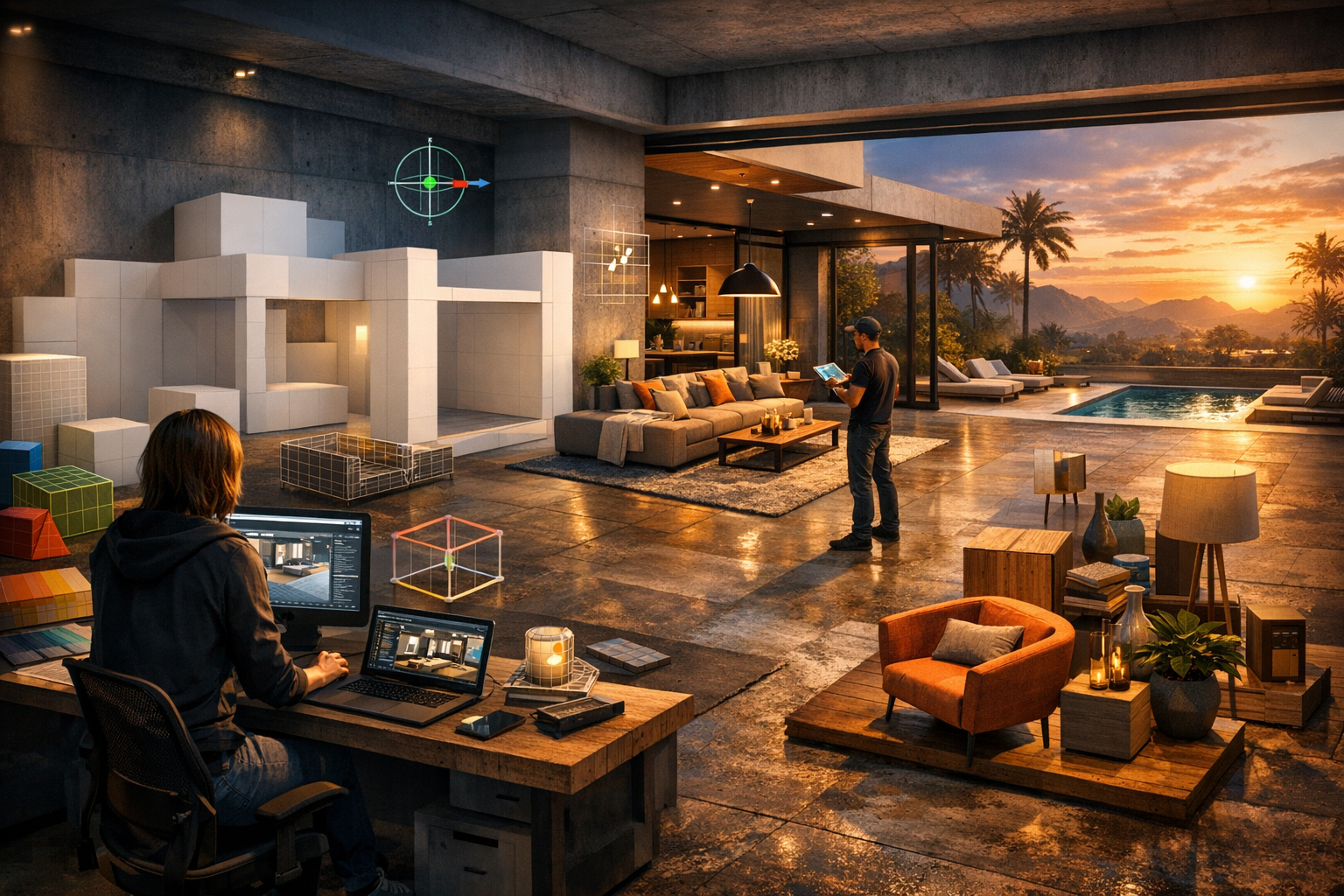
Building Your Dream Home in the Metaverse: A Complete Guide — experience it now in Alife Virtual
Imagine opening your desktop, logging into a living 3D world, and stepping onto your own private island just as the sun slides across the water. In front of you sits an empty landscape full of possibility: a modern glass villa on the cliffs, a cozy lakeside cottage wrapped in lantern light, a futuristic sky mansion floating above the sea, or an elegant social estate where friends gather for music, fashion, and late-night conversation. In Alife Virtual, that dream is not locked behind expensive subscriptions or technical barriers. It is something you can start building today.
If you have ever wanted to design a virtual home from scratch, furnish it exactly the way you want, and shape every room around your personal style, this guide will show you how. Whether you are a total beginner or someone with experience in virtual worlds, Alife Virtual gives you the tools to create a stunning metaverse home using free prims, uploaded mesh, and a generous amount of land to experiment on. Better yet, you can do it without a VR headset, using the familiar Firestorm Viewer on any desktop.
In this complete tutorial, you will learn how to plan, build, decorate, script, and show off a dream home in Alife Virtual. You will also see why so many users are choosing it over older or more limited platforms, especially when cost, freedom, and creativity matter most.
What It Feels Like to Build and Live in a Virtual Dream Home
A metaverse home is more than walls and furniture. It is an experience. The best virtual homes feel alive the moment you arrive. You hear ambient waves rolling in from the edge of your island, birds or soft music drifting through open windows, and footsteps echoing on polished floors as you move from room to room. A terrace glows under evening light. A fireplace flickers in a lounge where guests gather. A rooftop garden becomes your favorite place to pause, talk, and watch the sky change color.
That is the magic of designing in 3D. You are not just placing decor onto a flat screen. You are crafting a place people can walk through, admire, photograph, and remember. Every choice matters: ceiling height, window placement, the flow between living spaces, where the sunset hits your dining room, how your pool reflects lights at night, and what visitors see first when they arrive.
There is also a deeply social side to owning a home in Alife Virtual. Your house can become:
- A private sanctuary for relaxation and self-expression
- A romantic retreat for shared moments
- A venue for parties, roleplay, fashion shoots, and live events
- A portfolio piece that shows off your design and scripting skills
- A launchpad for a virtual business or rental concept
One day you may be perfecting a floating staircase. The next, you may be hosting friends in a beachside lounge while someone admires your custom kitchen or asks where you found that animated sofa. In Alife Virtual, the line between architecture, lifestyle, and community becomes wonderfully blurred.
Why Alife Virtual Makes This Dream So Accessible
What makes Alife Virtual so exciting for home builders is how much freedom it gives you right from the start. Instead of forcing you into tiny spaces, steep costs, or limited customization, it opens the door wide.
Here are the core features that make dream-home building possible:
- FREE private island for one month with a full 65,536 sqm region and no monthly fees during that period
- 10,000 prims for building, giving you plenty of room to create a substantial home and landscape
- FREE full-body mesh avatar with custom outfits, so you look as polished as the home you are building
- Uses Firestorm Viewer, the same viewer style many Second Life users already know
- Full LSL scripting support for doors, lighting systems, media screens, security systems, moving features, and interactive furniture
- Free daily classes covering building, scripting, fashion, and business
- Pre-made furnished sims from $20/mo if you want a ready-to-use environment instantly
- 1,148,000+ members, creating a large and active community to explore, learn from, and invite over
- Works on any desktop with no VR headset required
For anyone who has priced large virtual land elsewhere, the biggest difference is impossible to ignore: Second Life charges around $300/month for the same region size, while Alife Virtual gives you that private island free for one month. That changes everything. It means you can test ideas, develop your style, and build something ambitious without feeling pressured by immediate high land costs.
Alife Virtual vs Second Life, IMVU, and VRChat
If your goal is to build a beautiful, detailed, customizable home in the metaverse, platform choice matters. Each virtual world has its strengths, but Alife Virtual stands out in several important ways.
| Platform | Best For | Home Building Flexibility | Cost Value | Desktop Access |
|---|---|---|---|---|
| Alife Virtual | Full virtual living, building, scripting, social ownership | Excellent: prims, uploaded mesh, LSL scripting, full island control | Outstanding: free private island trial, 10,000 prims, low-cost ready sims | Yes |
| Second Life | Long-established virtual world with similar building style | Excellent | High region cost: about $300/month for same size | Yes |
| IMVU | Chat rooms, avatar styling, lighter room customization | Limited compared to open-region building | Varies | Yes |
| VRChat | Immersive social hangouts and custom worlds | Strong for creators, but different workflow and often more technical | Varies | Yes, but strongly associated with VR culture |
Why Alife Virtual wins for this specific experience:
- You get a huge private region to build on instead of a small room or scene
- You can use the familiar Firestorm workflow if you already know Second Life-style creation
- You are not trapped by the same high region fees that make large-scale home building stressful elsewhere
- You get education through free daily classes, which helps beginners start fast
- You can live, host, decorate, and script in one connected ecosystem
If your dream is not just to visit a cool place but to own one, shape it, and invite others into it, Alife Virtual offers one of the most compelling paths available right now.
Step-by-Step: How to Build Your Dream Home in Alife Virtual
1. Create Your Account and Download the Viewer
Start at https://www.alifevirtual.com and create your account. Once inside the platform, download and install the Firestorm Viewer. If you have ever used Second Life, the interface will feel familiar. If you are new, do not worry. Firestorm is powerful, and Alife Virtual’s learning resources make it approachable.
After logging in, claim your free full-body mesh avatar and customize your look. It may sound cosmetic, but building feels better when you already feel at home in your avatar identity.
2. Claim Your Free Private Island
Your biggest creative advantage is the free private island for one month. This gives you a full 65,536 sqm region and 10,000 prims to work with. Before you place a single wall, spend time walking the land. Look at the horizon. Decide whether you want ocean views, elevated terrain, beach access, gardens, or a dramatic arrival point.
Ask yourself:
- Is this home meant to be cozy, grand, modern, rustic, fantasy, or futuristic?
- Will it be mainly private, or do you want to entertain guests?
- Do you want one main building or multiple structures?
- Will landscaping be as important as the house itself?
3. Plan Your Home Before You Build
The best virtual homes begin with a layout plan. You do not need advanced architectural training. A simple sketch is enough. Think about how people will move through the space.
A strong basic home plan might include:
- Arrival area or front entrance
- Main lounge or social room
- Kitchen and dining zone
- Bedroom suite
- Bathroom or spa area
- Outdoor patio, deck, or garden
- Optional extras like a pool, office, studio, or dance floor
Virtual homes often look best when they are slightly larger and more open than real-world homes. Avatars need clear movement paths, camera-friendly angles, and enough room for furniture animations.
4. Start with Free Prims for the Structure
Prims are the building blocks of many classic virtual-world creations. They are ideal for making walls, floors, stairs, platforms, railings, roofs, and custom architectural shapes. With 10,000 prims, you can create a highly detailed environment if you build thoughtfully.
To begin:
- Rez a basic prim for your floor platform
- Stretch and texture it to define your footprint
- Add wall prims and align them carefully
- Create window openings or use transparent textures for glass areas
- Build vertical layers if you want lofts, split levels, or balconies
Keep your early structure simple. Focus first on scale and flow. It is easier to refine proportions before you commit to decorative detail.
Helpful tips:
- Use copy and paste to repeat wall sections
- Name your objects clearly so your build stays organized
- Link finished sections to reduce editing clutter
- Test avatar walking paths regularly
5. Bring in Uploaded Mesh for Detail and Style
Uploaded mesh is where your dream home can really begin to look polished and contemporary. Mesh allows for more complex shapes and cleaner detailing than basic prim building alone. This is perfect for:
- Designer staircases
- Custom windows and doors
- Kitchen counters and cabinets
- Beds, sofas, chairs, and decor sets
- Pergolas, gazebos, fences, and exterior pieces
A smart workflow is to use prims for large structural forms and mesh for signature details and furnishings. That gives you flexibility, style, and efficiency at the same time.
When importing or placing mesh, check:
- Scale consistency with avatar size
- Texture quality and realism
- Land impact or equivalent resource use
- How well it matches your chosen style
6. Texture Everything with Intention
Textures transform a plain shell into a believable home. A white cube becomes marble, polished wood, poured concrete, velvet, brushed steel, or weathered stone. The secret is consistency. Pick a visual theme and repeat it thoughtfully.
Popular theme directions include:
- Modern luxury: glass, stone, steel, neutral palettes, sculptural furniture
- Beach house: pale woods, linen, open decks, breezy lighting
- Urban loft: brick, dark metal, industrial lighting, open-plan rooms
- Fantasy retreat: glowing accents, ornate trim, dramatic landscaping
- Minimalist zen: clean lines, natural textures, uncluttered layouts
Use larger textures sparingly but effectively, and avoid overloading every surface with busy patterns. Let some areas breathe.
7. Furnish for Living, Not Just for Looks
A stunning virtual home should feel usable. Furnish each room with purpose. In the lounge, place seating that encourages conversation. In the bedroom, orient the bed to create a focal point. On the patio, add gathering zones that make social interaction easy.
Essential furnishing checklist:
- Seating with animations
- Tables, storage, and surface decor
- Lighting fixtures for mood
- Rugs and wall art for warmth
- Plants and landscaping for realism
- Outdoor furniture for social zones
Think cinematically. What would look beautiful in screenshots? Where would someone want to stand, sit, or dance? Good furnishing creates scenes.
8. Add Lighting and Atmosphere
Lighting is one of the fastest ways to make a home unforgettable. A build that looks average at noon can look breathtaking at dusk with the right glow. Mix ambient light, lamps, accent lights, and outdoor highlights.
Use light to:
- Draw attention to architectural features
- Create intimacy in lounge areas
- Make pools and gardens shimmer at night
- Give interior spaces depth and softness
Warm lighting often makes homes feel welcoming, while cool lighting can create futuristic elegance. Try both and see what matches your theme.
9. Use LSL Scripting for Interactivity
This is where Alife Virtual becomes much more than a static showcase. With full LSL scripting support, you can make your home interactive and alive.
Ideas for scripted features:
- Automatic doors that open on approach
- Lighting systems with day and night settings
- Security or access control for private rooms
- Media screens or music systems
- Animated fireplaces, fountains, or moving decor
- Teleport pads between areas of the island
If you are new to scripting, this is a perfect time to join one of Alife Virtual’s free daily classes. Building, scripting, fashion, and business sessions help you learn directly from experienced users. Instead of trying to guess your way through, you can progress faster with guidance.
10. Landscape the Island Around the Home
Your home does not end at the walls. A great region tells a complete story. Shape the terrain, paint the ground, add trees and gardens, build pathways, and define scenic zones around the house.
You might add:
- A dock or private beach
- A hillside lookout
- A garden maze or meditation grove
- A pool terrace with cabanas
- A party deck with DJ equipment
Because your island is a full region, you have room to create arrival drama and distant views. That scale is one of Alife Virtual’s greatest strengths.
11. Invite Friends, Refine, and Evolve
Once the home feels complete, invite people over. Watch how they move through the space. Which room do they gravitate toward? Where do they stop for photos? What feels crowded, and what feels underused? The most impressive homes are rarely finished in one pass. They evolve.
Take screenshots, make adjustments, improve your lighting, swap furniture, and continue learning. Your dream home can become a living project that changes with your creativity.
Community Spotlight: What Alife Virtual Players Are Creating
One of the most inspiring parts of Alife Virtual is seeing what real residents do with the platform’s tools. Across the grid, users have built sleek waterfront estates, fully furnished family homes, fantasy mansions, fashion-show villas, romantic garden retreats, and branded business venues that blur the line between residence and experience.
Some residents begin with a pre-built option and personalize it room by room. Others start from raw land and sculpt every detail themselves. There are creators using free prims to prototype layouts, then replacing key sections with uploaded mesh for a premium finish. There are also social hosts who transform private homes into event spaces with scripted lighting, dance systems, and guest areas.
In Alife Virtual, a home is never just a house. It can be a social hub, a work of art, a classroom project, a fashion backdrop, or the start of a business idea.
The platform’s 1,148,000+ members mean there is a broad pool of inspiration. Join tours, attend classes, visit public builds, and talk to creators. Many experienced residents are happy to share advice on textures, prim efficiency, landscaping, and layout decisions. That spirit of collaboration makes building here even more rewarding.
And if you want the thrill of moving in immediately while still customizing your surroundings, the pre-made furnished sims from $20/mo offer a fast path to ownership. You can begin living the experience right away, then gradually modify and expand it as your skills grow.
Frequently Asked Questions
1. Do I need a VR headset to build a home in Alife Virtual?
No. Alife Virtual works on any desktop, so you can build, decorate, socialize, and explore without needing VR hardware.
2. Is Alife Virtual good for beginners who have never built in a virtual world?
Yes. The combination of Firestorm familiarity, generous land, and free daily classes in building and scripting makes it beginner-friendly while still offering serious depth for experienced creators.
3. What can I build with 10,000 prims?
A lot. You can create a sizable home, outdoor landscaping, furnishings, and interactive features, especially if you combine smart prim building with uploaded mesh for more detailed elements.
4. How does Alife compare to Second Life for owning a full private region?
For this experience, Alife is far more accessible. Second Life charges about $300/month for the same region size, while Alife Virtual offers a free private island for one month. That makes experimentation and creative freedom much easier.
5. Can I script interactive features in my house?
Absolutely. Alife Virtual supports full LSL scripting, so you can add automated doors, lights, media systems, access controls, animated decor, and more.
Your Dream Home Is Waiting
There is something deeply satisfying about standing in a space you imagined and then brought to life yourself. In Alife Virtual, that feeling is not reserved for expert builders or big spenders. It is available to anyone with a vision, a little curiosity, and the excitement to begin.
With a free private island, 10,000 prims, support for uploaded mesh, full LSL scripting, a free mesh avatar, and a thriving community backed by 1,148,000+ members, Alife Virtual gives you the freedom to design a virtual home that is breathtaking, personal, and alive. You can learn through free classes, move in fast with ready-made sims, or build your masterpiece from the ground up. Either way, the metaverse lifestyle you have been imagining is suddenly within reach.
If you are ready to create a place that truly feels like yours, now is the perfect time to step in and start building. Visit https://www.alifevirtual.com, claim your space, and begin shaping the dream home you have always wanted in the metaverse.
🎁 Ready to Live This Experience?
Claim your FREE island in Alife Virtual and start today!
Claim Your Free Island Now →No credit card required · Takes 2 minutes · for one month free