How to Create a VRChat World: Beginner's Guide in Alife Virtual
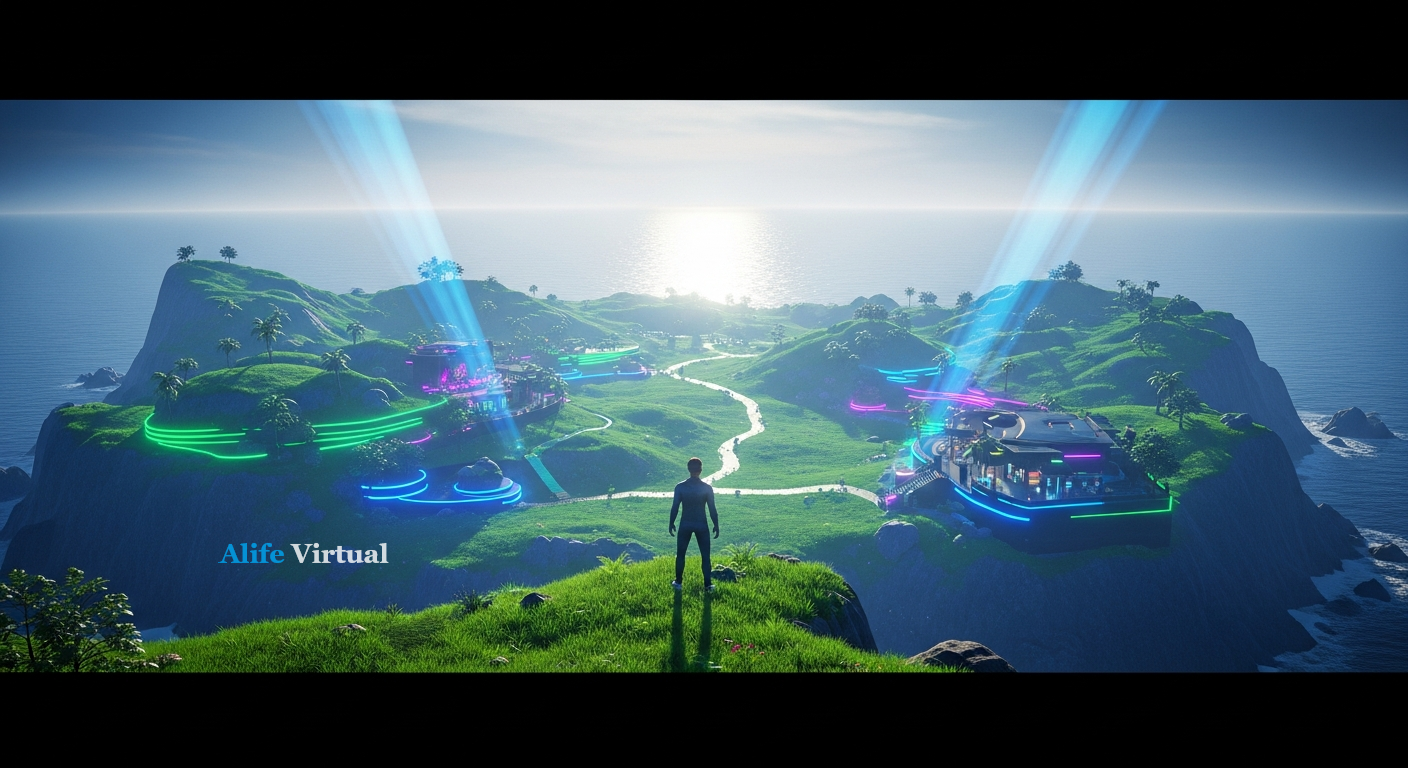
How to Create a VRChat World: Beginner's Guide — experience it now in Alife Virtual
Imagine stepping into a world that exists purely because you dreamed it into being. One moment you're sketching ideas on paper, the next you're walking through neon-lit streets, floating islands, or a cozy cyber-café that only you could have designed. That dream isn't locked behind VRChat's complex pipeline or expensive subscriptions. In Alife Virtual, creating your own vibrant 3D world is not only possible — it's free, exciting, and supported every step of the way.
Whether you're a complete beginner who has never touched 3D software or a creative soul ready to bring your wildest ideas to life, this guide will walk you through exactly how to create your first world in Alife Virtual. We'll cover everything from signing up to sharing your masterpiece with thousands of friends. Ready to turn your imagination into a living, breathing virtual reality experience? Let's dive in!
The Magic of Building Your Own Virtual World
Picture this: you log into Alife Virtual and teleport straight into a world you created. Soft ambient music swells as friends arrive. Laughter echoes across custom-built landscapes. Someone flies overhead on a dragon you sculpted. Another player sits by the virtual fireplace you textured, sharing stories. Your island pulses with life — every lamp, every dance floor, every hidden treasure chest placed by your own hands.
The sights are breathtaking: shimmering particle effects that sparkle like fireflies at dusk, realistic water that reflects the sky you painted, intricate mesh furniture that feels so real you want to reach out and touch it. Sounds surround you — custom music streaming from your personal club, wind rustling through trees you planted, even interactive sound triggers that play when visitors discover secret rooms.
But the real magic is social. In Alife Virtual, worlds aren't lonely museums. They're vibrant gathering places where 14,000+ members come together every day. Your creation becomes the backdrop for role-play dates, fashion shows, treasure hunts, or late-night conversations. One night it's a bustling casino, the next morning a peaceful meditation garden. The possibilities are literally endless.
Why Alife Virtual Makes World-Building Feel Effortless
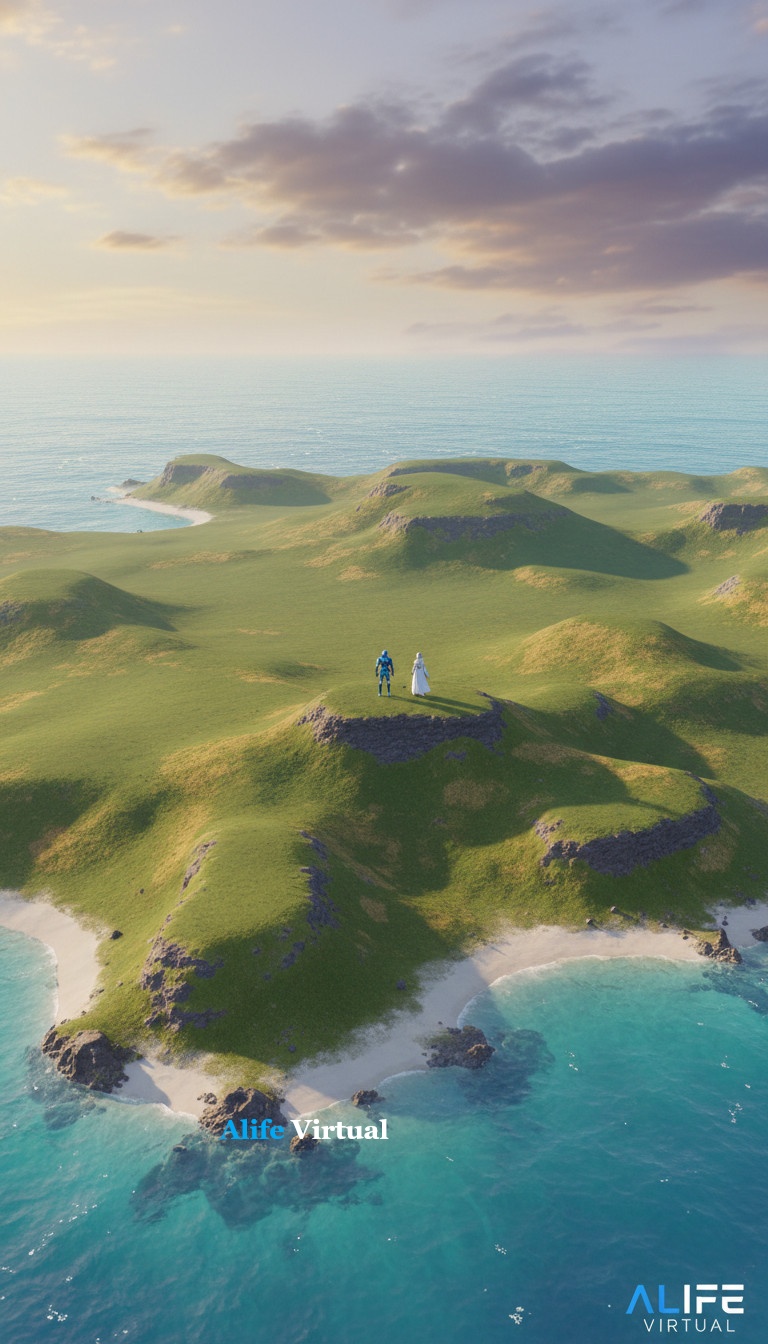
Alife Virtual removes every barrier that makes world creation intimidating elsewhere. You get a free island the moment you log in for the first time. This beautiful blank canvas (or fully furnished home if you prefer) becomes your permanent home as long as you log in at least once every 7 days. The system gently reminds you by instant message and email on day 5 and day 7, so you never lose your work. Even if life gets busy and you miss 9 days, everything returns safely to your inventory.
Building tools are incredibly generous:
- 10,000 prims per island for unlimited creativity
- FREE uploads forever — including complex mesh items (unlike Second Life which charges 10 L$ per upload)
- Full-body mesh avatars with hundreds of free custom outfits included
- Complete LSL scripting support so your creations can be interactive, animated, and intelligent
- Free daily classes on building, scripting, fashion, and business to help you level up fast
Best of all, you don't need a VR headset. Alife Virtual runs beautifully on any desktop computer. The platform feels instantly familiar if you've ever explored Second Life, yet it's far more generous and welcoming.
Alife Virtual vs Second Life, IMVU, and VRChat: The Clear Winner for Creators
Let's be honest about the alternatives. Second Life charges $199 per month for a full region — Alife Virtual offers the same power starting at just $10 per month after a 7-day free trial. Their upload fees add up fast. IMVU feels dated and restrictive. VRChat requires Unity, complex SDK setup, and often expensive VR equipment just to test your world properly.
Alife Virtual gives you the best of all worlds without the downsides. You get the rich creative tools and social depth of Second Life, the accessibility of IMVU, and the world-building freedom people love about VRChat — but everything is simpler, cheaper, and more beginner-friendly. Free uploads, free island, daily live events, and a helpful community make Alife Virtual the smartest choice for anyone who wants to create rather than just consume.
Plus, you keep full ownership of everything you build. No platform fees eating into your creativity. No complicated approval processes. Just pure artistic freedom.
Step-by-Step: How to Create Your First World in Alife Virtual
Step 1: Join Alife Virtual Today
Head over to https://www.alifevirtual.com/register.php and sign up with your email address. The process takes less than two minutes. Once registered, log into your account on the website.
Click the AVATAR tab at the top of the page. Here you'll design your free full-body mesh avatar. Choose your look, customize outfits, and download the official Alife Virtual Firestorm Viewer — the same powerful viewer many know from Second Life, but optimized for our world.
Launch the viewer, enter your new Avatar Name and password, and step into Alife Virtual. Your free island will be waiting for you as your Home location.
Step 2: Understanding Your Building Tools
Once logged in, open your inventory and familiarize yourself with the build menu. Press Ctrl + B or click the Build button. You'll see options for creating primitives (cubes, spheres, cylinders), uploading mesh objects, applying textures, and writing scripts.
Start simple. Rez a cube and practice stretching, rotating, and texturing it. The 10,000 prim allowance means you don't have to worry about running out of resources while learning. Take advantage of the free daily building classes — friendly experts teach live and answer questions in real time.
Step 3: Designing Your World
Think about the experience you want to create. A romantic dating club with soft lighting and private corners? A high-speed racing track with custom vehicles? A mystical forest filled with hidden treasures and peaceful sounds?
Use the terrain tools to sculpt hills, valleys, and lakes. Import free or custom mesh objects (uploads are completely free). Apply beautiful textures from the built-in library or create your own. Add particle effects for magic, fire, or sparkling water. With full LSL scripting, you can make doors that open when clicked, dance floors that play music, games that award C$ prizes, or even NPC bots that welcome visitors.
Pro tip: many creators begin by visiting pre-made furnished sims (available for 7-day free trial from $20/month) to study clever builds and scripting tricks before creating their own masterpiece.
Step 4: Adding Interactivity and Polish
This is where your world comes alive. Add:
- Interactive objects using simple LSL scripts
- Sound emitters and streaming music
- Lighting effects that change with day/night cycles
- Teleporters to different areas of your island
- Furniture, vehicles, and decorations that match your theme
Remember the daily live events happening across Alife Virtual? You can design your world to host similar experiences — role play in escort and dating clubs, driving simulators with cars, motorbikes, boats and helicopters, fishing games, treasure hunts, or exciting casino nights with bingo, roulette, slots, and more. Each activity has helpful bots that engage players and keep the energy high.
Step 5: Uploading, Testing, and Publishing
Everything you create uploads instantly and for free. Test your world by inviting friends or using the alt-account feature. Walk through every area. Click every object. Make sure the experience feels magical.
When you're happy, set your island to public or invite-only. Share the landmark with the community. Your world is now live and ready to be discovered by thousands of members.
Community Spotlight: Amazing Creations in Alife Virtual
Our 14,000+ members have built some truly inspiring places. Sarah1987 created "Starry Dreams Island" — a floating collection of glass platforms connected by glowing bridges where members hold nightly meditation events and poetry readings. The attention to particle effects and ambient sound design is so beautiful it regularly wins community awards.
TechWizard92 built an incredible racetrack complete with working vehicles, timing systems, and spectator stands. His simulator events draw dozens of racers every week, with C$ prizes awarded to winners (remember, there are no welcome gifts — all prizes are earned through participation in our daily events).
FashionistaLuna designed an entire virtual fashion district with runway shows, dressing rooms, and photography studios. Her events combine role play, dating, and fashion in ways that make visitors feel like they're in a living magazine.
These aren't professional developers. They're regular people who started exactly where you are right now — with a free island, a dream, and the amazing tools Alife Virtual provides.
Frequently Asked Questions
Do I need a VR headset to create or enjoy worlds in Alife Virtual?
Not at all! While VRChat focuses heavily on virtual reality headsets, Alife Virtual works beautifully on any desktop computer. You can build, explore, and socialize without any special equipment.
How is building in Alife Virtual different from creating a VRChat world in Unity?
Creating a VRChat world requires downloading Unity, installing the VRChat SDK, dealing with upload limits, and managing complex optimization. In Alife Virtual you build directly inside the world using familiar tools. No external software is required for most creations, and uploads are completely free forever.
Is there a cost to maintain my own island?
Your first island is completely free as long as you log in at least once every 7 days. If you want additional land or a full sim, you can try a pre-made furnished sim or empty sim with a 7-day free trial. After the trial, prices start at just $10 per month — dramatically less than the $199 Second Life charges for a full region.
Can I make money or win prizes in Alife Virtual?
Absolutely. While there is no C$ welcome gift for signing up, our daily live events award C$ prizes to winners. You can also sell your creations, host paid events, or run fashion shows and clubs. Many members build successful virtual businesses.
How do I learn to build and script if I'm a total beginner?
Alife Virtual offers free daily classes on building, scripting, fashion, and business. The community is famously friendly and helpful. You'll find plenty of free tutorials, example objects, and mentors ready to support your journey from your very first prim to your first fully interactive world.
Your Adventure Begins Right Now
The virtual world you've been dreaming about isn't somewhere else. It's waiting for you in Alife Virtual. Every great builder, every popular island creator, every person whose name you recognize in the community started with the same step you're about to take — creating their first account and claiming their free island.
You have nothing to lose and an entire universe to gain. Free avatar. Free island. Free uploads. Live events every single day. The only question left is: what will you create first?
Join the thousands of dreamers, builders, and friends who have already discovered their creative home. Visit https://www.alifevirtual.com today, register your free account, and start building the world only you can imagine.
Your first visitors are already waiting. What are you going to show them?
Start creating at Alife Virtual — where your imagination becomes reality, completely free.
🎁 Ready to Live This Experience?
Claim Your Free Avatar in Alife Virtual and start today!
Claim Your Free Avatar Now →No credit card required · Takes 2 minutes · Free Island + live events every day