Your Roblox Builds Deserve Better: A Creator's Guide to Migrating to a Limitless World
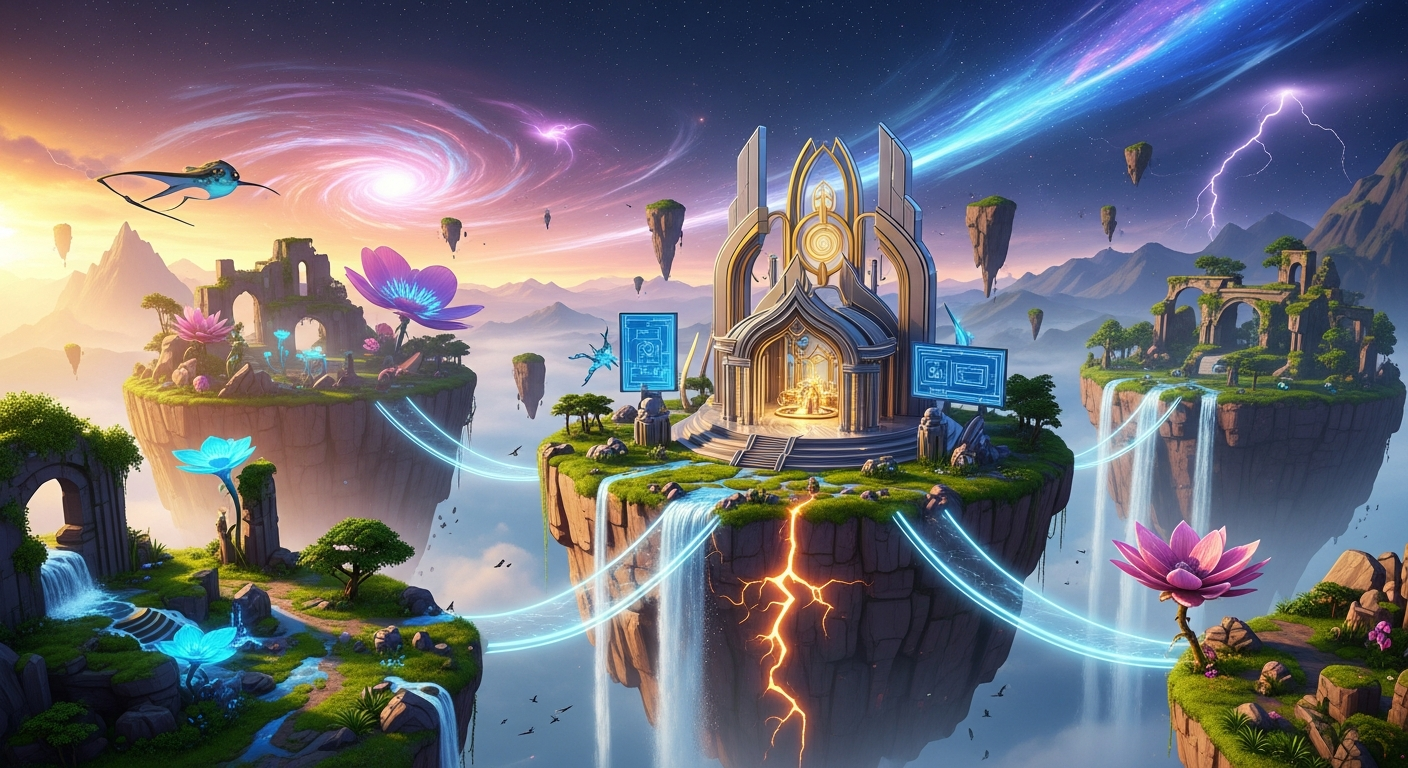
How to Migrate Your Builds from Roblox to a Better Platform — experience it now in Alife Virtual
You’ve poured hundreds, maybe thousands, of hours into your creation. In the blocky, familiar world of Roblox, you built a masterpiece. A sprawling city, an intricate obby, a roleplaying paradise. You have the vision, the drive, and the skill. But you’ve hit a wall—a literal and figurative one. The prim limits, the restrictive scripting, the constant drain of Robux just to upload your own hard-won assets. You look at your creation and dream of what it could be on a platform that didn't just tolerate your ambition, but celebrated it.
Imagine this: you stand on a hill overlooking your own private island, a vast expanse of 65,536 square meters of lush grass and sandy beaches, gifted to you for free, for one month. The sun casts dynamic shadows from the hyper-realistic cyberpunk tower you just imported—a model you created in Blender and uploaded without paying a single cent. A custom-scripted vehicle hums past, flown by a friend with a unique, full-body mesh avatar they designed themselves. This isn't a dream. This is the creative freedom that awaits you in Alife Virtual.
If you're a Roblox creator who feels creatively capped, this guide is your escape route. It's time to stop renting your creativity and start owning your world. Let's migrate your vision from the playground of Roblox to the professional universe of Alife Virtual.
What is it Like to Create Without Limits?
Logging into Alife Virtual for the first time is a sensory awakening for any creator used to walled gardens. The first thing you'll notice is the space. Your free island isn't a tiny plot; it's a full-scale region, a blank canvas shimmering with potential. The sounds are immersive—the gentle lapping of waves on your shoreline, the whisper of wind through trees you placed yourself, the custom ambient soundtrack you can stream across your entire parcel.
"It was like going from a small apartment to a massive estate. In Roblox, I was always fighting the system. In Alife, the system is designed to help me build my dream."
Socially, the experience is deeper. You're not just players in a game; you're residents in a shared universe. You can visit a neighbor’s art gallery, attend a live concert in a sprawling futuristic club, or join a roleplaying group in a meticulously crafted medieval kingdom. With over 1,148,000+ members, the world is vibrant and full of potential collaborators, customers, and friends who appreciate true creative effort. Your avatar isn't a blocky toy; it’s a high-fidelity, free full-body mesh avatar that you can customize with thousands of outfits, skins, and accessories, many of which are created and sold by users just like you.
This is a world built for creators, by creators. The focus isn't on simple, repetitive games, but on deep, persistent experiences. Your island is your home, your studio, your storefront, and your legacy, all in one.
How Alife Virtual Empowers Your Creative Leap
Alife Virtual isn't just another virtual world; it's a platform engineered to dismantle the barriers that frustrate creators on other platforms. Here’s the technical magic behind the creative freedom:
- A Kingdom for FREE: Every single resident receives a free private island (65,536 sqm) for life. No monthly land fees. No tiers. No catch. For comparison, a region of this size on Second Life costs a staggering $300 per month. In Alife, it’s your gift for joining our community.
- Massive Building Capacity: Your free island comes with a generous 10,000 prim allowance. "Prims" (primitives) are the basic building blocks of the world. This massive budget allows for incredibly detailed and complex creations, far beyond the part limits you’re used to.
- ZERO Upload Fees: This is a game-changer. In Roblox, every mesh, texture, and sound costs Robux to upload. This penalizes creativity and experimentation. In Alife, you can upload your 3D models, textures, and animations completely free of charge. Build, iterate, and perfect your assets without ever worrying about a digital toll.
- Professional-Grade Tools: Alife uses the acclaimed Firestorm Viewer, a powerful and highly customizable client trusted by millions of virtual world residents. It gives you granular control over building, graphics, and social tools. You're not using a simplified toy; you're using a professional interface.
- Unleashed Scripting Power: Say goodbye to sandboxed limitations. Alife provides full support for Linden Scripting Language (LSL). This robust, event-driven language is the engine behind the most complex systems and interactive objects in the virtual world space. If you can dream it—from complex vehicles to AI-driven characters to interactive game mechanics—you can code it with LSL.
- A Welcoming University of Creators: Feeling intimidated? Don't be. Alife hosts free daily classes on a huge range of topics. Learn professional building techniques, get started with LSL scripting, master avatar fashion, and even learn the basics of running a virtual business from experienced residents, all for free.
Alife vs. The Rest: A Clear Choice for Ambitious Creators
You have choices, so why is Alife Virtual the definitive next step for a Roblox creator? Let's break it down.
| Feature | Alife Virtual | Roblox | Second Life | VRChat / IMVU |
|---|---|---|---|---|
| Land Cost | FREE 65,536 sqm Island | Varies; often requires Premium subscription or Robux for smaller plots. | $300/month for a comparable private region. | Instance-based worlds (VRChat) or small, pre-made rooms (IMVU). No persistent, large-scale land ownership. |
| Upload Fees | Absolutely $0 | Costs Robux for every mesh, texture, and sound upload. | Costs Linden Dollars (L$) per upload. | Varies; often tied to a creator program or paid currency. |
| Building & Scripting | Full 3D model import (Blender, Maya, etc.) + powerful in-world tools and full LSL scripting. | Proprietary Roblox Studio with a sandboxed version of Lua (Luau). | Similar to Alife, but with high associated costs for land and uploads. | Unity SDK (VRChat) or basic room editors (IMVU). Less focus on persistent world-building and complex scripting. |
| Hardware Requirement | Runs on any standard desktop or laptop. No VR required. | Standard desktop/laptop, mobile. | Standard desktop/laptop. | VR headset strongly recommended for VRChat; not a world-building platform at its core. |
Your Migration Guide: Rebuilding Your Dream, Better and Stronger
You can't press a button to "import" a Roblox game. And that's a blessing. This process is about upgrading your skills and assets, not just copy-pasting them. You're going to rebuild your creation using the same tools professionals use, and the result will be infinitely more impressive.
-
Step 1: Create Your Blueprints in Roblox
Before you leave, grab your architectural plans. In Roblox Studio, you can select your models and use the "Export Selection" feature to save them as
.objfiles. These files are your 3D blueprints. You won't re-upload them directly, but you'll use them as a perfect reference for rebuilding them in a more powerful tool. -
Step 2: Level Up with Professional 3D Software
This is the most exciting step. Download Blender. It's free, open-source, and an absolute powerhouse. This is the same software used in professional game development and VFX. Import your
.objblueprint and use it as a guide to recreate your models with high-resolution textures, optimized geometry, and physically-based rendering (PBR) materials. This is your chance to add the detail you could only dream of in Roblox. Think of it as graduating from building with plastic bricks to sculpting with digital clay. -
Step 3: Claim Your Free Kingdom in Alife Virtual
This is the easiest part. Head over to https://www.alifevirtual.com, create your free account, and download the Firestorm Viewer. The first time you log in, you will be magically granted your very own private island. Teleport home and just take a moment to soak it in. This is all yours.
-
Step 4: Master Your New Workshop
The Firestorm Viewer is feature-rich, so give yourself a moment to explore. Learn how to move, fly, and use the build/edit tools. The best part? You're not alone. Check the in-world event calendar for one of our free daily classes. The "Introduction to Building" course will have you up and running in an hour.
-
Step 5: The Grand Unveiling (with NO fees!)
Once your new-and-improved model is ready in Blender, export it as a
.dae(Collada) file. In the Alife viewer, go toBuild > Upload > Mesh Model. Select your file. You'll see a preview and a cost calculation. Look closely at that cost. It will be L$0. A wave of pure joy will wash over you. Upload it, drag it from your inventory into the world, and resize it to its full glory. Your creation, reborn in high fidelity, is now standing on your private land. -
Step 6: Breathe Life into Your World with LSL
A static model is art, but an interactive one is an experience. This is where LSL comes in. Want a door to open on approach? Want a vehicle to start when you sit in it? Want to create a weapon that fires projectiles? LSL can do it all. If you have experience with Lua in Roblox, you'll understand the basics of event-driven scripting. Dive into a free LSL class in Alife to see just how much more you can accomplish.
For those who want to jump-start their experience, Alife also offers stunning, fully-furnished and landscaped sims starting from just $20/month. You can move in instantly and start customizing your new home base right away!
Community Spotlight: From Roblox Obbies to a Cyberpunk Metropolis
Meet "Cypher," a creator who spent years building complex "obby" courses in Roblox. He loved the design process but was constantly frustrated by the visual limitations and the creative ceiling. "I had this vision for a multi-level, neon-drenched city, but all I could make were floating blocks," he explains.
Cypher made the leap to Alife Virtual. Using his Roblox builds as a reference, he taught himself Blender and began remodeling his assets. The blocky platforms became detailed, grime-covered walkways. The simple glowing parts became emissive, flickering neon signs with PBR materials that realistically reflect in puddles on the ground.
Today, his free island, "Neo-Sector 7," is a breathtaking social hub. He used LSL to script flying vehicles that residents can use to navigate the city's verticality. An underground club thumps with music streamed from a real-world radio station. Interactive NPCs give out small quests, all scripted by Cypher himself. He went from building simple obstacle courses to architecting a living, breathing world—all without paying a dime in land or upload fees.
Frequently Asked Questions for Migrating Creators
1. Is Alife Virtual really free? What's the catch?
Yes, the core experience is 100% free. Your private 65,536 sqm island, 10,000 prim allowance, mesh avatar, and asset uploads are all free, for one month. We are a community-driven platform. We sustain ourselves through optional upgrades for power users, such as larger regions or our pre-furnished homesteads (starting at $20/mo), and standard commissions on marketplace sales. The free experience is robust, not a limited trial.
2. Can I import my Roblox game directly into Alife with one click?
No, and this is a core part of the "upgrade" philosophy. A direct import would bring over low-poly models and limited scripts. The migration process we outlined is your opportunity to level up your skills, rebuild your assets in professional software like Blender, and utilize the far more powerful LSL scripting language to create a richer, more detailed, and more interactive experience than is possible on Roblox.
3. Is LSL hard to learn compared to Roblox's Lua (Luau)?
If you have any scripting background, you'll find LSL's event-driven structure familiar. LSL is specifically designed for virtual world object interaction, making many tasks incredibly intuitive. While it's a deep language, the learning curve is made easy by our free daily scripting classes taught by expert residents and the wealth of free scripts and tutorials available both in-world and online.
4. Do I need a high-end gaming PC or a VR headset?
Absolutely not. Alife Virtual and the Firestorm Viewer are optimized to run well on a wide range of standard desktop and laptop computers. While a better graphics card will let you turn up the eye-candy, you don't need a beastly machine to build and explore. No VR headset is required to enjoy the full experience.
5. Can I make real money in Alife Virtual?
Yes, and with incredible freedom! Alife has a thriving, user-driven economy based on our in-world currency. You can sell your creations—from scripts and animations to clothes and entire buildings—on the Alife marketplace or from a store on your own land. You set your own prices, and you can exchange your earnings for real-world currency. It’s a true creator economy where your talent is directly rewarded.
Your Future as a Creator is Calling
You have outgrown the playground. Your vision is too big, your ambition too bright for a platform that charges you to be creative. Stop letting technical limitations and paywalls dictate the scope of your dreams. The future of your creations isn't in a walled garden; it's in an open universe.
Alife Virtual offers you the land, the tools, and the community to not just rebuild your past projects, but to build a future you couldn't have imagined. Your professional-grade studio, your sprawling private island, and your limitless creative journey are waiting for you.
Claim your free island and begin your true creative adventure. Join Alife Virtual today at https://www.alifevirtual.com.
🎁 Ready to Live This Experience?
Claim your FREE island in Alife Virtual and start today!
Claim Your Free Island Now →No credit card required · Takes 2 minutes · for one month free