Second Life Linden Dollar: How the Virtual Economy Works and Why Creators are Moving to Alife Virtual
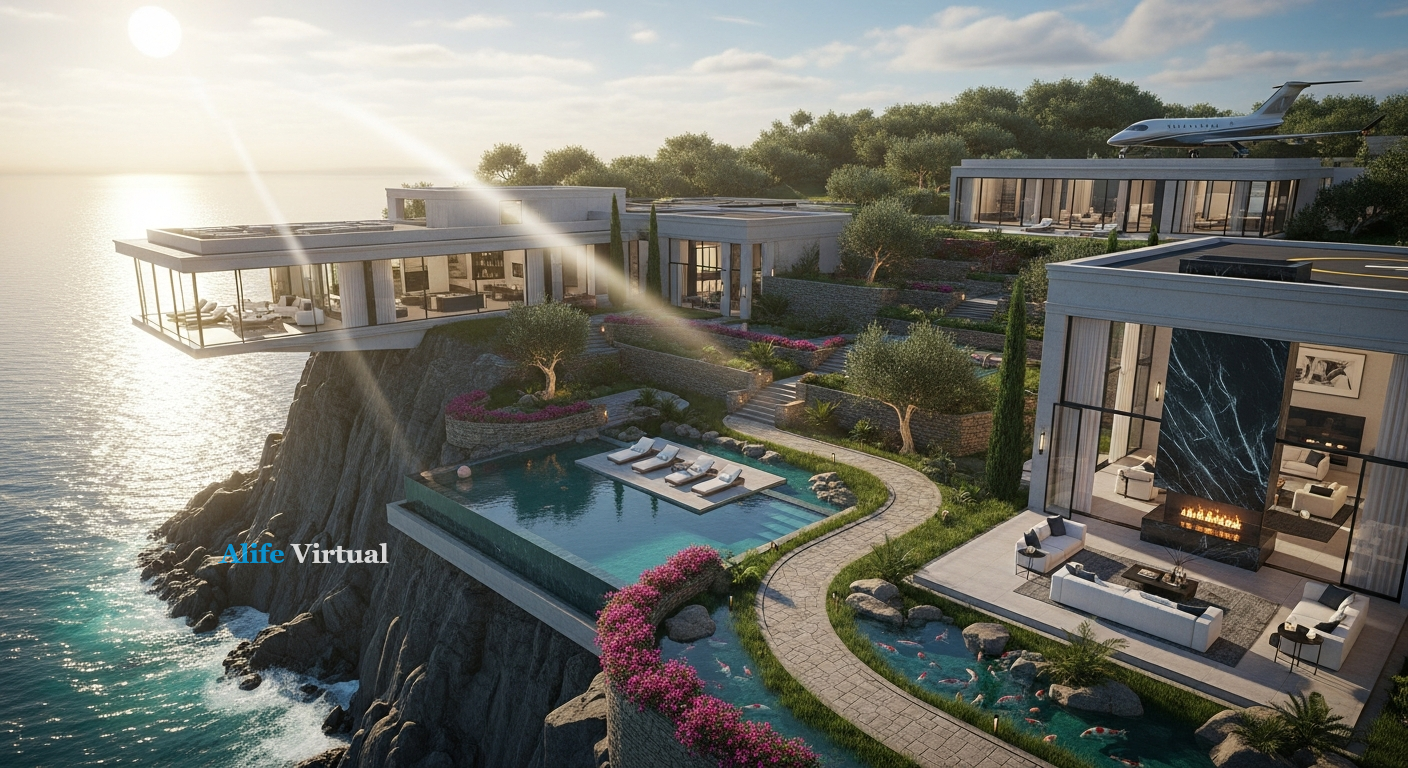
Second Life Linden Dollar: How the Virtual Economy Works — experience it now in Alife Virtual
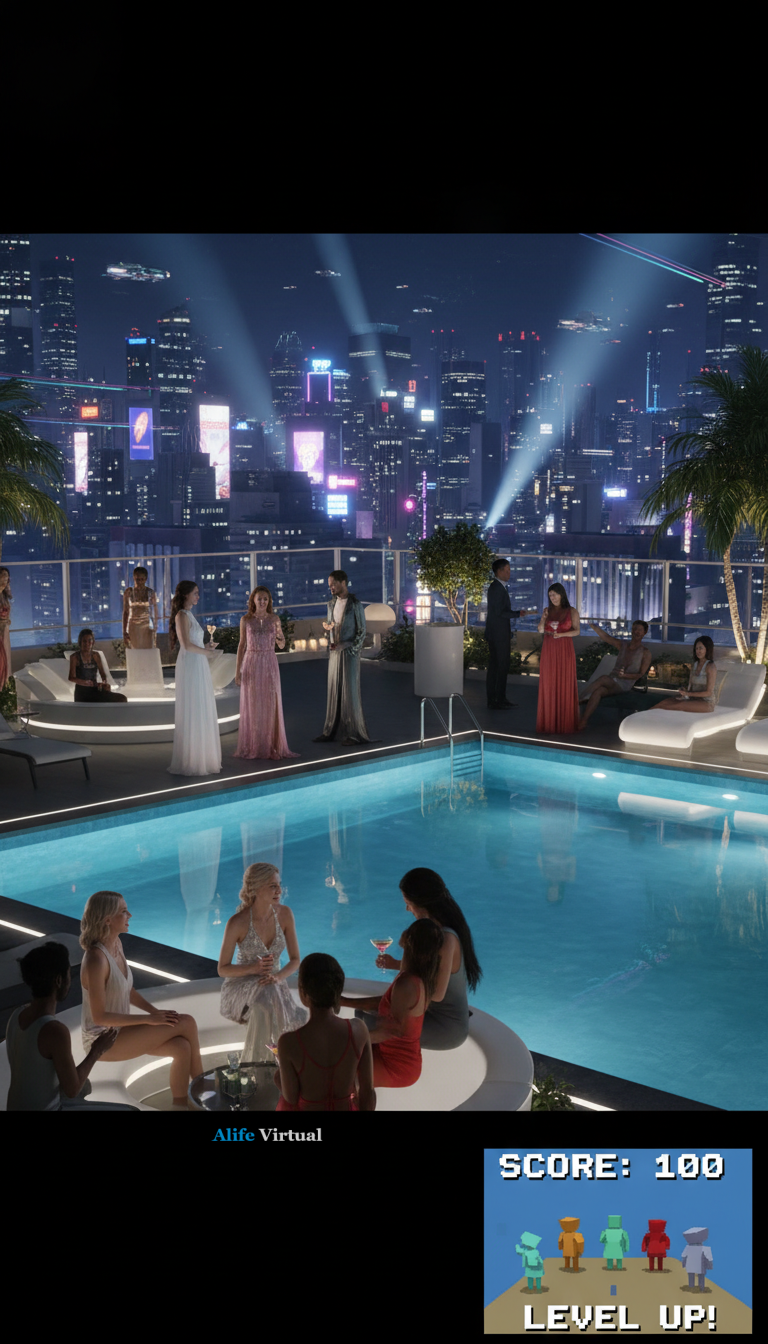
Imagine waking up in a world where your creative genius is your primary currency. You step out onto the balcony of your sleek, glass-walled penthouse, overlooking a sprawling neon metropolis that you helped build. In the distance, a massive digital billboard displays your latest fashion line. Your notifications are buzzing—shoppers from around the globe are purchasing your virtual designs, and your digital wallet is growing by the minute. This isn't just a video game; it’s a living, breathing virtual economy. For over two decades, the Second Life Linden Dollar has been the gold standard for this dream, but the landscape is shifting. Today, we are exploring the intricate workings of virtual economies and why a new wave of entrepreneurs is choosing the freedom of Alife Virtual to build their digital empires.
Understanding the Pulse of a Virtual Economy
The concept of a virtual economy can feel like science fiction to the uninitiated, but to the millions who inhabit 3D worlds, it is a tangible reality. At the heart of this experience is the ability to trade digital assets for a currency that has real-world value. In Second Life, this is the Linden Dollar (L$). It functions much like a real-world fiat currency: it can be earned, spent, traded on a currency exchange (the LindeX), and ultimately cashed out into US dollars.
The sights and sounds of a thriving virtual economy are intoxicating. Walk through a bustling marketplace and you’ll hear the "cha-ching" of cash registers, the chatter of avatars discussing the latest mesh hair trends, and the ambient music of a high-end boutique. You see artisans meticulously crafting furniture using LSL scripting to give their creations life—doors that swing open, lights that dim, and chairs that offer a dozen different animations. It is a world of pure imagination where the only limit is the cost of doing business.
How the Second Life Linden Dollar Economy Functions
To understand why people are looking for alternatives like Alife Virtual, we must first look at how the traditional model works. In Second Life, the economy is driven by user-generated content. Almost everything you see—the trees, the cars, the clothes, the buildings—was made by a resident.
1. Earning L$
Residents earn currency through several avenues. Some work "in-world" jobs as club hosts, DJs, or dancers. Others are professional builders or scripters who take on custom commissions. The most successful, however, are the "Content Creators" who sell mass-market items like mesh bodies, clothing, and textures on the Marketplace.
2. The Cost of Creation
This is where the friction begins. In Second Life, every step of the creative process comes with a price tag. If you want to upload a single texture or a mesh model to see how it looks in the world, you are charged 10 L$. While that sounds small, consider a professional designer who might need to upload 50 iterations of a dress to get the weighting and textures perfect. Those fees add up quickly, creating a "pay-to-play" barrier for new creators.
3. Real Estate and Tiers
The biggest hurdle in the Second Life economy is the cost of land. A Full Region in Second Life currently costs approximately $199 per month. For a small business owner or a hobbyist, this is a massive overhead. It forces creators to charge high prices for their items just to break even on their monthly "tier" (land fees).
Enter Alife Virtual: The Creator’s Paradise
While the Second Life Linden Dollar paved the way, Alife Virtual has taken the blueprint and refined it for the modern age. Alife Virtual is a platform very similar to Second Life, utilizing the same core technologies and the familiar Alife Virtual Firestorm Viewer, but it removes the financial shackles that hold so many creators back.
FREE Uploads Forever
One of the most revolutionary aspects of Alife Virtual is that uploads are FREE forever. This includes textures, sounds, animations, and complex mesh items. In Second Life, you pay 10 L$ every time you want to test a button or a fabric swatch. In Alife Virtual, you can iterate, experiment, and perfect your craft without spending a single cent. This freedom fosters a culture of rapid innovation and high-quality design.
Affordable Virtual Real Estate
The most shocking comparison lies in land costs. While a Second Life Full Region is $199/mo, Alife Virtual offers Empty Sims from just $10/mo. If you want something ready to go, Premade Sims start at $20/mo. This allows anyone—not just those with deep pockets—to own a massive 10,000-prim region. Whether you want to build a private tropical retreat, a sprawling shopping mall, or a futuristic cyberpunk city, the barrier to entry has been demolished.
"Alife Virtual isn't just a place to hang out; it's a place to build a legacy without the crushing overhead of traditional virtual worlds."
Comparing the Giants: Why Alife Virtual Wins
When choosing a virtual home, the decision often comes down to three factors: cost, creative freedom, and community. Let’s see how Alife Virtual stacks up against the competition.
| Feature | Alife Virtual | Second Life | IMVU / VRChat |
|---|---|---|---|
| Monthly Region Cost | From $10 (7-day free trial) | $199 (Standard) | N/A (Room based / Instanced) |
| Mesh Upload Fee | $0 (Always FREE) | 10 L$ per file | Varies / Restricted |
| Avatar Customization | FREE full-body mesh avatar included | Costs L$ (can be expensive) | Often locked to microtransactions |
| Building Tools | In-world tools + LSL Scripting | In-world tools + LSL Scripting | External tools only (Unity/SDK) |
| Prims per Region | 10,000 prims | Varies (usually 15,000 - 30,000) | N/A |
Compared to IMVU or VRChat, Alife Virtual provides the same deep, persistent world experience as Second Life. Unlike VRChat, you don't need a VR headset to enjoy the full experience; Alife works beautifully on any modern desktop. Unlike IMVU, you have full control over the environment and can build using the powerful Alife Virtual Firestorm Viewer.
Step-by-Step: Launching Your Virtual Life in Alife
If you've been dreaming of escaping the high costs of other platforms and experiencing a true 3D virtual world, getting started in Alife Virtual is simple. Follow this guide to join over 14,000 members today.
- Registration: Visit https://www.alifevirtual.com/register.php and sign up with your email address.
- Log In: Once registered, log in to the website dashboard.
- The Avatar Tab: Click the "AVATAR" tab in the website header. Here, you will create your initial identity and choose your FREE full-body mesh avatar.
- Download the Viewer: On the same page, download the Alife Virtual Firestorm Viewer. This is a custom version of the world-renowned Firestorm software, optimized specifically for Alife.
- Start and Sign In: Open the viewer and log in using your Avatar Name and the password you created.
- Explore and Build: Once in-world, you can start building immediately. Remember, uploads are free, so don't be afraid to import your custom mesh creations!
The Power of Community and Learning
One of the most vibrant aspects of Alife Virtual is its commitment to education. Transitioning from a consumer to a creator can be daunting, but you aren't alone. Alife offers free daily classes covering everything from basic building and LSL scripting to advanced fashion design and business management.
The community is a melting pot of talent. You’ll find veteran scripters who have migrated from Second Life to take advantage of the lower land costs, alongside new artists who are discovering the joy of 3D creation for the first time. Because the platform is so affordable, the community is less competitive and more collaborative. People are eager to share their knowledge because they aren't fighting for every last cent just to pay their region fees.
Community Spotlight: What People are Building
Take "Project Neo-Tokyo," a community-driven cyberpunk city built on a cluster of Empty Sims. In Second Life, a project of this scale would cost thousands of dollars a year in land fees. In Alife Virtual, the creators pay a fraction of that, allowing them to focus their budget on hiring the best scripters and designers to create an immersive roleplay experience. Or look at "The Crystal Gallery," a dedicated space for digital artists to display their work in 3D—something only made possible by the 10,000 prim limit and free mesh uploads.
A Trial Like No Other
We understand that moving your digital life is a big decision. That’s why Alife Virtual offers a 7-day free trial for both Premade and Empty Sims. You can request a trial with no credit card needed. Experience the power of 10,000 prims and the freedom of the Alife Virtual Firestorm Viewer for a full week. If you love it, you can keep your sim for as low as $10/mo. If not, you can cancel at any time—no strings attached. This is our way of proving that the virtual economy can be fair, affordable, and incredibly fun.
Frequently Asked Questions
1. Is the Linden Dollar used in Alife Virtual?
No, Alife Virtual has its own economy and currency. While it functions similarly to the Second Life Linden Dollar in terms of trade and commerce, it operates within the Alife ecosystem, which is designed to be much more cost-effective for creators and land owners.
2. Do I need to be a professional designer to use Alife Virtual?
Not at all! Alife Virtual is perfect for socializers, roleplayers, and casual explorers. You get a FREE full-body mesh avatar with custom outfits the moment you join. If you do want to learn to build, our free daily classes will take you from a beginner to a pro in no time.
3. Can I use my existing Firestorm Viewer from Second Life?
While you might be familiar with Firestorm, you must use the Alife Virtual Firestorm Viewer provided on our website. This ensures you have the correct settings to access our world and utilize all the specific features Alife offers, like our free upload system.
4. What happens after the 7-day free trial?
If you choose to keep your sim, you will be billed starting from $10/mo for an Empty Sim or $20/mo for a Premade Sim. There are no hidden fees, and you can cancel your subscription at any time through your account dashboard.
5. Can I really upload mesh items for free?
Yes! This is one of our core features. Whether it’s a single texture or a complex 3D model for a building, you will never be charged an upload fee. This allows you to save your money for land or to trade with other residents for their amazing creations.
Conclusion: Your Virtual Future Awaits
The era of paying exorbitant fees just to express your creativity is over. The Second Life Linden Dollar showed us what was possible, but Alife Virtual is showing us what the future should look like. By removing upload fees, slashing land costs by over 90%, and providing the same powerful tools used by the world's top digital artists, Alife Virtual has created a democratic virtual economy where your success is limited only by your passion.
Whether you are a seasoned developer looking to escape the $199/mo grind, or a newcomer ready to step into your first 3D world, there has never been a better time to join. Claim your free mesh avatar, explore our 14,000+ member community, and start your 7-day free trial today. The world is yours to build.
Ready to start your journey? Register now at Alife Virtual and see why we are the fastest-growing alternative to Second Life!
🎁 Ready to Live This Experience?
Claim Your Free Avatar in Alife Virtual and start today!
Claim Your Free Avatar Now →No credit card required · Takes 2 minutes · Sims from $10/mo