Virtual World Building 101: Everything Beginners Need to Know
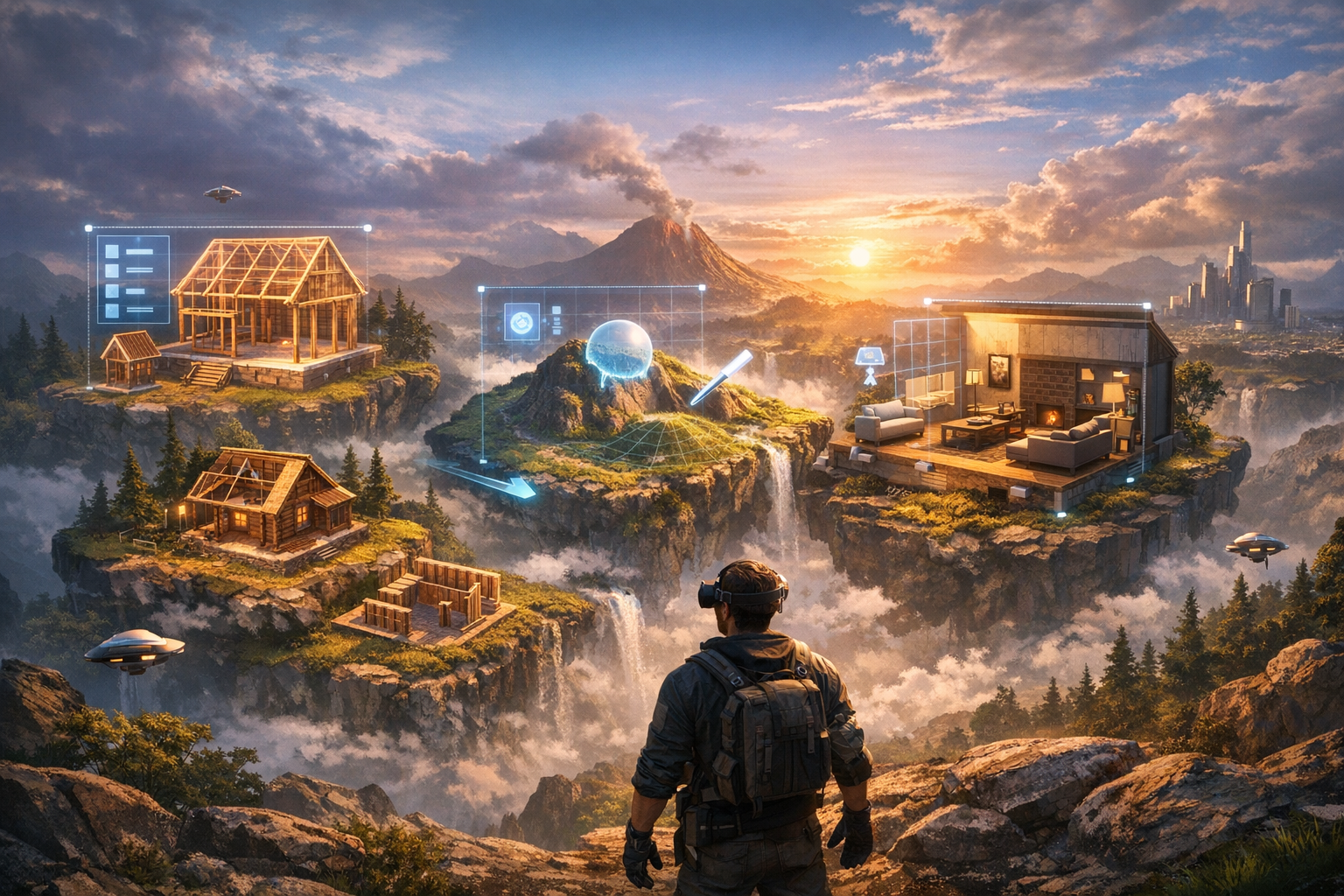
Virtual World Building 101: Everything Beginners Need to Know — experience it now in Alife Virtual
Imagine standing on your own stretch of digital land as the sun glows across a custom-made shoreline, music drifts from a nearby open-air lounge, and friends arrive to explore a space that exists because you built it. That is the magic of world-building inside Alife Virtual, a free 3D virtual world where beginners can go from curious newcomer to proud creator faster than they ever thought possible.
If you have ever dreamed about designing a house in the clouds, shaping rolling hills from flat terrain, creating a fantasy garden, or building a social hangout where people actually gather, this guide is for you. In this beginner-friendly tutorial, you will learn the foundations of building structures, terraforming land, and designing immersive spaces inside a 3D virtual world. Better yet, you will discover why Alife Virtual is one of the most accessible places to start.
Unlike platforms that lock creativity behind expensive fees or complicated barriers, Alife Virtual gives new users an incredible launchpad: a FREE private island for one month with 65,536 sqm of space, 10,000 prims for building, a FREE full-body mesh avatar with custom outfits, and a welcoming community of 1,148,000+ members. You do not need a VR headset. You do not need elite design experience. You just need a desktop computer, a little imagination, and the desire to make something unforgettable.
What Building in a 3D Virtual World Actually Feels Like
For beginners, the phrase “virtual world building” can sound technical. In reality, it feels surprisingly alive, creative, and personal. You are not just placing digital objects on a grid. You are shaping atmosphere, emotion, and experience.
Picture yourself arriving on an empty island. At first, it is a blank canvas: wide land, open sky, water stretching toward the horizon. Then you begin. You raise a hill here. Smooth out a path there. Add a platform for a beach house. Set trees along the edge of a cliff. Place lights that glow warmly at sunset. Drop in a deck, some furniture, and a firepit. Suddenly, what was empty becomes a destination.
The sensory side of this process is what hooks people. In a well-designed virtual space, you notice:
- The visual rhythm of buildings, landscape, and color
- The way lighting changes the mood from day to night
- The layout of gathering spaces that naturally invite conversation
- The flow of movement as avatars walk, dance, explore, or relax
- The social energy when friends arrive and react to what you created
Building is not only about architecture. It is also about storytelling. A cozy mountain cabin tells one story. A futuristic club suspended over water tells another. A shopping plaza, roleplay city, wedding venue, classroom, gallery, or fantasy forest each creates its own emotional world.
And because Alife Virtual is social by design, your creations do not sit there unused. People can visit, hang out, attend events, shop, roleplay, learn, and connect inside spaces you design. That is where this becomes more than decoration. It becomes lived experience.
How Alife Virtual Makes Beginner Building Possible
One of the biggest reasons beginners give up on virtual building is that some platforms make the first steps expensive, confusing, or technically intimidating. Alife Virtual removes much of that friction and gives creators the tools, land, and support they need to begin with confidence.
A Free Private Island Gives You Room to Learn
New creators need space to experiment, and Alife Virtual delivers that in a huge way. You can get a FREE private island for one month, with a full 65,536 sqm region and no monthly fees during that period. That means you can test layouts, practice terraforming, build homes, create venues, and learn by doing without worrying that every mistake costs money.
For context, Second Life charges $300/month for the same region size. Alife gives beginners the kind of freedom that most platforms place behind a premium wall.
10,000 Prims for Real Creative Freedom
In many virtual worlds, builds are limited by object count. In Alife Virtual, you get 10,000 prims to work with on your island. Prims are basic building units used to create structures, decor, platforms, walls, furniture, signs, and more. For a beginner, 10,000 prims is more than enough to create a meaningful project while learning how efficient design works.
Familiar Tools Through Firestorm Viewer
Alife Virtual uses the Firestorm Viewer, the same viewer widely used in Second Life. If you have ever watched a Second Life building tutorial, many of the core interface ideas will feel familiar. If you are completely new, that is good news too: Firestorm is a powerful, well-known desktop viewer with extensive features and a large knowledge base behind it.
Because Alife works on any desktop, you can start creating without a VR headset. That makes it dramatically more accessible for everyday users who want immersive 3D world-building without investing in extra hardware.
Full LSL Scripting Support
Once you are comfortable building static spaces, the next exciting step is interactivity. Alife Virtual includes full LSL scripting support, allowing creators to add movement, effects, behavior, and function to objects. Doors can open. Lights can switch on. Teleport pads can transport visitors. Vendors can sell products. Games and interactive scenes can come to life.
For a beginner, scripting may sound advanced, but the important thing is this: you can grow into it. Alife Virtual does not trap you in basic decoration. It gives you the same creative ladder that experienced builders use.
Free Daily Classes and a Helpful Community
Perhaps the most beginner-friendly feature of all is the learning environment. Alife Virtual offers free daily classes in:
- Building
- Scripting
- Fashion
- Business
That means if you do not know how to rez an object, texture a wall, terraform terrain, or script a simple interaction, you do not have to figure it out alone. You can learn directly from experienced residents and creators who understand the platform.
Instant Spaces for People Who Want a Head Start
Not everyone wants to build every surface from scratch right away. If your dream is to host guests, launch a venue, or move into a gorgeous region quickly, Alife Virtual also offers pre-made furnished sims from $20/month that are ready to use immediately. This gives beginners two excellent paths: start from zero and learn everything, or begin with a polished foundation and customize as you go.
Why Alife Virtual Beats Second Life, IMVU, and VRChat for Beginner World-Building
| Platform | Best For | Beginner Building Value | Cost Advantage |
|---|---|---|---|
| Alife Virtual | Full-scale world-building, social spaces, creative freedom | Excellent: land, prims, scripting, classes, desktop access | FREE private island for one month; same region size that costs $300/month in Second Life |
| Second Life | Large creator ecosystem | Strong tools but expensive for region ownership | Same region size can cost $300/month |
| IMVU | Avatar chat and catalog-based room styling | Limited compared to full land terraforming and prim-based building | Less suited for deep custom world creation |
| VRChat | Immersive social hangouts, often with VR focus | Powerful for custom worlds, but more technical and often less beginner-friendly | Usually requires external creation workflow; VR identity is central |
Alife Virtual vs Second Life
The biggest difference is value. If your dream is owning a full region to build on, Alife Virtual is dramatically more accessible. A free 65,536 sqm island for one month gives new creators the chance to experiment without pressure, while a comparable region in Second Life can cost $300/month. Since Alife uses Firestorm Viewer, the environment will also feel comfortably familiar to users who know the broader metaverse building ecosystem.
Alife Virtual vs IMVU
IMVU is fun for socializing and avatar styling, but it is not built around the same kind of large-scale land editing and structure creation. If you want to terraform land, manage prim budgets, create walkable environments, and build entire experiences, Alife offers much more depth and freedom.
Alife Virtual vs VRChat
VRChat can be exciting, especially for users interested in immersive social spaces, but building there often involves more external tools and a steeper technical path. Alife Virtual keeps creation inside a desktop-friendly environment, with no VR headset required and with platform-native systems that support beginners more directly.
Step-by-Step: How to Start Building in Alife Virtual
If you are ready to go from dreamer to builder, here is a simple beginner roadmap.
Step 1: Sign Up and Download the Viewer
Go to https://www.alifevirtual.com and create your account. Once registered, download and install the Firestorm Viewer. Since Alife works on any desktop, you can log in from your computer without needing a VR setup.
Step 2: Set Up Your Avatar
Before you build, you will want to feel at home in the world. Alife Virtual includes a FREE full-body mesh avatar with custom outfits, so you can look polished from day one. This is not just cosmetic. Feeling confident in your avatar makes it easier to explore classes, meet people, and present your builds proudly.
Step 3: Claim Your Free Island
Take advantage of the FREE private island offer. With 65,536 sqm of land and 10,000 prims, you will have the ideal learning environment. Walk the region and imagine what kind of space you want to create first:
- A modern home
- A fantasy castle
- A beach club
- A photo studio
- A shop or market area
- A roleplay village
- A garden retreat
Step 4: Learn Basic Camera and Build Controls
Spend time learning how to move your camera, zoom, pan, and rotate. Then practice the core actions of building:
- Rez an object
- Resize it
- Move it into position
- Rotate it
- Apply a texture
- Duplicate it
These few actions are the foundation of almost everything you will create. A house is just a collection of well-placed parts. A venue is a combination of platforms, walls, lighting, seating, and decorative details. Start simple and build confidence quickly.
Step 5: Terraform Your Land
Terraforming means shaping the land itself. This is where a blank region begins to feel like a real place. As a beginner, try small changes first:
- Raise ground for a hilltop home
- Lower land for a pond or sunken garden
- Smooth rough surfaces for pathways
- Create slopes instead of harsh edges
- Design beach areas, cliffs, or terraces
Good terraforming gives your build personality. It also affects how visitors move through your space. A gently winding trail feels inviting. A dramatic cliff creates visual impact. A layered landscape can make even a simple house feel cinematic.
Step 6: Build Your First Structure
For your first build, keep it manageable. A starter pavilion, one-room cabin, or outdoor lounge is perfect. Focus on:
- A clean floor plan
- Walls and roof proportions that feel balanced
- Textures that match your theme
- Windows, doors, and open views
- Lighting for atmosphere
Do not chase perfection on day one. Your goal is to complete something usable and attractive. Every finished build teaches more than ten abandoned experiments.
Step 7: Design the Experience, Not Just the Object
This is where beginners level up. Ask yourself: what should visitors do here?
If it is a lounge, add seating clusters that encourage conversation. If it is a garden, create scenic paths and photo spots. If it is a shop, make navigation easy and signage clear. If it is a club, think about stage placement, dance space, and lighting effects.
Strong virtual design is about how a person feels moving through the environment.
Step 8: Add Interaction with Scripts
Once your basic space is in place, experiment with simple LSL scripts. Start with beginner-friendly interactions:
- Clickable doors
- Lights that turn on and off
- Seat poses
- Teleport signs
- Greeting messages
This transforms your build from static scenery into a living space.
Step 9: Attend Free Classes
If you hit a wall, Alife Virtual’s free daily classes are one of your best resources. Building classes can help with layout, object manipulation, and texturing. Scripting classes help you add functionality. Fashion and business classes are especially useful if your build will support a brand, event space, or store.
Step 10: Invite People In
The best part of building in a virtual world is sharing what you made. Invite friends, host a gathering, ask for feedback, and keep refining the space. Building in Alife is not a one-time project. It is a creative journey shaped by interaction.
Beginner Design Tips That Make a Big Difference
- Start with one idea: “beach house,” “forest café,” or “sky lounge” is easier than trying to build everything at once.
- Use consistent textures: Too many mismatched materials can make a build feel chaotic.
- Leave open space: Crowding every corner makes movement awkward.
- Think in layers: Land shape, structures, furniture, lighting, and decor should support one another.
- Design for screenshots: Beautiful angles help people share and remember your space.
- Watch your prim use: 10,000 prims is generous, but efficient building is a smart habit.
Community Spotlight: What Alife Residents Are Creating
One of the most inspiring things about joining Alife Virtual is seeing what real residents have done with the tools available to them. Across the platform, builders and dreamers are turning blank regions into places that feel rich with story and purpose.
Some players have created elegant private homes surrounded by landscaped gardens and waterfront decks. Others have built romantic venues for weddings and special events, complete with custom arches, seating areas, and dance floors lit by floating lanterns. Entrepreneurs have launched boutiques, beauty spaces, and social clubs that welcome visitors daily.
Roleplay fans have shaped entire themed districts, from urban neighborhoods to fantasy-inspired hideaways. Creative educators have used land for teaching environments where newcomers learn building, scripting, and styling in a hands-on setting. There are also users who start with pre-made furnished sims from $20/month and then transform them into unique brands, entertainment spaces, or personal dream homes.
In Alife Virtual, people do not just rent space. They shape identity, create memories, and build places where community happens.
That is what makes the platform special for beginners. You are not entering an empty technical sandbox. You are joining a living ecosystem of over 1,148,000+ members where creativity is visible everywhere.
Frequently Asked Questions
1. Is Alife Virtual really free for beginners?
Yes. Alife Virtual offers a FREE private island for one month, giving you 65,536 sqm of space with no monthly fees during that period. You also get a FREE full-body mesh avatar with custom outfits, making it one of the most beginner-friendly entry points in virtual world building.
2. Do I need a VR headset to build or explore?
No. Alife Virtual works on any desktop and does not require a VR headset. You access the world through the Firestorm Viewer, which makes it easy to build, terraform, and socialize from a regular computer.
3. What can I build with 10,000 prims?
A lot. With 10,000 prims, beginners can create homes, clubs, gardens, stores, venues, and themed environments. Careful planning lets you build richly detailed spaces while still staying within your prim budget.
4. Is scripting too advanced for a complete beginner?
Not at all. Alife Virtual supports full LSL scripting, so you can begin with simple interactive features and grow over time. The platform’s free daily scripting classes make the learning curve much easier.
5. Why choose Alife Virtual over Second Life for building?
The biggest reason is value. Alife gives you a FREE full region for one month, while Second Life charges $300/month for the same region size. Since both use the Firestorm Viewer, Alife offers familiar building workflows with much lower financial pressure for beginners.
Your Dream World Starts with One Build
Every stunning virtual estate, atmospheric venue, scenic roleplay district, and memorable social hangout begins the same way: with someone opening a blank space and deciding to create. If you have been waiting for the right moment to try building in a 3D virtual world, this is it.
Alife Virtual makes the journey refreshingly achievable. You get the land. You get the tools. You get the avatar. You get the classes. You get the community. Most importantly, you get the freedom to experiment without the crushing cost that stops so many beginners before they begin.
Whether you want to build a peaceful private retreat, a lively business space, a dramatic fantasy world, or simply learn the basics of terraforming and design, Alife Virtual gives you a real chance to step into that dream and live it.
Ready to claim your space and start building? Visit https://www.alifevirtual.com and discover how far your imagination can go in a free 3D virtual world designed for creators.
🎁 Ready to Live This Experience?
Claim your FREE island in Alife Virtual and start today!
Claim Your Free Island Now →No credit card required · Takes 2 minutes · for one month free