Most Popular 1,148,000+ Users

Download Firestorm Viewer
Your Second Life Awaits You

The most powerful and feature-rich viewer for Alife Virtual. Professional-grade graphics, advanced building tools, built-in animation overrider, and mesh support. Experience virtual worlds like never before.

Windows 10/11 • macOS • Linux

Why Firestorm is the Best Choice

Professional features that make virtual worlds come alive

Stunning Graphics

Advanced rendering engine with shadows, reflections, atmospheric effects, and deferred rendering. Experience Alife Virtual in breathtaking detail with ultra-realistic graphics.

Built-in Animation Overrider

No need to buy AO HUDs. Firestorm includes a professional animation system built-in. Smooth walking, standing, sitting animations right out of the box.

Advanced Building Tools

Professional creation suite with mesh upload, texture tools, precision alignment, and advanced editing. Build complex structures with ease.

Enhanced Communication

Advanced chat features, conversation tabs, typing indicators, chat history, and group chat management. Stay connected with your community.

Photography & Machinima

High-resolution snapshots, depth of field controls, custom lighting, and video recording. Capture your virtual moments in stunning quality.

Optimized Performance

Better FPS, reduced lag, efficient memory usage, and fast loading times. Smooth experience even in crowded events and complex regions.

See Firestorm in Action

Watch how Firestorm transforms your Alife Virtual experience with professional-grade features and stunning visual quality.

Featured in This Video:
  • Advanced graphics rendering
  • Avatar customization tools
  • Building and creation interface
  • Social features and chat
  • Photography controls

System Requirements

Make sure your computer meets these specifications

Minimum Requirements

Operating System:
Windows 10 (64-bit) macOS 10.13+ Ubuntu 18.04+
Processor: Intel Core i3 / AMD equivalent (2.5 GHz)
Memory: 4 GB RAM
Graphics: NVIDIA GeForce GTX 650 / AMD Radeon HD 7750
Storage: 2 GB available space
Internet: Broadband connection (5 Mbps+)

Recommended Specs

Operating System:
Windows 11 (64-bit) macOS 13+ Ubuntu 22.04+
Processor: Intel Core i5/i7 / AMD Ryzen 5/7 (3.0+ GHz)
Memory: 8-16 GB RAM
Graphics: NVIDIA GTX 1060 / AMD RX 580 (4GB+ VRAM)
Storage: 5 GB available space (SSD recommended)
Internet: Broadband connection (10+ Mbps)

Experience Alife Virtual in Stunning Detail

Screenshots from real users using Firestorm
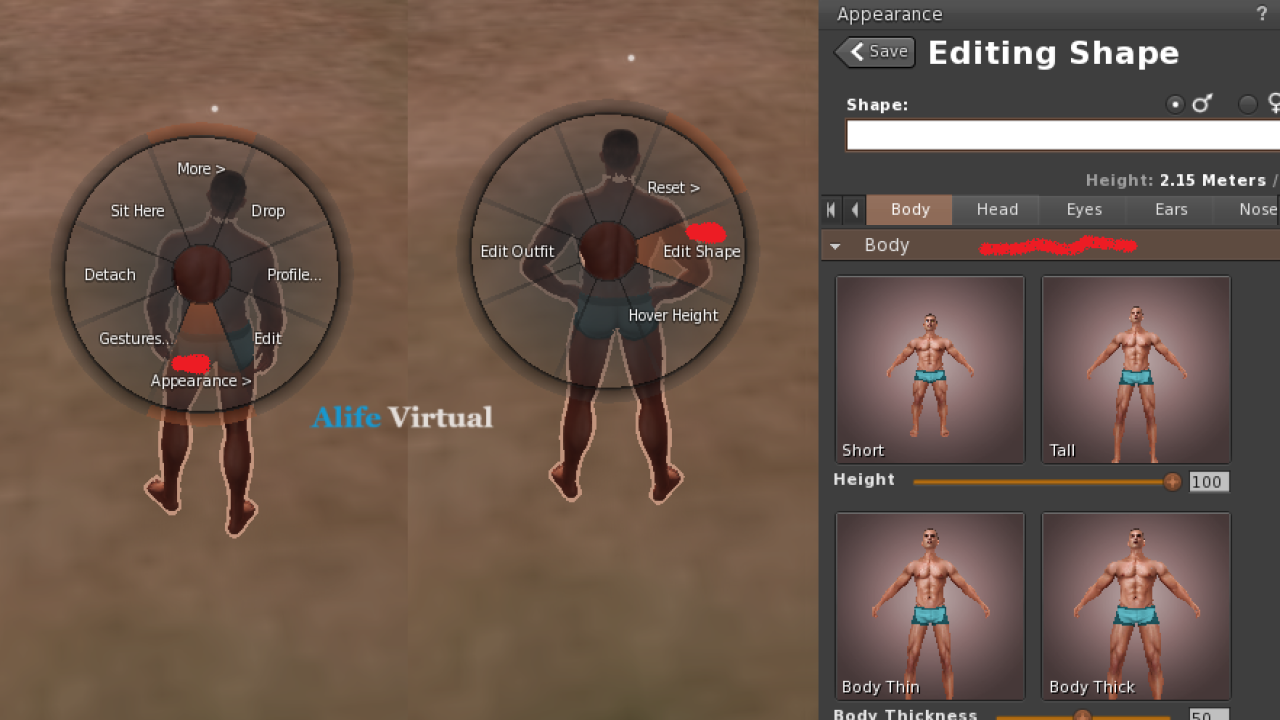
Avatar customization in Firestorm

Avatar Customization

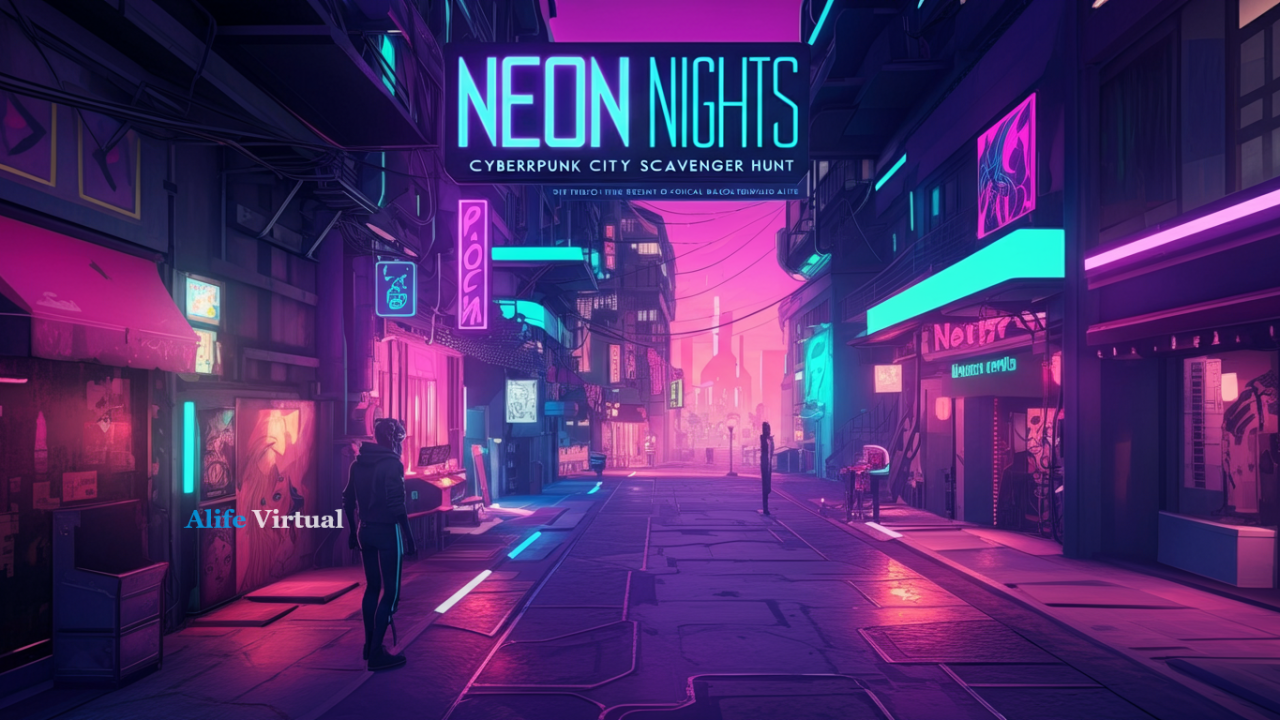
Cyberpunk city in Firestorm

Stunning Worlds

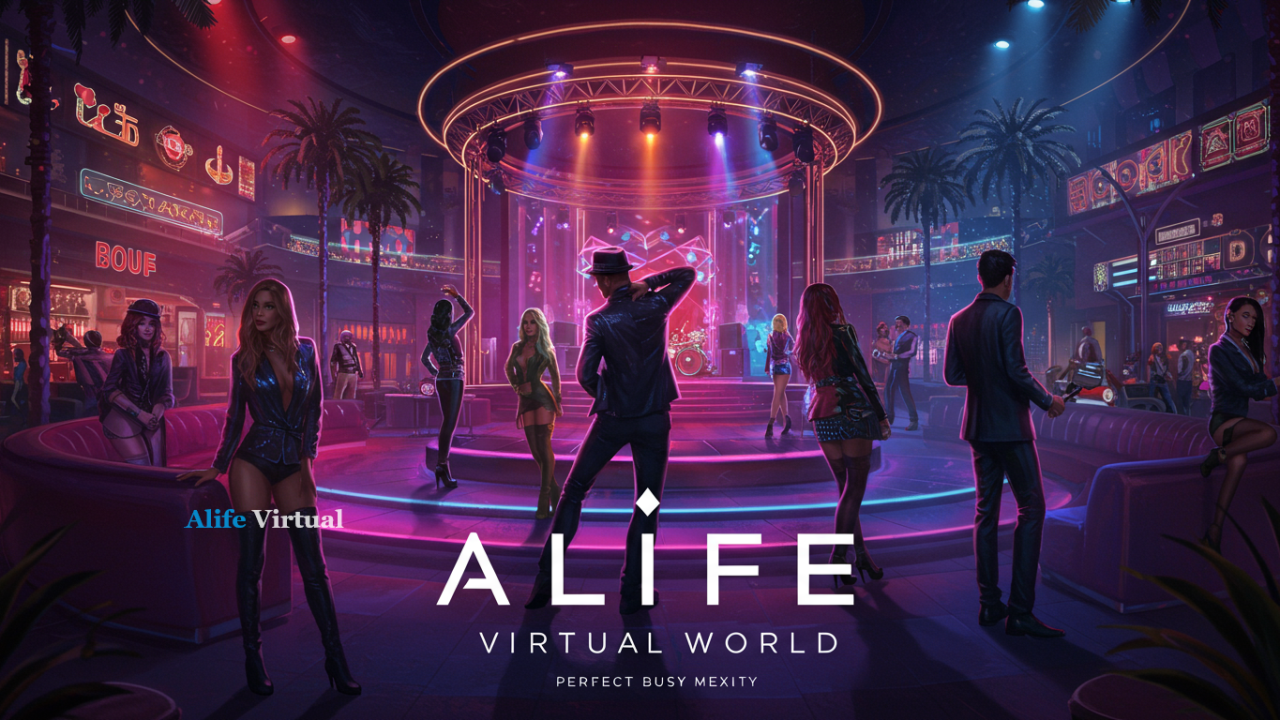
Nightclub party in Firestorm

Social Events

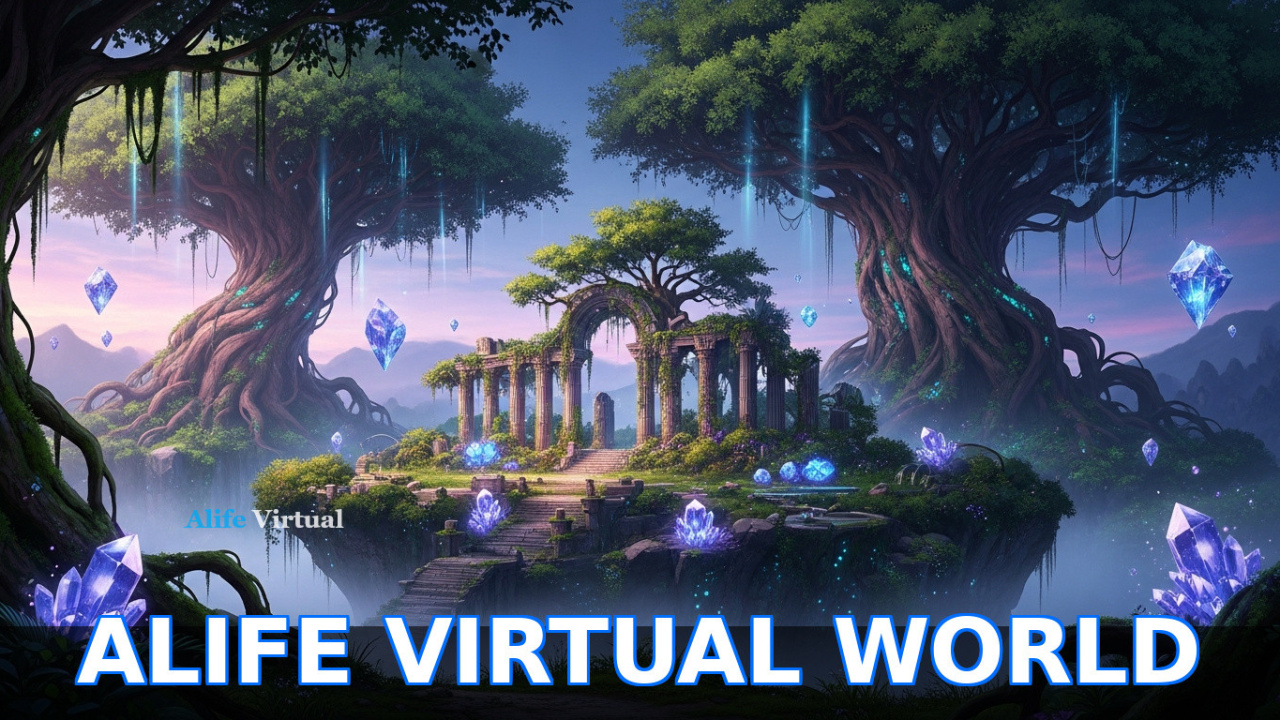
Ancient temple exploration

Explore Ancient Ruins

Fashion boutique shopping

Shopping Experience

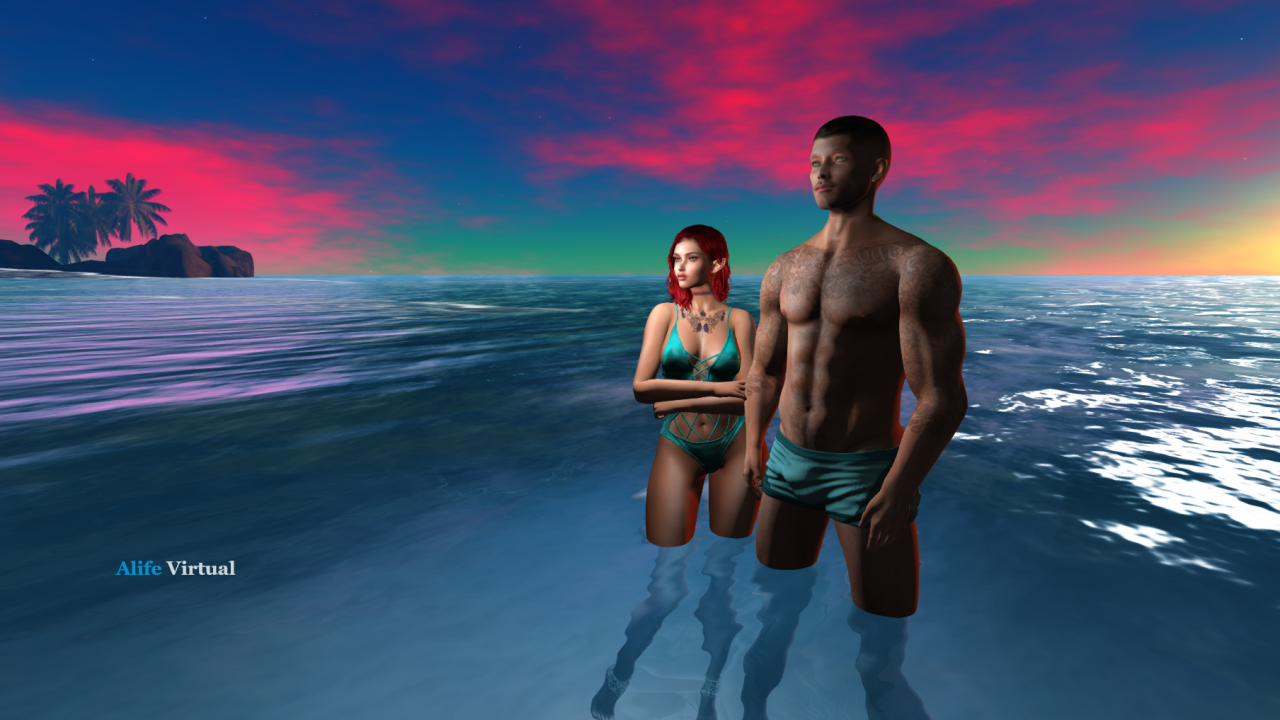
Tropical beach paradise

Tropical Paradise

Quick Start Guide

Get started with Firestorm in 5 easy steps

1

Download Firestorm

Visit Firestorm's official website and download the version for your operating system (Windows, Mac, or Linux).

2

Install the Viewer

Run the installer and follow the on-screen instructions. Accept defaults for best performance. Installation takes 2-3 minutes.

3

Add Alife Grid

Open Preferences → Grid → "Add New Grid". Enter grid URI: hg.alifevirtual.com:8002

4

Create Account

If you don't have an Alife Virtual account yet, create one for free. Takes less than 2 minutes. No credit card required.

5

Login & Explore

Enter your username and password, click Login. You'll arrive at Welcome Center. Your adventure begins now!

Get Help

Need assistance? Check our detailed guides or ask in-world community members. Everyone is friendly and happy to help!

Common Issues & Solutions

Quick fixes for common problems

Can't Connect to Grid

Solution:

  • Verify grid URI is exactly: hg.alifevirtual.com:8002
  • Check internet connection
  • Disable VPN/proxy temporarily
  • Add Firestorm to firewall exceptions
Low Frame Rate / Lag

Solution:

  • Preferences → Graphics → Set to "Mid" preset
  • Reduce draw distance to 128-256m
  • Disable shadows and reflections
  • Update graphics drivers
Avatar Looks Wrong

Solution:

  • Wait for textures to load (30-60 seconds)
  • Right-click avatar → Refresh Textures
  • Clear cache: Preferences → Network & Cache → Clear Cache
  • Rebake textures: Avatar → Rebake Textures
Viewer Crashes

Solution:

  • Update to latest Firestorm version
  • Reduce graphics settings
  • Disable unnecessary plugins
  • Check minimum system requirements

Still need help?

Contact Support

Your Second Life Awaits You

Download Firestorm now and experience Alife Virtual with the most powerful viewer available. Join 1,148,000+ users already exploring virtual worlds in stunning detail.

FREE
Download
3
Platforms
1,148,000+
Users
4.8★
Rating