Firestorm Viewer for Windows
Compatible with Windows 11, Windows 10, Windows 8, and Windows 7
- 64-bit version (Recommended for modern PCs)
- 32-bit version (For older systems)
- Optimized performance and graphics
- Full Alife Virtual and Second Life support
Firestorm Viewer for Mac
For macOS 10.15 (Catalina) and newer
- Universal build for Intel and Apple Silicon
- Optimized for macOS performance
- Full Retina display support
- Touch Bar integration
Firestorm Viewer for Linux
For Ubuntu, Debian, Fedora, and other distributions
- 64-bit builds available
- Works on most modern distributions
- AppImage format for easy installation
- Community-supported packages
Explore Alife Virtual - Your FREE World Awaits
See what you'll experience with your FREE avatar and island


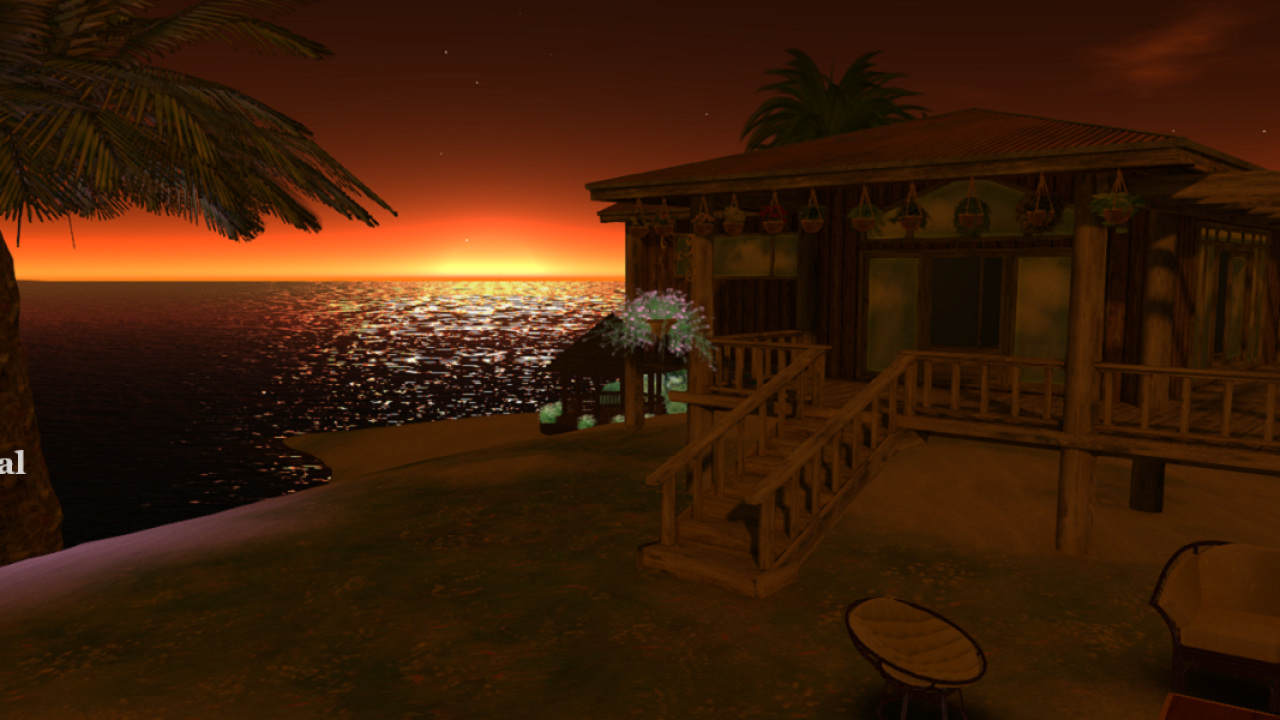


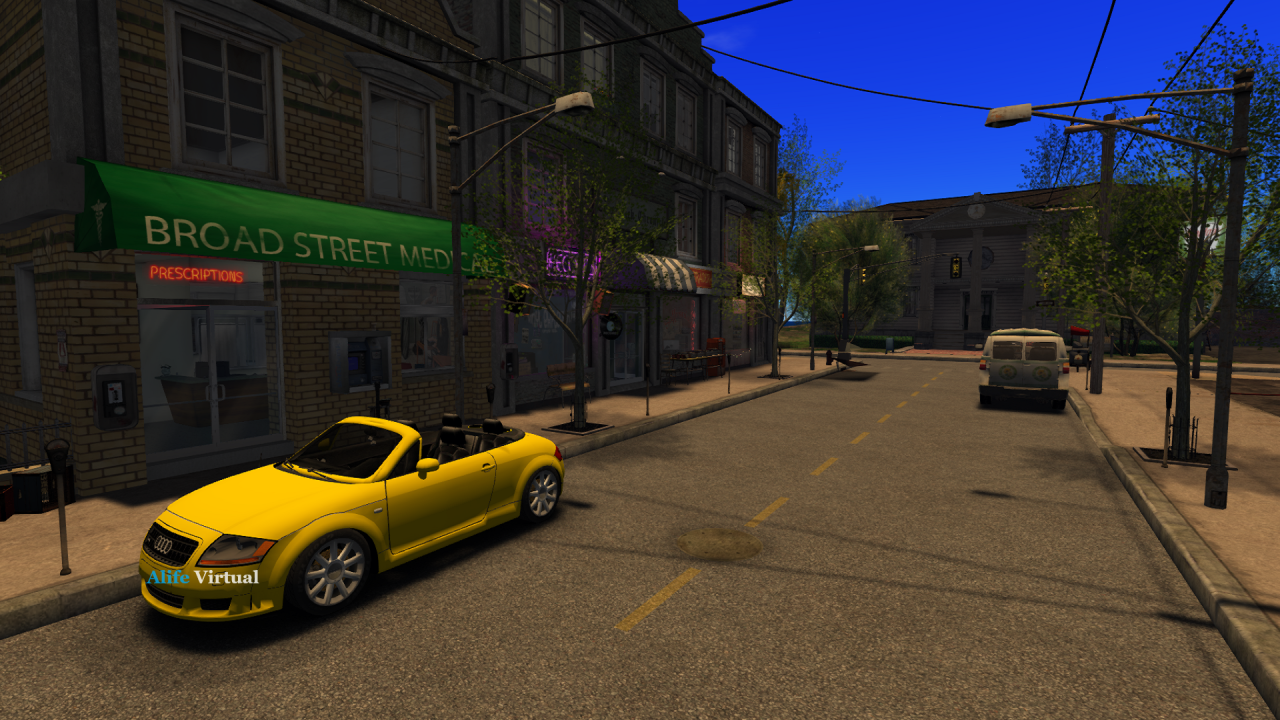
Claim Your FREE Avatar & Island
No credit card • Instant access • 100% FREE for one month
Why Choose Firestorm Viewer?
High Performance
Optimized rendering engine for smooth graphics even on lower-end systems
Advanced Features
Built-in AO, mesh support, windlight, and hundreds of quality-of-life improvements
Community Driven
Open source project with millions of users and active development
System Requirements
Minimum Requirements
- Windows 7 or later / macOS 10.15+ / Linux 64-bit
- 2 GHz processor
- 4 GB RAM
- Graphics card with 512 MB VRAM
- 2 GB free disk space
- Broadband internet connection
Recommended Specifications
- Windows 10/11 64-bit / macOS 12+ / Ubuntu 22.04+
- Intel i5/AMD Ryzen 5 or better
- 8+ GB RAM
- NVIDIA GTX 1060 / AMD RX 580 or better
- 5 GB free disk space (for cache)
- 50+ Mbps internet
How to Install Firestorm Viewer
- Click the "Download 64-bit" button above (or 32-bit for older systems)
- Wait for the .exe installer to download completely
- Double-click the downloaded file to run the installer
- Follow the on-screen prompts and accept the license agreement
- Choose your installation directory (default is recommended)
- Wait for installation to complete
- Launch Firestorm from your desktop or Start menu
- Enter your Alife Virtual or Second Life credentials to log in
Tip: Windows may show a SmartScreen warning. Click "More info" and "Run anyway" to proceed.
- Click the "Download for Mac" button above
- Open the downloaded .dmg file
- Drag the Firestorm icon to your Applications folder
- Go to Applications and right-click Firestorm, select "Open"
- Click "Open" on the security prompt (first launch only)
- Enter your virtual world credentials to log in
Mac Security Note: You may need to allow Firestorm in System Preferences > Security & Privacy.
- Download the Linux version (AppImage or tar.bz2)
- For AppImage: Make it executable with
chmod +x Firestorm*.AppImage - Run with
./Firestorm*.AppImage - For tar.bz2: Extract and run the firestorm script
- Install required libraries if prompted
Dependencies: You may need to install libfontconfig, libgl1, and gstreamer packages.
Frequently Asked Questions
Yes! Firestorm Viewer is 100% free and open source. There are no hidden costs, subscriptions, or premium versions. You can download and use it indefinitely at no charge.
Absolutely! Firestorm is the recommended viewer for Alife Virtual. It's fully compatible with Alife Virtual grids like Alife Virtual and provides the best experience. Simply select "Alife Virtual" from the grid manager when logging in.
The 64-bit version can use more RAM and generally performs better on modern computers. Download 64-bit if your PC was made after 2010. Use 32-bit only if you have an older system or limited RAM (4GB or less).
We have a complete guide! Check out our Firestorm Best Settings Guide for step-by-step optimization instructions for your system.
Yes! Firestorm is developed by a trusted open-source community and has been used by millions of people since 2011. Always download from the official firestormviewer.org website or our download page to ensure you get the legitimate version.
Yes! Firestorm Viewer is fully compatible with Windows 11. The latest versions are optimized for Windows 11's interface and performance features. Download the 64-bit version for best results.
Helpful Guides for Firestorm Users
Ready to Start Your Virtual Adventure?
Download Firestorm now and join Alife Virtual - the free 3D metaverse!
Create Free Account All Downloads