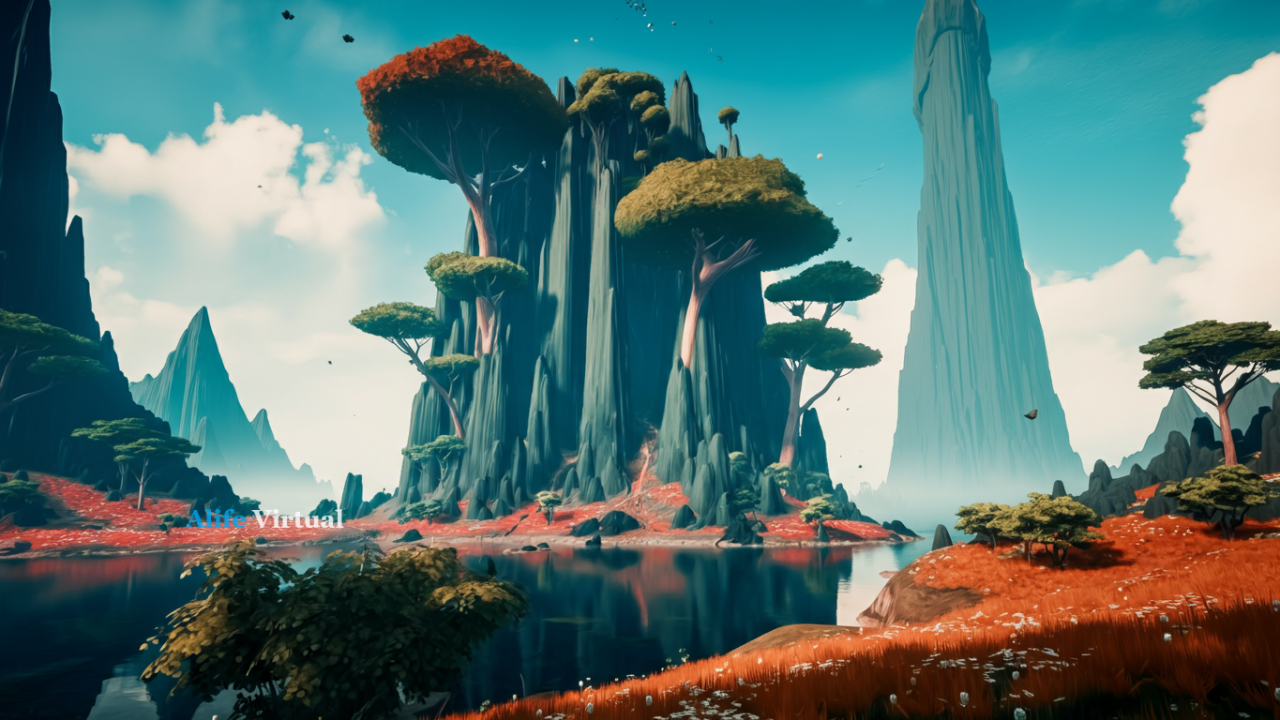
Firestorm Viewer Grid List:
Add Alife Virtual (Free Island!)

Step-by-step guide to connect Firestorm Viewer to Alife Virtual and claim your FREE 256×256m island + $1000 shopping bonus!

Why Alife Virtual is the Best Grid for Firestorm Users

The #1 free OpenSim grid with the most generous free offerings in 2026

FREE 256×256m Island

Get your own private region (65,536 sqm) absolutely FREE. Same size costs $110/month in Second Life!

Unlimited FREE Uploads

Upload meshes, textures, animations - no fees! In SL each upload costs L$10 (≈$0.04 USD).

$1000 Coins Bonus

New users get 1000 coins for shopping, avatar customization, and exploring the marketplace!

1.1M+ Users

Active community

10,000 Prims

Per free island

LSL Compatible

Your SL scripts work

No Credit Card

100% free forever

Club Paradise Live Now
LIVE NOW
Club Paradise

DJ spinning live beats right now!

487 partying

Casino Royale Live Now
PLAY NOW
Casino Royale

High-stakes gaming happening!

342 playing
Speed Circuit Live Now
RACING NOW
Speed Circuit

Adrenaline racing action!

219 racing

Motorcycles Racing Club Live Now
RACING NOW
Motorcycles Club

High-speed motorcycle racing action!

156 racing

Fashion Club Live Now
LIVE NOW
Fashion Club

Runway shows and style competitions!

284 styling

Fishing Club Live Now
FISHING NOW
Fishing Club

Peaceful fishing and relaxation!

172 fishing
Register And Explore All Games Now!

20+ immersive roleplay experiences • New games added regularly • Play solo or with friends

How to Add Alife Virtual to Your Firestorm Grid List

Follow these simple steps to connect and claim your free island in under 5 minutes

Step 1

Download Firestorm Viewer

First, you need the Firestorm Viewer installed on your computer. Download the latest version for your operating system.

  • Windows: Windows 10, 11 (64-bit)
  • Mac: macOS 10.14+ (Intel & Apple Silicon)
  • Linux: Ubuntu 18.04+ compatible
Download Firestorm Viewer
Firestorm Viewer Download
Step 2

Open Grid Manager in Firestorm

Launch Firestorm Viewer. At the login screen, you'll see a dropdown menu that says "Second Life" or shows the current grid.

Tip: The Grid Manager is located in the top-left corner of the Firestorm login window. Click the dropdown arrow next to the grid name.
  1. Click on the Grid dropdown menu
  2. Select "Grid Manager" from the list
  3. The Grid Manager window will open
Firestorm Grid Manager
Step 3

Add Alife Virtual Grid

Now you'll add Alife Virtual to your list of available grids. This is where you enter our grid connection details.

Alife Virtual Grid Information

Grid Name: Alife Virtual

Login URI: www.alifevirtual.com:8002

Copy these details exactly as shown

  1. In Grid Manager, click "Add" or "Add Grid"
  2. Enter Grid Name: Alife Virtual
  3. Enter Login URI: www.alifevirtual.com:8002
  4. Click "Apply" then "OK"
Add Grid to Firestorm
Step 4

Create Your Free Account

Select Alife Virtual from the grid dropdown. You'll see options to login or create a new account.

  • Select "Alife Virtual" from the grid dropdown
  • Click "Create Account" button
  • Fill in registration form with your details
  • Choose your avatar (male or female starter)
Bonus Alert! New accounts automatically receive a FREE 256×256m island + $1000 shopping coins!
Create Free Account
Step 5

Login and Claim Your Free Island!

Congratulations! You're ready to enter Alife Virtual. Login with your new credentials and claim your rewards.

What You Get FREE:
  • 256×256m Private Island (65,536 sqm)
  • 10,000 Prims building allowance
  • Custom Avatar fully customizable
  • $1000 Shopping Coins bonus
  • Unlimited Uploads meshes, textures, sounds
  • Voice Chat enabled
  • No Monthly Fees ever!
Start Your Journey Now - It's FREE!
Free Island Waiting

Why Choose Alife Virtual Over Other Firestorm Grids?

Compare what you get with other popular OpenSim grids in 2026

Feature Alife Virtual Second Life Other Free Grids
Private Island (256×256m) FREE Forever $110/month Limited or unstable
Upload Fees (Mesh/Texture) $0 (Unlimited) L$10 each (~$0.04 USD) Varies, often limited
Prim Allowance 10,000 prims 15,000 ($110/mo tier) 1,000-5,000 prims
Sign-up Bonus $1000 Coins None None or minimal
Active Users 1.1M+ users 600K+ users 100-10K users
LSL Script Compatibility 99% 100% (native) 70-90%
Voice Chat Included FREE Included Often not available
Credit Card Required NO Yes (for premium) Usually no

Frequently Asked Questions

Everything you need to know about adding Alife Virtual to Firestorm

Yes! Alife Virtual is 100% compatible with all versions of Firestorm Viewer (6.0+). We use the OpenSimulator platform, which is the same technology Second Life uses, ensuring full compatibility with Firestorm.

While you cannot directly transfer your Second Life avatar, you can upload your mesh body, skins, and clothing to Alife Virtual for FREE (unlimited uploads). In SL, each upload costs L$10. Here you pay nothing!

Your free island is yours FOREVER. There are no monthly tier fees, no expiration dates, and no hidden costs. As long as you login at least once every 60 days, your island remains active and yours to build on.

Yes! Alife Virtual has 99% LSL compatibility. Most scripts written for Second Life work without any modifications. We support all standard LSL functions, including llHTTPRequest, llSensor, llDialog, and more.

Absolutely! You can use any OpenSim-compatible viewer including Singularity, Alchemy, Cool VL Viewer, and more. However, we recommend Firestorm for the best experience with all features fully supported.

Ready to Join 1.1 Million Users?

Add Alife Virtual to your Firestorm grid list and claim your FREE island + $1000 bonus today!

Claim My FREE Island Now

No credit card required • No monthly fees • No hidden costs • 100% FREE forever