Metaverse Events: From Concerts to Conferences
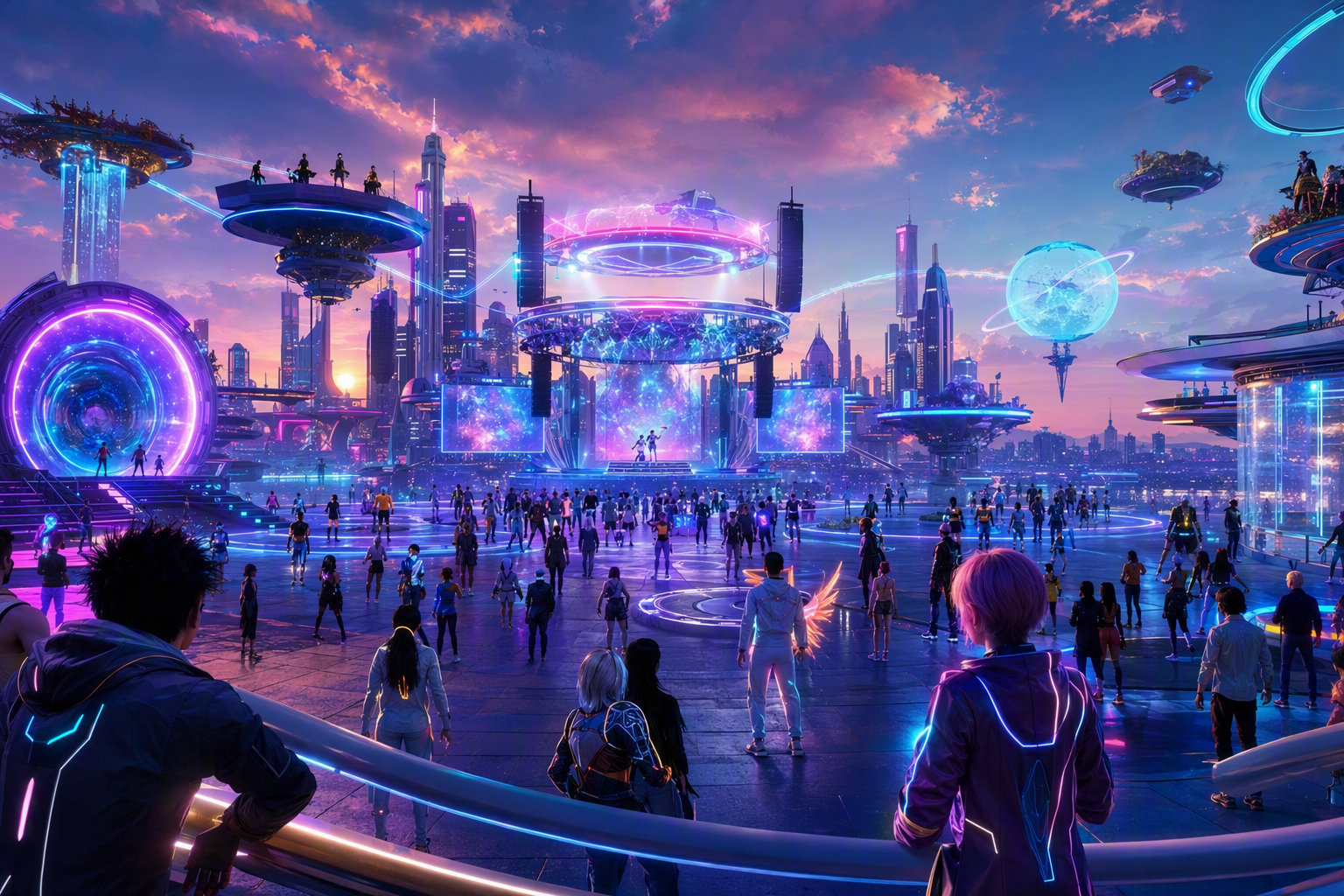
Metaverse Events: From Concerts to Conferences — Free class in Alife Virtual School
Large-scale experiences are one of the biggest reasons people join a metaverse platform. A live concert can create community overnight. A virtual conference can attract a global audience without travel costs. A product launch can turn a digital crowd into real sales. A wedding or community celebration can become a meaningful shared memory. In this class, Metaverse Events: From Concerts to Conferences, you will learn how to plan, build, promote, and run high-impact events inside Alife Virtual School and the wider Alife ecosystem—a powerful free 3D world and practical second life alternative for creators, educators, entrepreneurs, and community leaders.
If you have ever wondered how to host a polished music festival, immersive conference, branded launch, or social gathering in a Second Life-style environment, this tutorial gives you the full framework. We will cover strategy, venue design, audience flow, staffing, performance optimization, lsl scripting for interactivity, and attendance growth methods that work inside a creator-first virtual economy. The goal is not just to make your event look impressive. The goal is to make it stable, memorable, and repeatable.
Alife Advantage: Host Bigger Events Without the Usual Metaverse Costs
One of the biggest barriers to event production in many virtual worlds is cost. In some platforms, the monthly price of land alone can make experimentation impossible. Alife Virtual removes that barrier and gives event organisers room to learn, prototype, and scale.
| Feature | Alife Virtual | Typical Competitor Cost |
|---|---|---|
| Private full region | FREE private island | Often around $199/mo in platforms like Second Life |
| Monthly land tier | No monthly tiers/fees | Ongoing monthly charges |
| Uploads | FREE unlimited uploads for textures, mesh, animations, and sounds | Upload fees can accumulate quickly |
| Starter avatar | FREE Pro Mesh Avatar for every member | Often requires extra spending for quality avatars |
| Viewer compatibility | Alife Virtual Firestorm Viewer | Varies by platform |
| Creative economy | 100% free economy | Creation often gated by platform fees |
For event organisers, this changes everything. You can prototype a concert stage, build a conference hall, test signage systems, upload custom branding, and revise your venue repeatedly without worrying about land tier or upload charges. That freedom makes Alife a serious second life alternative for anyone building events at scale.
What You Will Learn
- How to define the purpose, format, and success metrics of a metaverse event
- How to choose the right event type: concert, conference, wedding, launch, or celebration
- How to design a venue for traffic flow, performance, immersion, and accessibility
- How to prepare the technical stack, including media, voice, animation, signage, and
lsl scripting - How to recruit staff and assign roles for smooth event operations
- How to promote your event and grow attendance before, during, and after launch
- How to monetize ethically or support community growth within a
virtual economy - How to troubleshoot lag, crowding, broken media, and audience confusion
- How to turn one successful event into an ongoing series or brand asset
Prerequisites
- Basic comfort navigating a metaverse platform and using inventory, teleport, and camera controls
- Basic building knowledge, including placing objects and editing position, rotation, and scale
- A venue space in Alife Virtual, ideally private islands from $10/mo or event parcel
- Firestorm viewer installed and configured
- Optional but recommended: familiarity with media streams, notecards, group notices, and simple
lsl scripting
Step-by-Step Tutorial: Planning and Executing Large-Scale Metaverse Events
Step 1: Define the Event Outcome Before You Build Anything
Most event failures begin with a vague goal. “We want a cool event” is not enough. Decide what success means in measurable terms.
Examples:
- Concert: 150 attendees, 60-minute average dwell time, social screenshots shared after the show
- Conference: 8 speakers, 3 breakout areas, 70% session attendance retention
- Product launch: 100 demo interactions, 30 signups, strong brand recall
- Wedding: seamless ceremony timing, private guest access, high emotional immersion
- Community celebration: easy participation, games, photo areas, repeat engagement
Create a simple event brief with these fields:
- Event name
- Event type
- Target audience
- Expected attendance
- Duration
- Technical requirements
- Promotional channels
- Staff roles
- Success metrics
Step 2: Choose the Right Format for Your Audience
Different event formats require different spatial and technical decisions.
- Concerts and festivals: prioritize stage visibility, audio/media synchronization, crowd zones, dance spaces, and visual spectacle
- Conferences: prioritize seating, slide visibility, breakout rooms, speaker transitions, and clear schedules
- Product launches: prioritize branding, demo stations, guided walkthroughs, and call-to-action areas
- Weddings: prioritize emotional atmosphere, procession flow, photography spots, and private guest access
- Community celebrations: prioritize participation, games, gifts, easy movement, and low confusion
At intermediate level, your design choice should always answer one question: what action should the visitor take when they arrive?
Step 3: Build the Venue Around Audience Flow
In a free 3D world, visitors can cam around, teleport unexpectedly, and arrive from different directions. That means event design must guide attention better than a physical venue would.
Your venue should include:
- Landing zone: a clean arrival point with welcome signage and low clutter
- Orientation area: schedule board, instructions, teleport links, and help desk
- Main experience zone: stage, auditorium, ceremony area, or launch platform
- Overflow or social area: networking lounge, sponsor booths, photo zone, dance floor
- Staff-only access: hidden control room, staging area, emergency backup teleport
Use visual hierarchy. Large signs for major directions. Distinct floor textures for pathways. Lighting to draw attention. Vertical elements to frame focal points. If your audience gets lost, your event loses energy.
Pro Tip: Keep the landing point at least one camera-length away from your busiest visual elements. Visitors need a moment to rez the environment, orient themselves, and understand where to go next.
Step 4: Optimize the Region Before Decorating It
Beautiful venues fail when they are too heavy. Before you add visual detail, protect performance.
Focus on these technical principles:
- Use efficient mesh and avoid unnecessary high-poly objects
- Compress textures and reuse materials where possible
- Limit excessive particle systems and full-region scripted effects
- Reduce physics complexity on decorative items
- Use linked builds to simplify scene management
- Keep scripted objects to those that add real value
For large events, test with multiple avatars on-site. A venue that feels smooth when empty may struggle under crowd load. Ask helpers to wear varied avatars and activate AO, attachments, and animations during testing to simulate real use.
Step 5: Prepare Core Technical Systems
This is where metaverse event production becomes professional. Build your event stack in layers.
5.1 Media and Audio
- Set the parcel media URL if using slides, video, or web panels
- Set the audio stream if broadcasting music or DJ content
- Test stream restart procedures
- Prepare fallback media links in case the primary source fails
5.2 Voice and Text Communication
- Decide whether local chat, group chat, or voice is primary
- For conferences, consider text backup even if using voice
- Use moderators to relay questions and manage disruptions
5.3 Signage and Wayfinding
- Use large readable text with high contrast
- Place schedule boards at landing and key intersections
- Add teleport boards for multi-area events
5.4 Seating, Animation, and Interaction
- Use sit targets where needed
- Provide dance balls or animation stations for social events
- Add interactive kiosks, information boards, or gift claimers
5.5 Access Control
- For private events, use group access or scripted guest systems
- For VIP areas, clearly separate premium zones from public traffic
- Keep security tools ready but unobtrusive
Step 6: Use lsl scripting to Improve Event Experience
You do not need advanced coding to create a professional event. Even simple lsl scripting can dramatically improve usability.
Useful scripted tools include:
- Greeter objects that deliver notecards, schedules, or landmarks
- Teleport boards for moving guests between stages or breakout rooms
- Countdown timers for launches and ceremonies
- Auto-rotation signage for schedules and sponsor messages
- Clickable information kiosks
- Light control systems for concerts and stage transitions
Example use case: a scripted welcome kiosk can give visitors a notecard with the agenda, speaker list, social links, and emergency contact information. That reduces confusion and lowers staff workload.
When scripting, prioritize reliability over complexity. A simple scripted board that always works is better than a complicated interactive system that fails live.
Common Mistake: Event creators often over-script the venue. Every extra script consumes resources and increases failure points. Script only what improves navigation, engagement, or operations.
Step 7: Staff the Event Like a Production, Not a Casual Gathering
Large-scale events require roles. Even in a relaxed community setting, role clarity matters.
Recommended team structure:
- Producer: overall control, timeline, final decisions
- Host or MC: welcomes guests, introduces segments, maintains momentum
- Technical lead: manages streams, media, scripts, teleport issues
- Moderators: assist guests, handle chat, answer questions
- Security: monitors disruption, griefing, or access issues
- Photographer or content recorder: captures promotional material for future events
Create a run sheet with exact times, responsibilities, backups, and contact methods. Every staff member should know:
- Where to stand
- What to say
- What to do if the stream fails
- How to respond if guests are confused
- Where backup materials are stored
Step 8: Promote for Attendance Growth
Even the best event venue is useless without a turnout plan. Attendance growth in the metaverse is part marketing, part community management, and part timing.
Use a layered promotion strategy:
8.1 Internal Promotion
- Group notices
- In-world posters
- Calendar listings
- Partner venue cross-promotion
- Landmarks distributed through kiosks and greeters
8.2 External Promotion
- Social media teasers with venue images
- Speaker or performer announcements
- Short countdown posts
- Community Discord or forum updates
- Email lists for recurring audiences
8.3 Conversion Tactics
- Give a clear reason to attend live rather than later
- Offer exclusive gifts, Q&A access, or live networking
- Use urgency: limited-time launch, one-night concert, live ceremony
- Make the first 10 seconds of arrival impressive and easy to understand
Promotion should answer these questions instantly:
- What is the event?
- Who is it for?
- When does it happen?
- Why should someone attend live?
- How do they join?
Pro Tip: Attendance grows faster when your event is part of a series. “Monthly creator conference” or “weekly live showcase” is easier to market than a one-off event with no ongoing identity.
Step 9: Rehearse the Full Experience
Never rely on a visual walkthrough alone. Run a real rehearsal with staff and test avatars.
Checklist:
- Teleport into the landing zone from a cold start
- Check rez times and visual clarity
- Test all signs, teleports, kiosks, and sit spots
- Verify stream, media panels, and voice settings
- Simulate guest questions and confusion points
- Time every transition between segments
- Practice emergency backup procedures
For conferences and launches, test presenter handoff. For concerts, test lighting changes and DJ transitions. For weddings, rehearse procession timing and guest positioning. Smooth transitions are what make an event feel premium.
Step 10: Execute Live With Calm Control
On event day, keep the operation simple and disciplined.
- Open the venue early
- Have greeters present before guests arrive
- Use staff-only communication channels for coordination
- Stick to the run sheet but stay flexible
- Keep announcements concise and useful
- Monitor lag and move guests to overflow spaces if needed
During the live event, your priorities are:
- Clarity
- Stability
- Momentum
- Guest comfort
If something breaks, communicate quickly and confidently. Silence creates uncertainty. A simple host message such as “We are resetting the media panel now; please stay with us for 30 seconds” preserves trust.
Step 11: Capture and Extend the Event
The event is not over when the crowd leaves. Post-event assets are how you build long-term growth.
- Take screenshots of peak attendance and key moments
- Save chat highlights or audience testimonials
- Post recap images and thank-you messages
- Share next event dates immediately
- Review attendance, dwell time, technical issues, and feedback
Inside a growing virtual economy, repeatability matters. Each successful event can generate stronger community identity, better creator recognition, and more opportunities for collaboration.
Common Mistakes to Avoid
Mistake: Building a venue that looks impressive but confuses first-time visitors.
Fix: Prioritize arrival flow, signs, and orientation before decoration.
Mistake: Using too many heavy assets, particles, and scripts.
Fix: Optimize the region early and stress-test with multiple avatars.
Mistake: Promoting the event too late.
Fix: Begin promotion early, then increase frequency as the date approaches.
Mistake: No backup plan for stream or media failure.
Fix: Prepare alternate URLs, backup hosts, and manual instructions.
Mistake: Treating large events as solo projects.
Fix: Build a small operations team with clear roles and communication channels.
Advanced Applications
Once you can run a stable event, you can move into higher-value applications.
Hybrid Educational Conferences
Use the metaverse for keynote sessions, networking lounges, poster halls, and hands-on demos. This works especially well in Alife because the cost barrier is low and uploads are free, making branded educational environments easier to build.
Multi-Stage Festivals
Create parallel performance zones with teleport hubs, themed environments, sponsor areas, and social spaces. Use scripted signs and timed schedule boards to keep audiences moving efficiently.
Commerce-Driven Launch Events
Combine live demonstrations, creator Q&A, free gifts, and interactive booths. In a second life alternative like Alife, creators can test merchandising and audience response without paying steep land or upload fees.
Persistent Community Event Hubs
Instead of building one-off venues, create reusable event campuses with modular stages, conference rooms, galleries, and celebration spaces. This reduces setup time and helps establish a recognizable brand.
Gamified Attendance Systems
Use lsl scripting to reward participation with badges, checkpoints, or collectible items. This increases dwell time and encourages return visits.
Practice Exercise
Build and plan a mid-sized metaverse event for 50 to 100 attendees using the following brief:
- Type: Product launch with live presentation and networking
- Venue: One main stage, two demo stations, one lounge area
- Assets: Custom signage, one media board, one greeter kiosk, one gift item
- Staff: Host, technical lead, two moderators
- Promotion: One in-world poster campaign and three external social posts
Your task:
- Write a one-page event brief
- Sketch the venue layout
- List the technical systems required
- Create a 30-minute run sheet
- Identify three likely failure points and your backups
- Define how you will measure success after the event
If possible, implement a basic scripted greeter using lsl scripting and test it with another user inside Alife Virtual.
FAQ
1. What is the best type of event for a beginner moving into intermediate metaverse production?
A structured social event or small product launch is ideal. It teaches venue flow, signage, media setup, and moderation without the complexity of a full conference or festival.
2. How many people can I realistically plan for in a metaverse event?
That depends on region performance, asset optimization, viewer settings, and event design. Start with a target range, test under load, and build overflow or secondary spaces when possible.
3. Do I need to know advanced coding to host a professional event?
No. Basic lsl scripting is useful for greeters, teleports, and information systems, but many strong events succeed through smart planning, clear signage, and solid staffing.
4. Why is Alife Virtual especially good for event organisers?
Because it removes major cost barriers. You get a FREE every sim comes with a 7-day free trial, then $20/mo for a premade sim or $10/mo for an empty sim, cancel anytime. That makes experimentation and scaling much easier than in platforms with high monthly fees.
5. Can metaverse events support business, education, and community goals at the same time?
Yes. The strongest events often blend multiple goals: education through talks, business through branding and launches, and community through interaction and shared presence. A well-designed metaverse event can deliver all three.
Final Takeaway
Large-scale event production is one of the most valuable skills you can develop in the metaverse. It combines design, technical setup, communication, marketing, and leadership. When done well, a concert becomes a community magnet, a conference becomes a professional network, and a celebration becomes a memorable cultural moment. In Alife Virtual, you can learn and practice these skills inside a free 3D world without the financial pressure that limits creators elsewhere.
That is the real advantage of Alife: you can build boldly. You can upload freely. You can test, revise, and scale without monthly land tier draining your budget. For creators seeking a Second Life-style environment, a practical second life alternative, and a creator-first virtual economy, Alife Virtual is an exceptional place to master event production.
Join Alife Virtual today, claim your private islands from $10/mo, explore the platform with Firestorm support, use your FREE Pro Mesh Avatar, and start building the concerts, conferences, launches, weddings, and celebrations that bring the metaverse to life.
🎓 Ready to Practice In-World?
Get Your Free Avatar and practice everything you just learned — no credit card, no lock-in.
Claim Your Free Avatar Now →No credit card required · Takes 2 minutes · Sims from $10/mo