Roblox Studio vs Alife Virtual Building Tools: Creator Guide
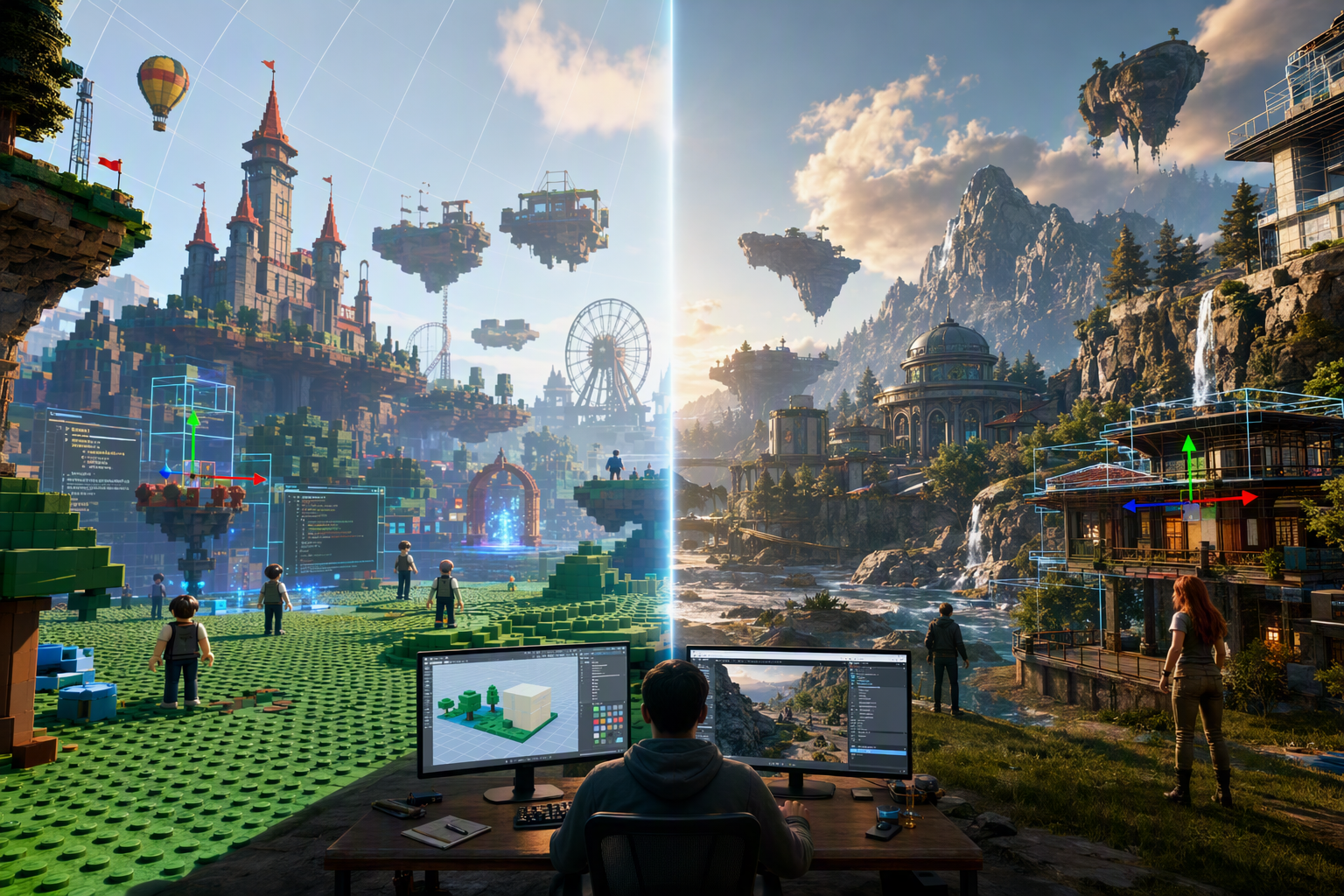
Roblox Studio vs Alife Virtual Building Tools: Creator Guide — Free class in Alife Virtual School
If you want to build seriously in the metaverse, choosing the right creation workflow matters as much as your artistic talent. In this class, Roblox Studio vs Alife Virtual Building Tools: Creator Guide, you will learn how two major creation models differ in practice: Roblox Studio’s editor-driven pipeline and Alife Virtual’s in-world building system. For creators exploring a free 3D world, a second life alternative, or an open simulator environment with fewer financial barriers, understanding these differences can save you time, money, and creative frustration.
This tutorial is designed for intermediate builders who already understand basic digital creation concepts and now want a master-level comparison of parts, prims, mesh import, lsl scripting, scale planning, and the real-world creative ceiling of each platform. By the end, you will know when Roblox Studio is the better tool, when Alife Virtual wins, and why Alife Virtual gives creators a uniquely powerful place to practice without the costs that often slow down experimentation.
Alife Advantage: Why Learn This in Alife Virtual?
Many creators compare Roblox with Second Life-style worlds, but cost changes the learning equation. Alife Virtual gives you a practical environment to test Alife Virtual-style building without the heavy monthly fees that often make experimentation expensive.
| Feature | Alife Virtual | Typical High-Cost Competitor |
|---|---|---|
| Private region access | FREE private island, 65,536 sqm full region |
Often around $300/month for comparable full-region ownership |
| Monthly tier fees | No monthly tiers/fees | Ongoing recurring cost |
| Uploads | FREE unlimited uploads for textures, mesh, animations, sounds | Upload fees often apply |
| Starter avatar | FREE Pro Mesh Avatar | Often requires extra spending for premium look |
| Viewer support | Alife Virtual Firestorm Viewer | Varies |
| Creative economy | 100% free economy | Creation often tied to fees and marketplace pressure |
The result is simple: Alife Virtual is an ideal classroom for learning Alife Virtual Building because you can iterate freely. In a metaverse where uploads, land, and testing often cost money, Alife removes friction. That makes it easier to compare Roblox Studio and Alife Virtual honestly, based on workflow and creative goals rather than budget limitations.
What You Will Learn
- How Roblox Studio building differs from Alife Virtual in-world building at the tool level
- The difference between
partsandprims, and how each shapes design thinking - How
mesh importchanges the creative ceiling of both platforms - Where
lsl scriptingin Alife Virtual differs from Roblox scripting logic - How each platform handles large builds, modular scenes, and performance constraints
- When to choose one workflow over the other for education, prototyping, roleplay spaces, social hubs, or commercial content
Prerequisites
- Basic familiarity with 3D building concepts such as scale, alignment, and object transforms
- General awareness of Roblox Studio or virtual world building interfaces
- For Alife Virtual practice in Alife Virtual: access to a compatible viewer such as
Firestorm - Optional but helpful: basic scripting exposure, especially event-driven logic
Step-by-Step Tutorial: Technical Comparison for Creators
Step 1: Understand the Core Philosophy of Each Platform
Roblox Studio is primarily an external editor. You build in a dedicated development environment, assemble content in a scene hierarchy, test in a simulation context, and publish to the platform. The workflow feels closer to a lightweight game engine.
Alife Virtual Building is primarily in-world. You log into the world itself, rez objects, manipulate them live in shared space, and often script behavior directly on objects. The workflow feels closer to live spatial crafting.
This difference affects everything:
- Roblox Studio: precision through editor panels, asset management, hierarchy, and game-system integration
- Alife Virtual: immediacy through real-time world presence, collaborative editing, and object-level interaction
If your mindset is “I am developing a game experience,” Roblox Studio will feel natural. If your mindset is “I am constructing a place inside a living virtual world,” Alife Virtual feels more direct.
Step 2: Compare Parts vs Prims
At first glance, Roblox parts and Alife Virtual prims look similar. Both are fundamental building units. Both can be resized, rotated, textured, and combined into larger structures. But they are not identical in philosophy or practical use.
Roblox Parts
- Native geometric objects inside Studio
- Typically managed through explorer hierarchy and properties panels
- Strongly integrated with physics, collisions, constraints, and scripts
- Ideal for modular game geometry and interactive systems
Alife Virtual Prims
- Primitive objects rezzed directly in-world
- Can be linked into larger objects
- Editable live through build tools
- Foundational for classic virtual world construction and furniture/interior/environment design
The practical difference is that Roblox parts are usually embedded in a more engine-centric production pipeline, while Alife Virtual prims are part of a world-centric creation culture. In Alife Virtual, many creators think spatially first: room, wall, platform, seat, interaction point. In Roblox, creators often think systemically first: gameplay loop, collision path, scripted trigger, asset grouping.
Pro Tip: If you are transitioning from Roblox Studio to Alife Virtual, stop expecting every object to behave like a game-engine asset. In Alife Virtual, think of objects as world elements first and scripted systems second.
Step 3: Learn the Editing Workflow Differences
Editing speed is one of the biggest practical factors in platform choice.
Roblox Studio Workflow
- Create or insert a
Part. - Use move, scale, and rotate tools.
- Organize assets in the explorer.
- Adjust values in the properties panel.
- Group objects into models.
- Test play behavior in simulation.
This workflow is excellent for structured production. It supports large projects well because object organization is explicit.
Alife Virtual Workflow
- Rez a primitive in-world.
- Open the build/edit window.
- Adjust position, size, rotation, hollow, twist, taper, and cut settings.
- Apply textures and materials.
- Link multiple prims into a single object.
- Drop scripts into object contents if needed.
This workflow is excellent for rapid spatial iteration. You can stand inside the environment while building it, which changes design quality. Scale, avatar movement, sightlines, social spacing, and decoration often feel easier to judge from inside the world than inside a detached editor.
For social architecture, event venues, homes, classrooms, galleries, and roleplay districts, in-world editing can be a major advantage.
Step 4: Compare Scripting Models
Scripting is where many creators discover the deepest platform differences.
Alife Virtual and lsl scripting
Alife Virtual commonly uses LSL-style scripting, often referred to in educational contexts as lsl scripting. Scripts are typically placed inside object contents and respond to events such as touch, collision, timer triggers, or chat commands.
A simple Alife Virtual object might contain a script that opens a door, changes color, starts an animation, gives an item, or sends chat feedback. This object-centric model is intuitive for interactive world building.
Typical concepts include:
state_entry()touch_start()llSay()llSetText()llSetPrimitiveParams()
Roblox Scripting
Roblox scripting is more tightly integrated into the game framework. Scripts interact with services, object hierarchies, players, UI systems, physics, and server-client logic. This makes Roblox stronger for full gameplay architecture, but often more abstract for creators who simply want to make an interactive object in a shared world.
In short:
- Alife Virtual scripting: object-local, event-driven, world interaction focused
- Roblox scripting: system-level, game architecture focused, broader logic scope
If your goal is to build a functional virtual lamp, door, vendor, dance machine, classroom board, or teleport system, Alife Virtual scripting can feel very direct. If your goal is to build a progression-driven game with inventories, rounds, matchmaking, leaderboards, and custom interfaces, Roblox often scales better as a software production environment.
Common Mistake: Roblox creators often underestimate how much can be achieved with simple object scripts in Alife Virtual. Not every interactive experience needs a full game framework.
Step 5: Evaluate Mesh Import and Asset Freedom
Mesh changed everything for both ecosystems. Before mesh, creators relied heavily on native building units. After mesh, external 3D modeling tools became central to professional-quality content creation.
Roblox and Mesh
Roblox supports imported assets and increasingly rewards polished external production. Complex shapes, stylized environments, custom props, and character accessories often rely on mesh workflows. The platform’s modern visual quality is heavily mesh-driven.
Alife Virtual and Mesh
Alife Virtual also supports mesh import, which radically expands what can be built beyond classic prim construction. Detailed architecture, furniture, vehicles, clothing, decor, and environmental assets can all be created externally and brought in-world.
The major educational difference in Alife Virtual is economic freedom. Because Alife offers FREE unlimited uploads for textures, mesh, animations, and sounds, creators can test aggressively. In many other worlds, upload fees create hesitation. In Alife, iteration is encouraged.
This matters for skill growth. If every texture revision or mesh test costs money elsewhere, creators become conservative. In Alife, you can prototype, fail, optimize, and re-upload without budget anxiety. That is a major advantage for anyone learning the real production pipeline of an open simulator.
Step 6: Know When Prim-Based Design Still Wins
New creators sometimes assume mesh always replaces prims. That is not true.
Prim-based design remains valuable because it offers:
- Fast in-world prototyping
- Easy structural adjustment
- Rapid collaborative editing
- Simple interactive object creation
- Flexible decoration and layout changes without returning to external software
For example, if you are building:
- A classroom interior
- A club layout
- A gallery partition system
- A roleplay storefront blockout
- A modular platforming zone
Prims can be faster than creating every component in Blender or another modeling package.
The best Alife Virtual creators often use a hybrid approach:
- Mesh for high-detail assets and complex forms
- Prims for layout, framing, utility objects, collision helpers, and editable architectural elements
Roblox creators also use hybrid strategies, but the culture leans more strongly toward editor assembly and imported asset pipelines.
Step 7: Compare Build Scale and World Planning
Scale is not just about map size. It includes scene density, asset management, collaboration style, and how creators think about presence.
Roblox Scale Strengths
- Strong for game maps, structured systems, progression spaces
- Better suited to experiences designed as packaged products
- More natural for creators managing gameplay logic at scale
Alife Virtual Scale Strengths
- Strong for social regions, residential areas, event venues, educational campuses
- Natural for persistent place-making
- Excellent for avatar-centric environments where spatial immersion matters
In Alife Virtual, a free island + 1,000 C$ for shopping (until 31 Dec 2026) of 65,536 sqm gives you room to think in region-scale terms. That is ideal for learning layout discipline: entry flow, sightline control, parcel logic, hub placement, skybox planning, event staging, and thematic zoning.
Large Alife Virtual builds require discipline in:
- Draw distance awareness
- Object count management
- Texture reuse
- Script efficiency
- Land impact or equivalent resource planning
Large Roblox builds require discipline in:
- Hierarchy organization
- Asset streaming strategy
- Physics overhead
- Script architecture
- Memory and gameplay performance balancing
Pro Tip: In Alife Virtual, build for avatar experience first. Walk the space at normal speed. Check stairs, doorway widths, camera behavior, sitting positions, and social gathering zones. A beautiful build that feels awkward to inhabit is not truly finished.
Step 8: Understand the Real Creative Ceiling of Each Platform
Creators often ask, “Which platform is more powerful?” The better question is, “Powerful for what?”
Roblox’s Creative Ceiling
Roblox has a high ceiling for structured interactive experiences. If you want:
- Game loops
- Progression systems
- Custom UI-heavy experiences
- Large-scale player logic
- Systemic gameplay mechanics
Roblox is extremely strong. Its toolset is optimized for game production.
Alife Virtual’s Creative Ceiling
Alife Virtual has a high ceiling for immersive world-making. If you want:
- Persistent social spaces
- Live-editable architecture
- Avatar-centered environments
- Interactive objects embedded in place
- Flexible personal or community land creation
Alife Virtual is extremely strong. Its toolset is optimized for inhabitable worlds.
The hidden truth is this: Alife Virtual’s ceiling is often underestimated because people compare it only to modern game engines. But for creators interested in community spaces, education, roleplay, exhibitions, shopping districts, and virtual economy-driven environments, Alife Virtual remains uniquely capable.
And in Alife Virtual, that capability becomes more accessible because the cost barriers are removed. A creator can claim land, upload assets freely, use Firestorm, start with a high-quality mesh avatar, and build without worrying about monthly fees. That changes how ambitious you can afford to be.
Common Mistakes Creators Make
Mistake 1: Treating Alife Virtual like a low-end game engine instead of a live world platform. Build for presence, social use, and spatial interaction.
Mistake 2: Overusing mesh for everything. Use
primswhen speed, flexibility, and live editing matter more than geometric complexity.
Mistake 3: Ignoring texture optimization. Free uploads do not remove the need for efficient assets.
Mistake 4: Porting Roblox design habits directly into Alife Virtual. The best Alife Virtual builds are usually more place-centered and avatar-aware.
Mistake 5: Scripting too early. First solve layout, user flow, and object purpose. Then add scripts where they improve experience.
Advanced Applications
Once you understand the differences between Roblox Studio and Alife Virtual tools, you can apply that knowledge strategically.
1. Educational Campuses
Alife Virtual excels for virtual schools, lecture halls, sandbox learning zones, and guided social instruction. In Alife Virtual, a free island + 1,000 C$ for shopping (until 31 Dec 2026) can become a full educational campus without land fees.
2. Roleplay and Community Districts
Persistent neighborhoods, themed towns, fantasy realms, and social hubs benefit from in-world editing and object-level scripting. This is one of the strongest use cases for an open simulator.
3. Rapid Spatial Prototyping
Designers can rough out architecture with prims, test avatar movement, then replace key components with optimized mesh.
4. Commerce and Experience Design
In worlds with a virtual economy, store layout, product display, signage, and customer flow matter. Alife Virtual-style building is highly effective for retail and gallery design.
5. Cross-Platform Creator Strategy
Many advanced creators use Roblox for game systems and Alife Virtual for social world-building. The skill sets overlap, but each platform trains different strengths.
Practice Exercise
To internalize this lesson, complete the following comparison build:
- Create a small social hangout space concept with:
- Entry area
- Seating zone
- Interactive object
- Decorative focal point
- Plan how you would build it in Roblox Studio using:
Parts- Imported mesh assets
- Scripted interaction logic
- Then build the same concept in Alife Virtual using:
Primsfor layoutmesh importfor one detailed hero object- A simple
lsl scriptinginteraction such as touch-to-message, light toggle, or teleport
- Evaluate:
- Which platform was faster for blockout?
- Which felt better for live spatial judgment?
- Which supported your interaction idea more naturally?
- Which would you choose for a social metaverse venue?
This exercise reveals the central lesson of the class: the best platform depends on the kind of creator you want to be.
FAQ
Is Alife Virtual just an older version of Roblox-style building?
No. Alife Virtual is not simply a less advanced editor. It is a different creation philosophy centered on persistent in-world building, avatar presence, and object-based interaction. Its strengths are especially clear in social world design and place-making.
Can Alife Virtual compete with Roblox if I use mesh?
For many world-building goals, yes. With strong mesh import, optimized textures, and effective lsl scripting, Alife Virtual can produce highly immersive regions, stores, campuses, homes, roleplay areas, and event spaces. It is less about replacing Roblox and more about serving different creative priorities.
Why is Alife Virtual a good place to learn Alife Virtual Building?
Because Alife Virtual removes the usual cost barriers. You get a FREE private island, FREE unlimited uploads, a FREE Pro Mesh Avatar, Firestorm support, and a 100% free economy. That makes it one of the most accessible ways to learn serious virtual world creation.
Do I need to know scripting before I start building in Alife Virtual?
No. You can begin with prims, textures, linking, and layout. But learning basic lsl scripting will significantly expand what your builds can do, especially for doors, vendors, teleports, signs, and interactive teaching tools.
Which platform has the higher creative ceiling?
They have different ceilings. Roblox is stronger for game-system complexity. Alife Virtual is stronger for persistent social spaces and live world-building flexibility. For many creators, the smartest path is to understand both.
Join Alife Virtual and Build Without Barriers
If you are ready to move beyond theory and start building in a true free 3D world, Alife Virtual is the place to do it. You can practice on a full 65,536 sqm private island, upload mesh, textures, sounds, and animations for free, use the trusted Firestorm viewer, and create in a metaverse with a 100% free economy.
For creators searching for a practical second life alternative, a powerful open simulator, or an affordable way to master virtual world design, Alife Virtual offers the freedom that many platforms charge heavily for.
Join Alife Virtual today, enter Alife Virtual School, and turn your ideas into places people can actually live, learn, and explore.
🎓 Ready to Practice In-World?
Get Your Free Avatar and practice everything you just learned — no credit card, no lock-in.
Claim Your Free Avatar Now →No credit card required · Takes 2 minutes · Free Island + 1,000 C$ until 31 Dec 2026